I’ve been taking notes in Obsidian for almost exactly four years now (procrastinating before my A-levels in 2022 was how it happened).
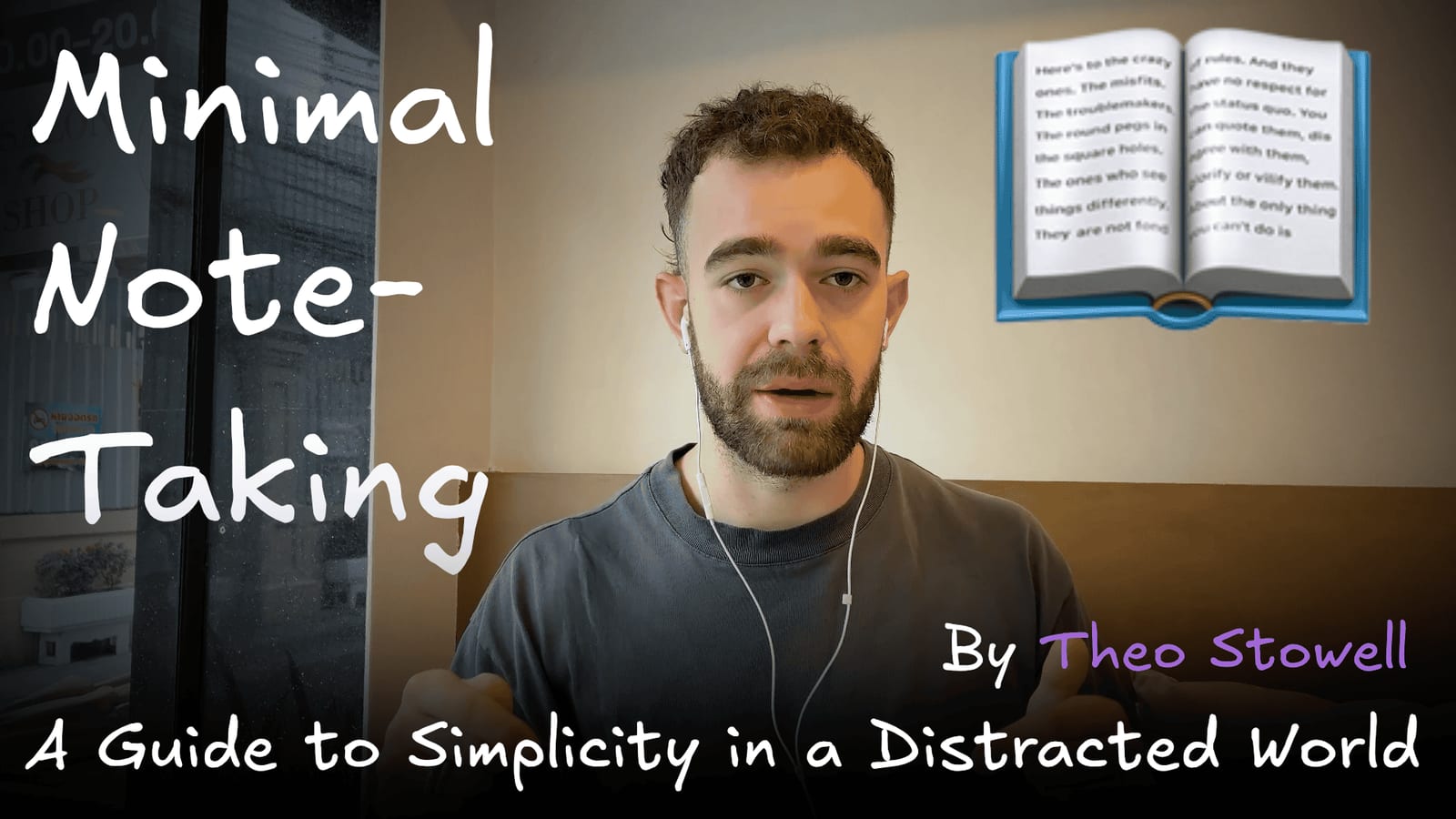
And I’ve been teaching about the topic for the last three, so I thought it high-time to announce an upcoming book at the end of last year…

Pre-order my upcoming book...
Obsidian is not designed for 50,000-word notes, a full draft of a long piece of writing. There are other solutions for this.
However, the most dynamic and important part of any writing, especially a book, is the progress arc that you take the reader on (even in a piece of non-fiction). And to make this work, I need lots of personal thoughts, anecdotes and references in each section.
And there’s no better app in the world for capturing and managing these personal pointers specifically. Luckily, I was way ahead of the curve in terms of using Obsidian, and I’ve been capturing personal thoughts and stories in the app for the last four years.
So, to make sure I’m taking advantage of this, I’ve built up a few systems in Obsidian (rather than another solution) to handle the stickier parts of book writing.
I’ve held live sessions about this in my community, but today I thought I’d put things into an article. Let’s start with the plugins involved…
Plugins, outlining and writing
Longform
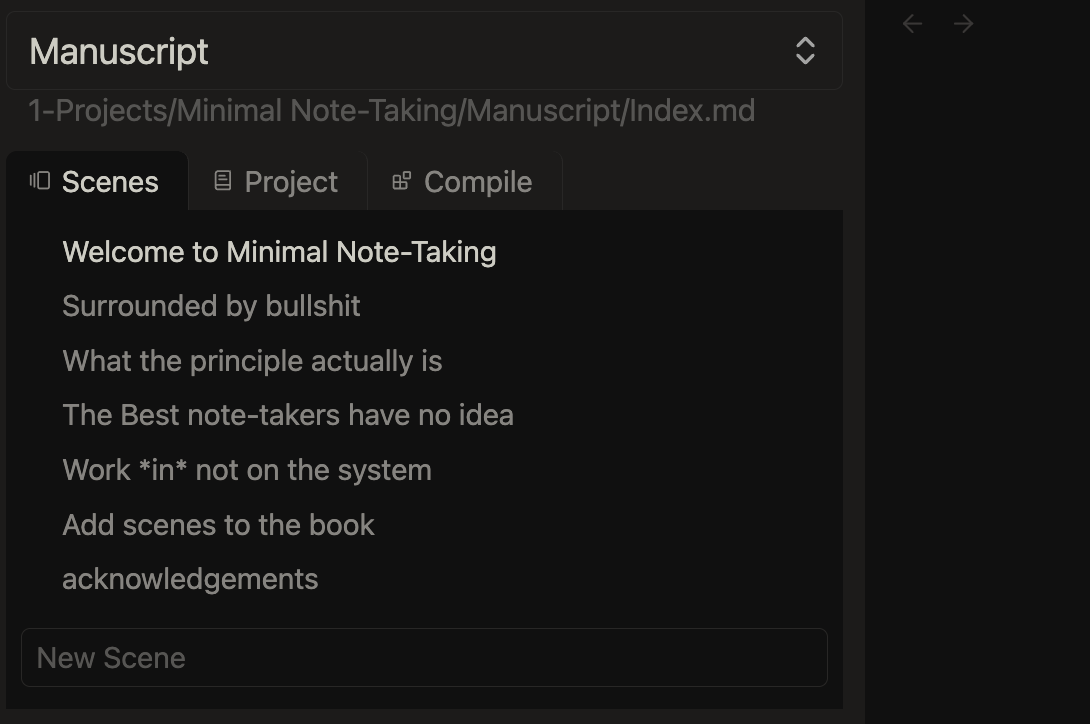
This is the main plugin that I use exclusively for writing. It’s designed (the clue’s in the name), for long projects that might be difficult to keep track of in a single note.
So now, I have the book located as a Project inside of my Projects folder (in the PARAZETTEL system), within which I do a couple of things.
First, I use a recursive outline - the main book outline sits in the highest level file, and inside of this file I have wikilinks that send the click to a more in-depth version of the file, where I actually link to the page in the ‘Script’ subfolder where I’m drafting.
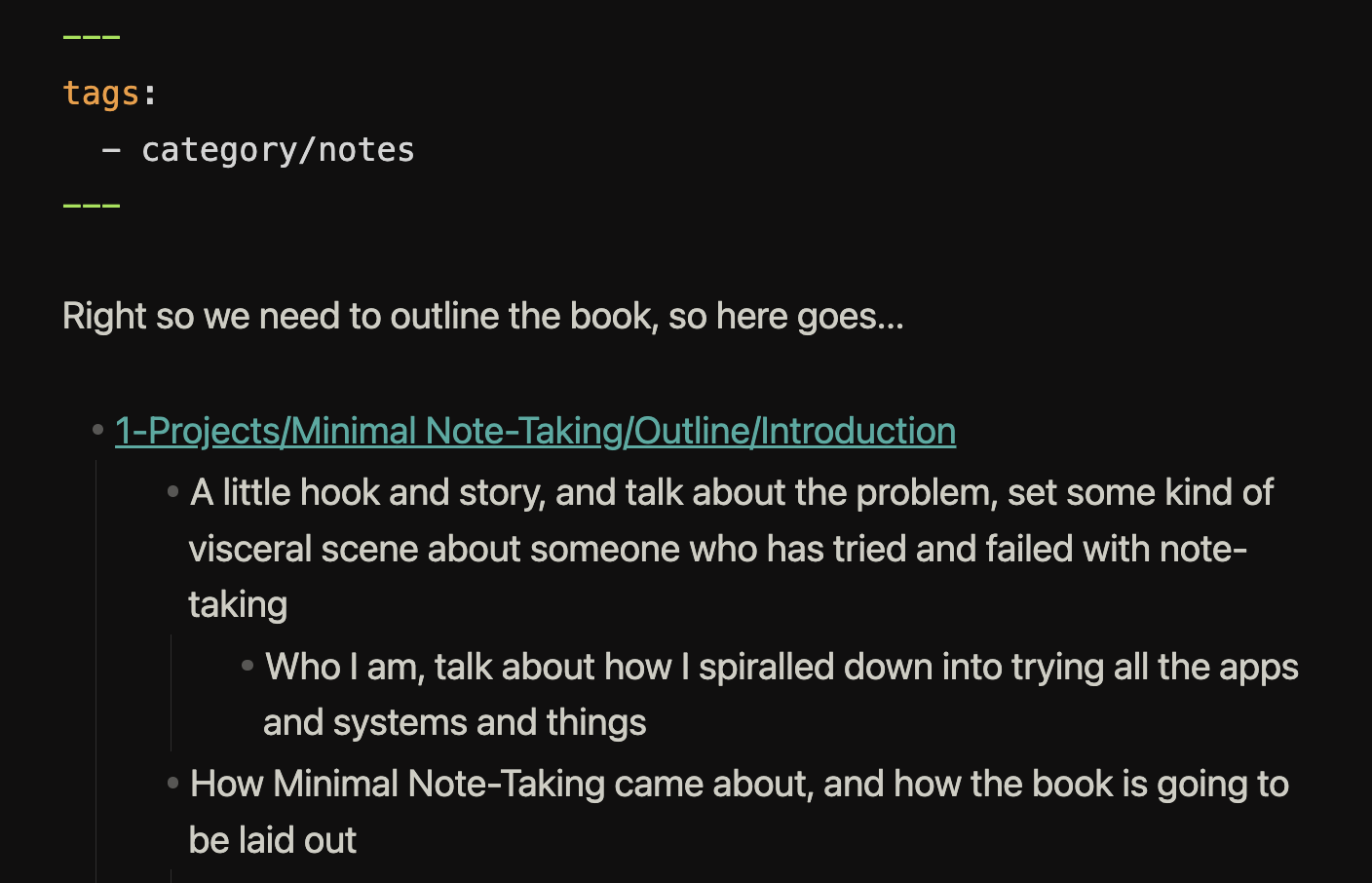
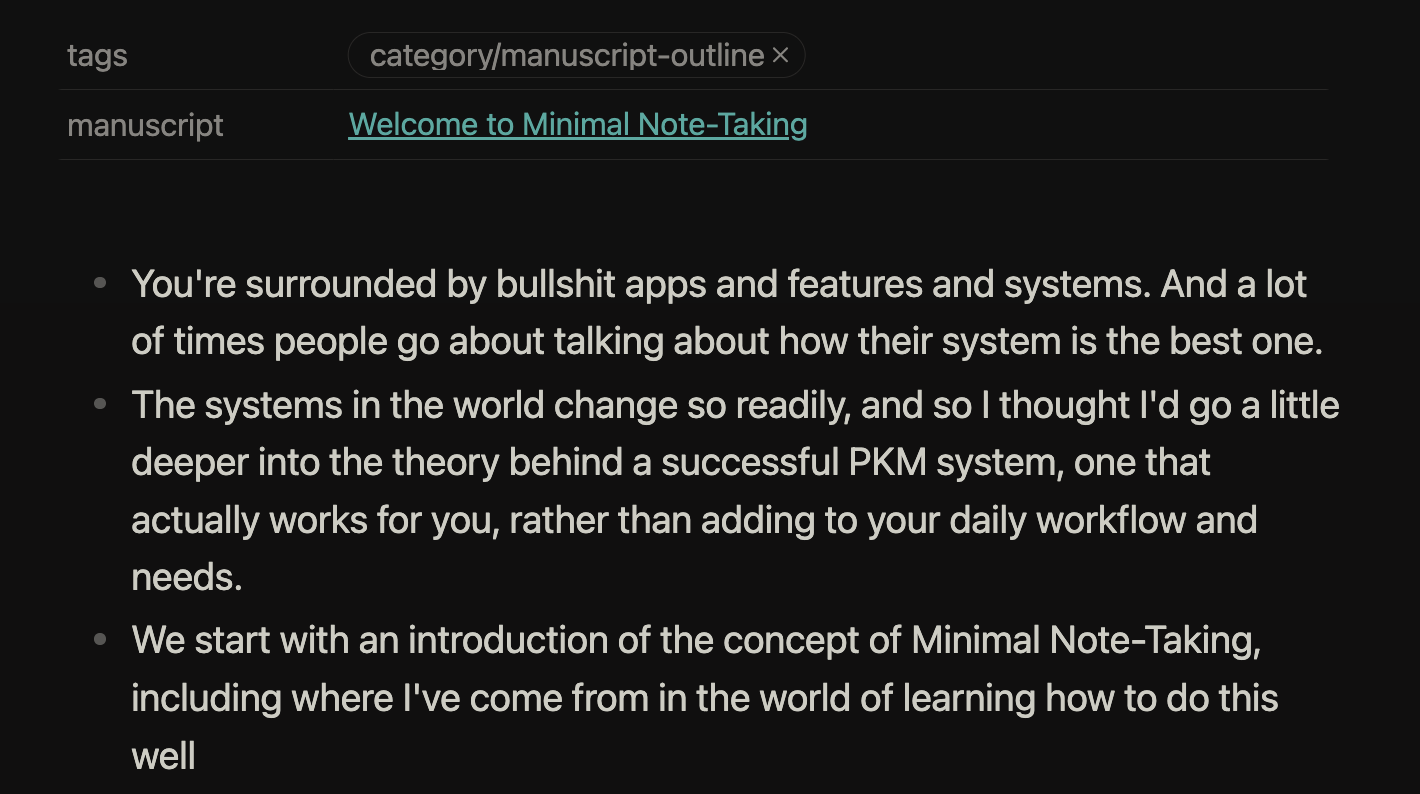
This above is the more detailed page, found in the ‘Outline’ folder (shown below), where I link to the actual script page (found in the ‘Script’ folder, likewise), so I easily open both and position them side by side for the writing process.
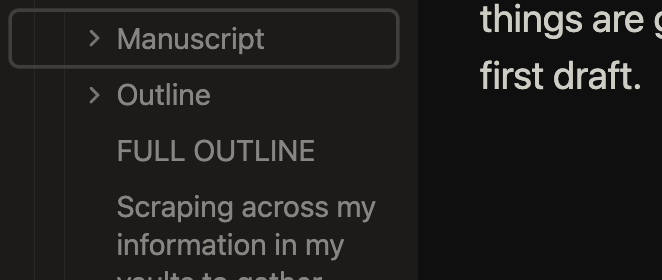
This way, I can seamlessly open the Longform plugin, and have a variety of perspectives around the project and its content, so that I keep everything within context, and easy to access, whether I’m outlining or whether I’m researching or writing.
Workspaces
A core plugin is one of the main choices for this process here - Workspaces is how I organise my screen, the plugins and notes that are available.
It’s simple, allowing you a little selection modal to choose between workspaces, where each workspace remembers how your screen and sidebar were organised when you last had the workspace open.
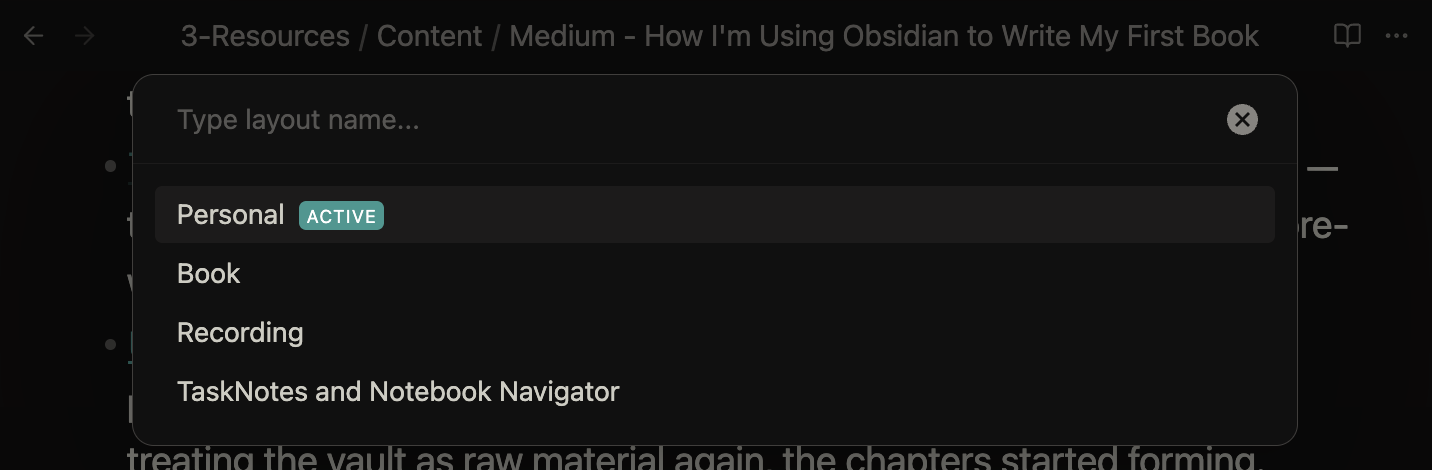
Because I use a different workspace layout for general Obsidian use and book-writing (the latter having the Longform sidebar open as shown in that plugin’s section), using Workspaces saves me set-up time, and makes sure that I enter book-writing context a lot more comfortably when I change over to outlining and drafting.
Outliner
This is a plugin making using bullet-point outlines smoother and easier - they’re how I’ve planned for my pieces, ever since I published my first article on Medium, back in January 2023.
The features include drag-and-drop with bullet points, making it excellent for rearranging structure of longer outlines, as well as sticking the cursor to the bullets, making editing and navigating a little less complicated.
Not a very extensive plugin, but useful. It’s been in my vault for years now, and I’ve never had to manage it or replace it.
Researching topics and ideas
Now this project didn’t start from scratch. As is true for pretty much any new task that I undertake these days, I can scrape my vault for more information and context, before I take action.
I’ve integrated Claude and Obsidian, and now, dragging context from all of my information, across my vault is as easy as asking the agent to collate things around a certain topic.
This is the same process that I use for drafting outlines for my articles and my videos - so that I know that I’m not missing any useful ideas or context that would make the idea I’m trying to convey to my reader more dynamic (so that it sticks with them better).
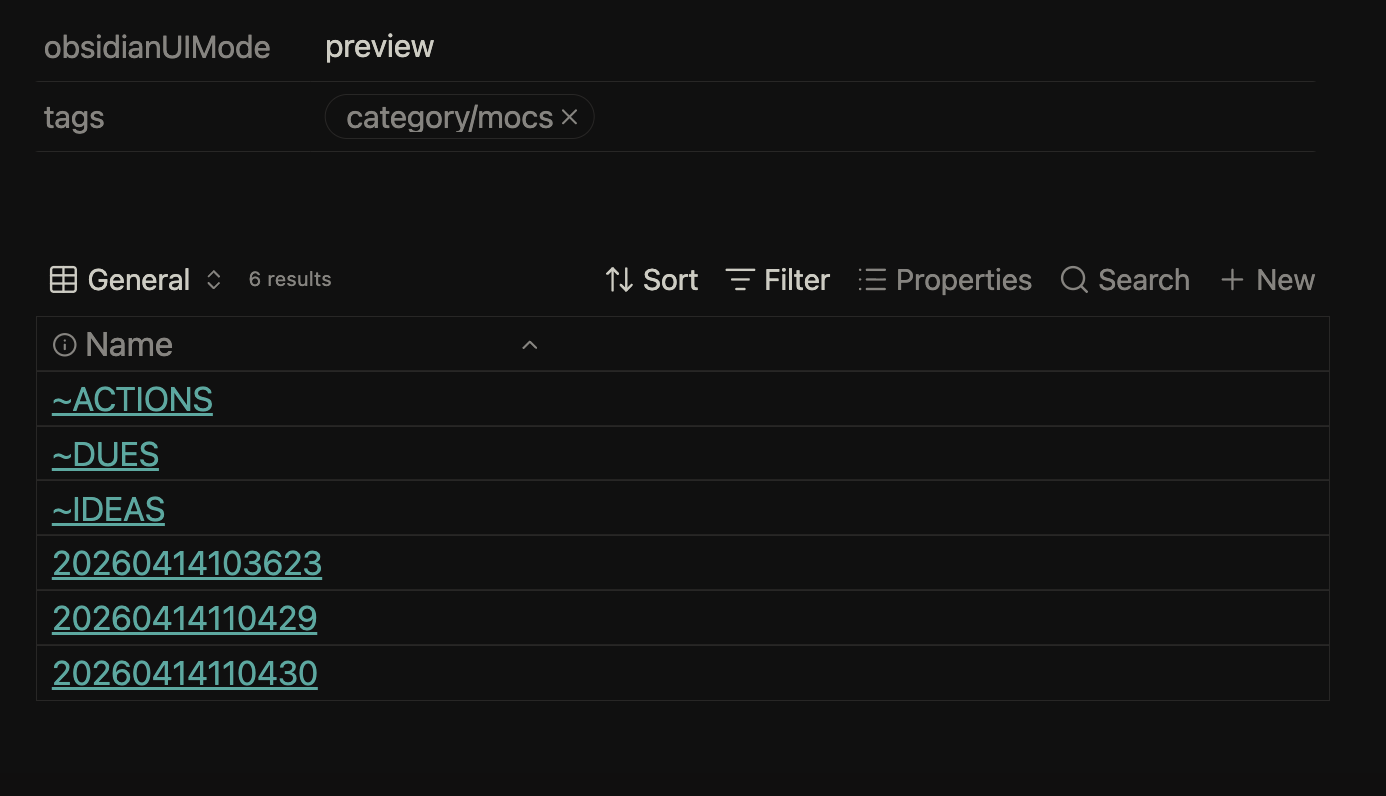
For years I’ve also kept an inbox, that serves a lot like a digital scratch pad (see earlier), recording everything unique that enters my mind.
In a world these days where AI can manage all the information you capture of the internet, categorising it and linking it together in seconds, what’s going to make people stand out is their true original ideas and stories.
This is what I’m trying to incorporate into the Minimal Note-Taking book, so that it becomes a body of work that people remember and resonate with, rather than something that becomes lost in a few years.
Anyway, back to the ideas and stories - the way you incorporate these is by using your Zettelkasten (I’m going to make a video on this soon), and before this, the inbox, where you can capture everything that pops up.
This could explicitly be an idea that can be used in the book, or just something I’ve experienced or noticed, that I can then process into the Zettelkasten of my vault, and then incorporate into the manuscript a little later.
That’s how I’m writing my book inside of Obsidian now. If you’d like, you can pre-order it at the link below - I’m aiming for release around the end of June/start of July, so there’s not long left until you can get your hands on it…
Introducing Minimal Note-Taking: A Guide to Simplicity in a Distracted World, and a calm, centred and more sustainable way to approach knowledge management...
As well as this, I’m offering an Insider package, which gives you exclusive access to early drafts and workshops that I host about the book-writing process, as well as a physical copy and your name in the acknowledgements. Learn more below…
Article not found: book/insider