If you’ve not been keeping track of AI in Obsidian, I don’t blame you.
After all, it’s only recently that I’ve started to take interest in the space, insistent before that it was just a waste of time…

AI Tools I Use Now + An Updated Philosophy Surrounding AI Use
Back when I started writing on the internet, I had a lot of engagement around my articles talking about AI.
However since I wrote this, I’ve found that Obsidian x Claude Code is a genuinely useful combination, to an extent we’ve not seen with any other AI tool or plugin yet.
So I thought I’d move away from anything complicated, and try to bring you up to speed in one article.
Let’s get started…
What actually is Claude? And what’s the difference between it and Claude Code?
Claude’s a ChatGPT competitor at its simplest manifestation - a chatbot designed to give you answers to questions you put to it. Nothing complicated.
But their Code version of the tool is designed to operate and read the files from a certain directory on your computer.
If you’re picking up what I’m putting down, you’ve realised that this includes a folder that’s used as an Obsidian vault. This means tying AI into our entire world of knowledge and information management, able to read and act based upon what we’ve captured in our vault.
And so Claude Code has become the de facto solution for people who are looking to make sure that their AI acts from their context and understands their work and knowledge.
You can ask questions like ‘based on my notes, what do you know about how I struggle when it comes to productivity’, and other similar things.
And this is very quick to be extended as well…
Extending Claude Code in Obsidian…
We’ll start with the CLAUDE.md file - this is something that tells Claude Code what to do, every time a session is opened. It’s the first thing you should try and write when you get your vault open inside of Claude.
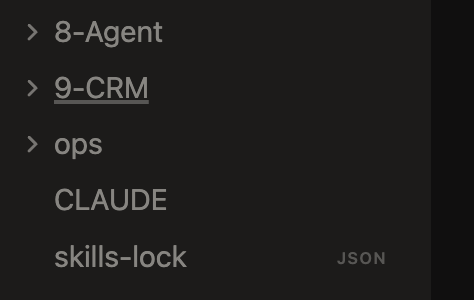
You should explain inside of it the way that your vault operates, how you treat your knowledge management and other details.
Even on a meta-level, you can make this quite easy to do, using the following prompt…
Note that the CLAUDE.md file is going to contain instructions for how this vault of knowledge is laid out, please add some placeholders and prompts in there for myself to fill out, so that you've got the best context as a starting point to become a useful assistant tied into my knowledge.
And then Claude will populate CLAUDE.md with questions about your knowledge and your system that you just need to then fill out.
Then you can move on to building more of an architecture for Claude Code to work as an agent in your vault…
Building a Second Brain for the agent in your vault
The second you look to expand upon this usage, you’re looking to create a set of agent (Claude Code) context files inside your vault, where you’re not supposed to read them, but the agent can, and can generate some useful context to help you out more quickly and efficiently in certain situations.
In my vault, I have one called index, that links all the agent’s learnings about me, as well as one called orient which makes sure that the agent is up to date with the most recent things that I’ve been working on (I have a skill to close my work session as well to help with this).
Outside of this, you can begin to build something a little more sophisticated, which I covered more in the following article…

My Claude Code Now Has Its Own Second Brain in Obsidian
How I turned it into a personal assistant that lives in my Obsidian vault and learns my workflows…
And aside from this, you can start to build prompts, or ‘skills’ in the official language that can begin to help you automate some of the repetitive tasks in your vault.
Here are some of mine…
My most-used skills
/today - This one scans the vault for everything that I’ve been working on recently, like new content, new workshop/premium launches and more, and pulls together the highest-leverage tasks to attend to.
/content-'platform' - I have a few skills formatted like this, what they do is take the idea that I paste in after invoking the skill, scan my vault for relevant personal notes that I’ve captured i.e. in the Zettelkasten of my vault and the Periodic section and the inbox, making sure that the outline that’s generated has a personal touch, with ideas of my own that I can refer to.
/crm - I’ve built a little CRM inside of Obsidian too, to keep track of everyone who’s joined the PARAZETTEL Community, both as a Free or Premium member, so that if I fancy, I can send them a DM with a relevant piece of information or offer, hitting them with personalised contact at the right time.
This skill just reads the CRM and suggests the 5 most high-leverage DMs that I can send at the time of generating, based upon the launches and new content that have come out recently, and so it’s always dynamic, and I’ve always got new people to contact.
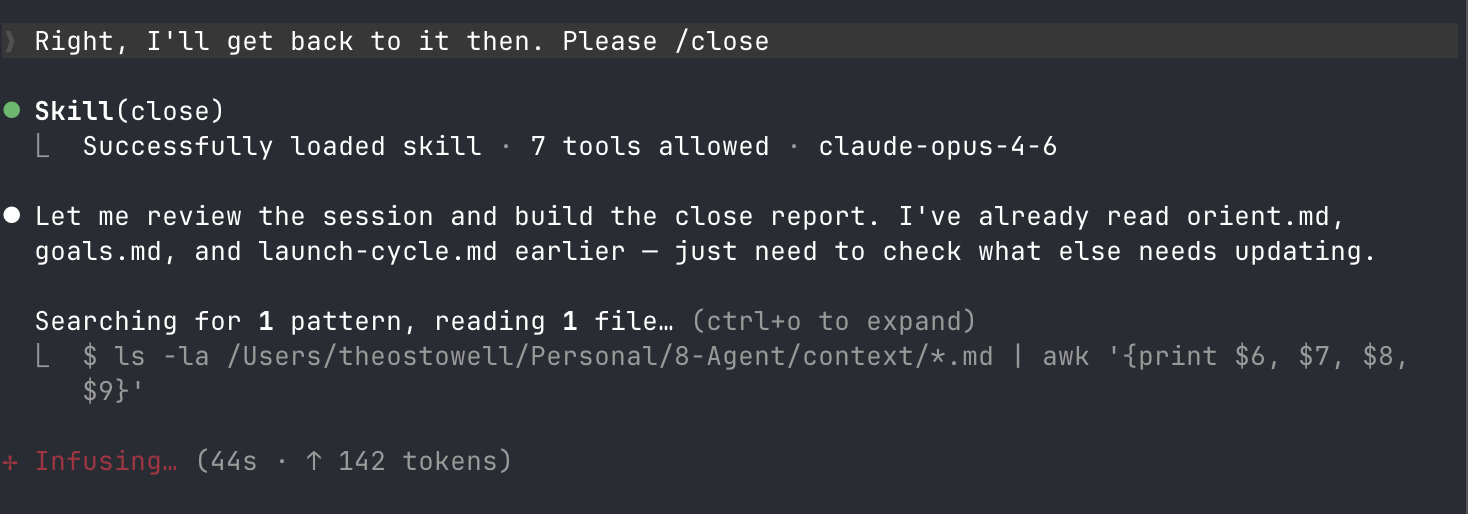
/close - In truth, this is perhaps the most important skill in the whole vault. What it does is summarise the session that I’ve just had with Claude, and updates all the core files inside the agent’s brain with the information. This means that when we run /today, the agent’s already up to date with everything we’ve accomplished on previous days.
Consultation, even therapy
Now normally I’d hedge against using AI as a consultant or therapist, because of the fact that these chatbots are largely bereft of context, and engineered to parrot back what you want to hear (they’re businesses after all, and depend on you continuing to use the app).
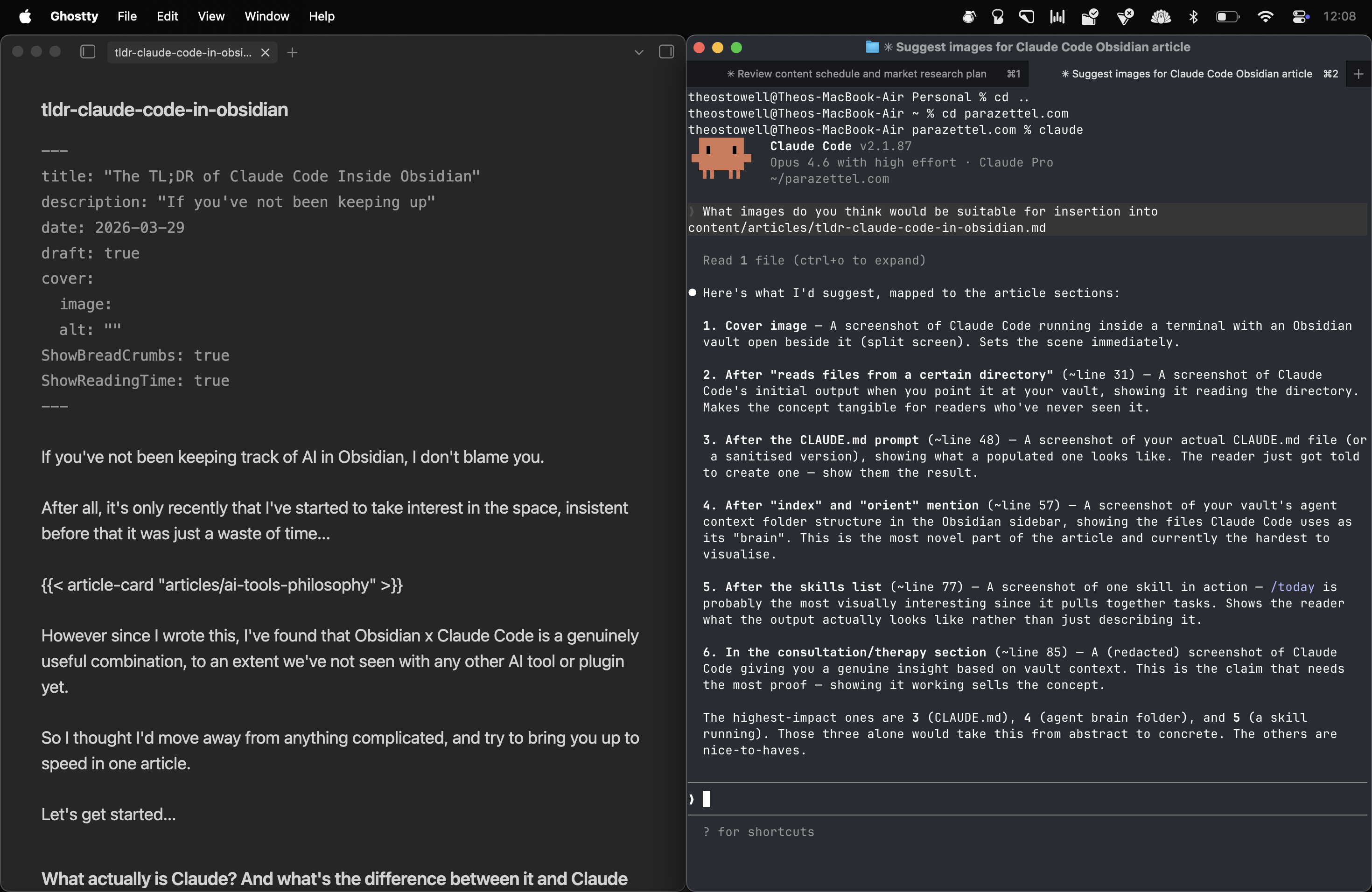
However, using Claude Code inside of Obsidian, I’ve now got access to a largely functional business consultant, and even a therapist when I’m feeling like it. Because the agent is so very tied into how you write and talk about yourself and your business, it can very easily see where you’re going wrong, personally and professionally, and give you genuine help to get back on the right track.
It’s often that I’ve realised that I need to keep things simple (learning the same lesson, the most important one, over and over again), and Claude Code corroborates it with the pattern of writing in my notes inside of my vault.
There’s much less bias and hallucination when the AI knows more about who you are, your motivations and what you’re trying to achieve.
You just have to make sure that you’re using and writing in your vault, in sacred personal areas where you write by hand (as such), about your personal thoughts, so that the AI doesn’t get diluted by writing its own thoughts into your vault the whole time.
A roundup, and what this means…
So, as you can see, Claude Code is tending closer and closer to being an agentic assistant powered by the context and information capture you’ve been doing in your Obsidian vault, perhaps for years, like I have.
On a side note, this gives a very good argument for using Obsidian - an app that just works with data that’s yours, so that you can store many years of content and notes and other context, and just have AI tap into it when it becomes useful for you.
This solution’s a world apart from the primitive plugins that allowed you to have some cracked version of ChatGPT in a sidebar pane. It’s a fully-fledged, informed agent that can work with your notes and help you to automate things you find yourself doing all the time in your vault.
And if you’re interested, I’m starting to offer Claude Code (within Obsidian) setup as a bespoke consultation.
It’s something new, so check out https://PARAZETTEL.com/ai to get the best deal whilst we’re setting up!
Thanks for reading!