One of the initial articles of mine that became popular was a roundup of my first use case for AI, back at the start of 2023:
I use four prompts that replicate the action of a real-life editing team, inspired by WritingGPT by Thomas Smith.
These days, things have changed completely. I don’t use arbitrary prompts and Obsidian plugins to get the job done (and thinking back, what I was doing in 2023 was rather ahead of its time, and the output wasn’t even close to being something useful - more of a proof of concept than a practical tool).
The latest and by far the most powerful combination of AI tools and features will be what I talk about in this piece.
And I know that it seems as though I’m talking about this all the time, but I’m trying to touch on the topic only when there’s a genuine change inbound.
So we’ll start with the big difference in structure, and then touch on the other main question — why not just one agent, why two?
The big change
Cloud agents have been rising in popularity, where like OpenClaw got attention early this year. I held off until Hermes Agent came along, as it struck the right balance of capability and simplicity for what I wanted to build.
So the setup I have now is Hermes Agent hosted in the UK on a £3.50 IONOS VPS subscription.
This means the agent lives in the cloud, on a server that’s always available, and that I can always access from my terminal, so long as I use a little bit of SSH (which I learned from my friend recently).
The server itself is a little bit flimsy to start, and it crashed a few times before I told Hermes to fix the hardware problem (something about adding swap memory), but it’s five times cheaper than the Hostinger one I used to get the hang of things.
Installation is straightforward - the only external thing you need is access to an LLM for the agent to think with. I use a Codex subscription at the moment, with a DeepSeek API key as backup when credits run low.
Anyway there are a lot more details that I could add into this article, but the meat of the configuration, benefits and things to bear in mind are what I’m going to be covering in a workshop we’ve got coming up in the PARAZETTEL Community…
So, that’s the cloud agent covered. But here, we’re going on to the more interesting question…
Why two agents? What do they do? And how does Obsidian fit in?
So, there’s an analogy that I like to use for this, but first let me set the scene…
One agent is the cloud agent - Hermes - that I’ve been talking about. The other is the agent that’s famous from my previous articles…

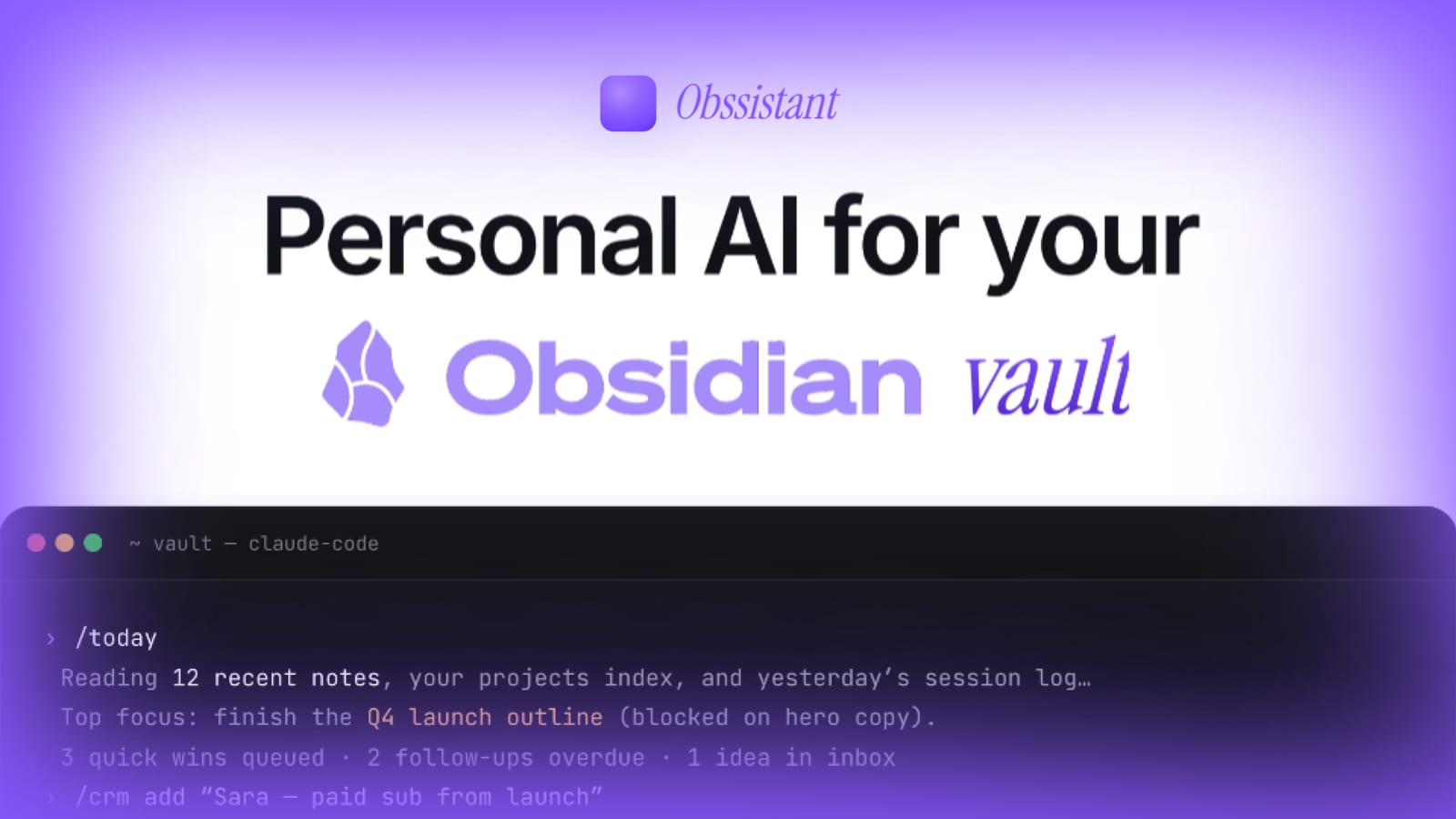
How I turned it into a personal assistant that lives in my Obsidian vault and learns my workflows…
…The local agent sitting in my terminal - Codex, through the Claudian Obsidian plugin, or directly in the terminal sidebar - ready to do my bidding when I’m in front of my laptop.
And that’s the main difference - this local agent can only run whilst I’m sitting there and prompting it, so I use it for short-span jobs where I want to see it working and thinking.
Things like researching for articles and similar, and generating graphics for social posts, and clearing up and re-shuffling my notes when things get a little out of hand.
The cloud agent, on the other hand, is hosted in the cloud (duh). It’s always on and waiting to work, and can access all other platforms that have an API, CLI or MCP capability.
It’s for this reason that I’ve started referring to the two as my personal assistant (my cloud agent), and my intern (the local one).
The intern is more hands-on with the thinking and the content of my life, and the assistant makes sure I don’t have to go poking around on the internet, formatting, uploading and generally whiling my day away doing pointless shit.
And so far, even though I wouldn’t say I’ve cracked the code, it’s been fantastic.
Here’re just some of the things that I can do with the agents so far…
Local, my intern:
- Edit videos for my software business - simple reels with cuts, music, and text overlaid on clips
- Research my vault and generate its own learnings about what I’m working on, so when I need material for a content draft, it already knows where to look
- Clear my inbox, triage what’s actually important, and delegate the boring stuff to the cloud agent
- Generate social graphics and carousel posts from my writing
As for my assistant:
- Run cron jobs at set times of day, whether I’m online or not — scheduling posts, monitoring sync, keeping the pipelines operating smoothly
- Work on light product updates, tweaks, and fixes, autonomously
- Process my inbox overnight and write a morning briefing so I wake up to a clean slate and a clear priority list based on what I’ve captured and completed the previous days
And you might have realised that we’ve reached this far into the article without me mentioning Obsidian.
True, but I feel as though all this information was required to set the scene for what I’m about to talk about.
So here’s how the knowledge works…
Obsidian Sync recently released Obsidian Sync Headless, which means you can sync an Obsidian vault continuously without having the app open.
In practice, this lets me sync my vault to the VPS, where Hermes can access it just as easily as a local agent.
So the context I’ve been building up through four years of using Obsidian is now accessible by my assistant.
And whenever it needs to execute something, it’s got all the most recent data inside my vault, without me having to lift a finger.
My agent’s context
I’ve talked about this before, but the setup is simple: a dedicated folder inside each vault called Agents/ that both agents read from and write to…
How I turned it into a personal assistant that lives in my Obsidian vault and learns my workflows…
The vault-wide AGENTS.md points to this folder for all agent-generated content and context, including instructions about how to operate the vault. This keeps the AI up to date on what I’m doing right now, without me having to repeat myself.
The assistant updates my daily note with a morning briefing before I wake up - a small upgrade from the manual workflow I was doing before, but reflective of the general improvements I’m looking to make as I grow accustomed to this new setup.
Although it can’t write to the rest of the vault without me giving permission explicitly, the agent can read what I’ve written there too, including project context as well as highlights from web clippings and resources.
This means that it’s better informed than many other solutions (like generic Claude or ChatGPT), and more flexibly connected to other services as well.
The models are powerful enough to be really useful today. It’s the context that you can provide them with that’s the real limiter to the extent of this useful work. Once your agent is in your second brain (so to speak), it’s deeper within your operations than pretty much any other tool can be, and more integrated (I connect with Kit for emails, and Stripe for payment processing already, to run my own CRM in Obsidian).
And if you want to learn more about such workflows that I’ve been building with these tools, you can read the below…
•••
I’m hosting a workshop about it on the 10th of July - if you want to be a part of it, click the link below and sign up for updates:

Helping professionals, students and creators get started with PKM and note-taking in Obsidian, using PARA Method, Zettelkasten, useful AI and more.
•••
It’s a big topic, and I’m still figuring parts of it out but the assistant-and-intern model is the most productive setup I’ve run so far.
For this topic, the main takeaway is that the environment matters for what you want your agent to be doing.
If you’re happy running things inside your vault, just for research, organisation or similar, then a simple local agent like Claude Code might work.
If you’re interested in accessing other tools across the internet, then a cloud agent that can run separately from your personal machine is probably better.
Either way, the total operation price comes to around £25, for a tool that can almost ’think for itself’ and perform admin actions to help you with operations, in work, a business and beyond.
Not bad!
P.S. - The next challenge comes with figuring out what’s actually worth delegating and automating, which I’ll be talking about in further articles!
P.P.S. - If you want my help creating an assistant like this for yourself, head to the page below and enter your email. I’ll get back to you…