
A week and a half ago, I took my first-ever long-haul flight, from London Gatwick to Shanghai Pudong.
After sitting sleep-deprived in the Chinese airport for an hour or so, I boarded another flight that took me south, touching down in Bangkok four hours later.
And I’ve been in Thailand ever since, with no plans as of yet to return home.
Everything’s changed, and it’s been pretty full-on. In fact, I’ve only spent maybe three out of the nine-or-so days I’ve been here actually doing any work.
It’s mainly been in the last few days too, seeing as I’ve now settled in Chiang Mai, at least until I meet a friend in Vietnam at the end of October.
Even though a lot of this has changed, my use of Obsidian hasn’t. So in this piece I thought I’d tell you about how I’ve been using Obsidian even on the move on the other side of the globe…
The main useful feature
You’ve probably guessed this already…
Obsidian is offline-first.
Especially in a place like Southeast Asia, when you travel out of the main cities (and even within them), you’re going to be confronted with spotty Wifi.
Some places won’t have it, and you’ll have to rely on just being able to take notes offline.
This is one of Obsidian’s primary value propositions, stating that you have possession of your notes at all times, and can edit them wherever, whenever. Your device’s battery is now the sole limitation to your work.
It’s better than having an app that’s online-first, with offline capabilities — your files aren’t going to get conflicted in syncing, and they’re pretty reliably updated
I’ve used Obsidian Sync for quite a long time now, and it works pretty seamlessly, even when you’re off the internet for most of the day…
My mobile function of Obsidian is almost entirely to capture quick notes that I think of on the go. Because my phone is connected to mobile data, these notes are added to the remote vault, and ready to sync into my main vault when I open my laptop and connect to the internet.
I’ve decided against using any other method for mobile notes, because Obsidian Sync is the simplest direct-line solution for getting ideas from my head into my main computer vault, without me having to move stuff around unnecessarily
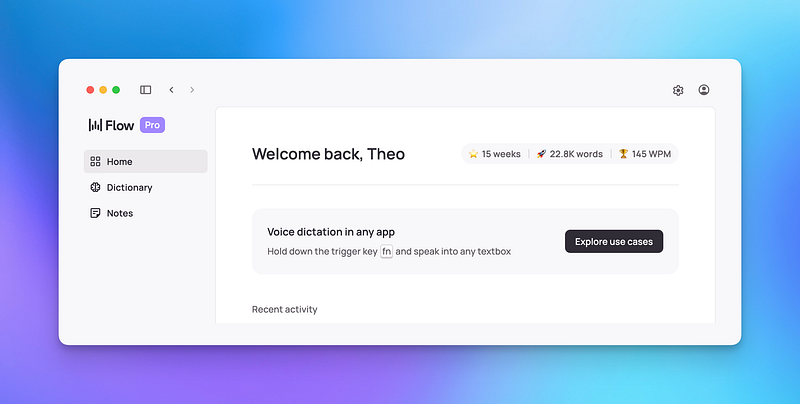
Using Obsidian and Wispr Flow for Lightning-Quick Voice-to-Text Notes
The newest iteration of my mobile/quick capture workflows...
I think that there are solutions for mobile capture that are more slick, not least Apple’s own notes app, but I’ve avoided using this because simplicity and low-friction is what I value (see Minimal Note-Taking)
There’s one other thing that works really well alongside the offline vault features too…
Web clipping locations, information and more
The Obsidian web clipper came out a while back, and I wrote about it saying I don’t have much use for it…

Meet Obsidian's Brand New Official Web Clipper
The best new solution for web clipping into Obsidian…
Well now that I’ve been travelling and have had a little more time to see some use cases in the web clipper, I’m happy to say that it’s been very useful to me now.
I’ve been capturing information for the hostels that I’ve been staying in, and it’s been good.
In one place, in my vault, I can now find all the information that I need about my hostel, and use AI to analyse the page’s scraped information to find out relevant information.
Alongside Obsidian Bases, this has been a great way to display all the information that I need.
It’s also relatively easy to set up. When you’re in the web clipper, you can copy the content when you click to show all the schema properties.
Following this, you can paste things into your AI tool of choice, alongside a demo template for the web clipper configuration JSON and, once your custom version is produced, you can then paste back into the web clipper to set it up.
This way, you can capture specific information into your notes with very little additional effort, once set up.
It’s like another great reason to be templating and automating things.
Another quick tip you can use is to provide a list of your current vault properties to the AI, and ask it to follow their style as much as possible, you won’t have to adjust things when your clipped notes find their way to your vault.
Alongside sync, this means you can save relevant information off of the internet and access it even when you’re not online, which is very useful if you need to find the phone number for your hostel for example, or know when they want you to check out.
And it’s all done even whilst you’re offline, because you use Obsidian. It’s still the undefeated best for personal knowledge management, even whilst travelling.
Thanks for reading!
If you’d like to hear anything more about my travels, let me know in a comment. You can also subscribe to read Fundamentalised, my personal newsletter turned travel blog.