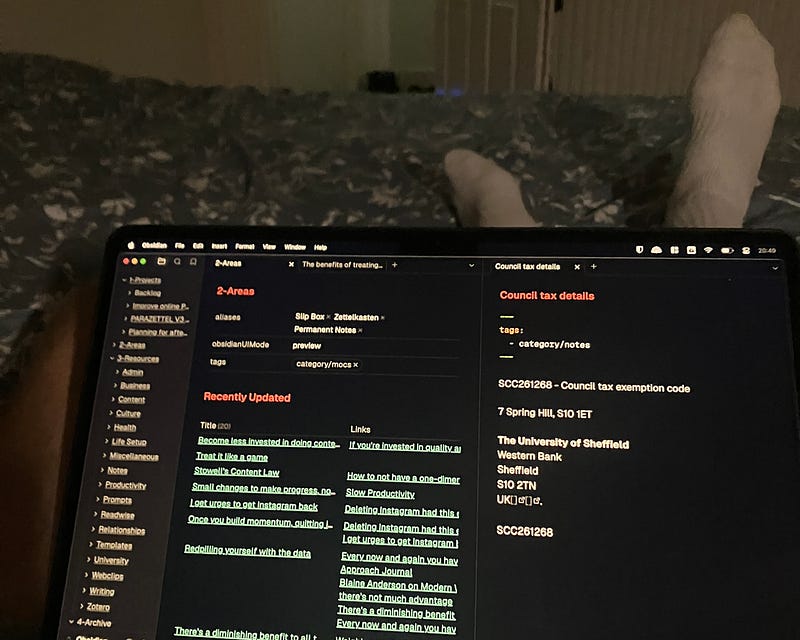
I’ve been writing about Obsidian online for over a year and a half now. Some of these articles I’ve written have acted as consolidation pieces, summarising my previous work on the subject into a simple single place people can surf it from.
But the last time I published one of these was a year ago, and a lot has changed since then, so I thought it was time to create another.
We’ll start by covering some of the new stuff I’ve written and then head deeper into some of the best of the work I wrote earlier in this journey of online writing and sharing knowledge.
Let’s get started!
First, I’ll just quickly point you to the two other full guides I made. They were from November and June last year and the former especially contains directions to the bulk of the written content I’ve ever shared on Medium, seeing as I did most of my article-writing last year.

A Complete, Up-To-Date Guide to Obsidian (June 2023)
A collection of the very best guides to theory, plugins, features, settings, use cases and workflows...

Obsidian - An Up-to-Date Guide (November 2023)
Your one-stop location for everything new and exciting in the world of Obsidian PKM...
But now it’s time to dive into some of the newer developments around Obsidian and my ideas on personal knowledge management.
A good place to start, I thought, would be to share a link to the most comprehensive guide to my actual Obsidian practices that I’ve ever released — my article on How I Use Obsidian Right Now — Complete System, Plugins and Projects Insight.
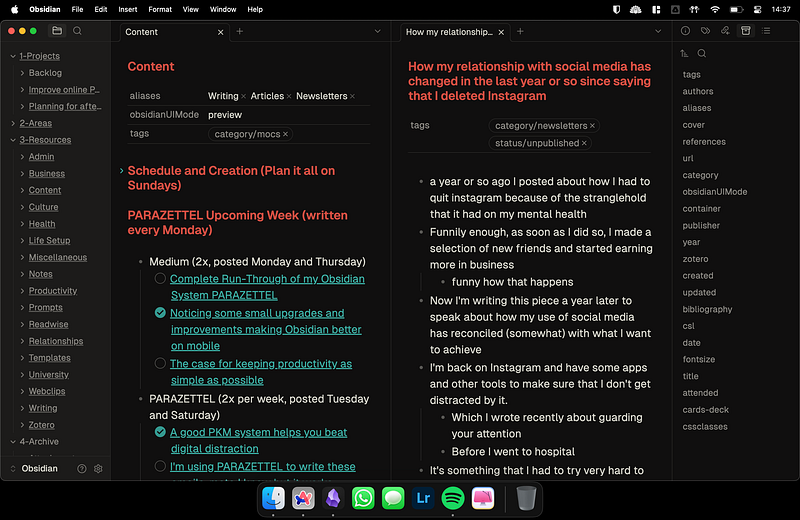
How I Use Obsidian Right Now — Complete System, Plugins and Projects Insight
The beating heart of the last two years of all my creative and productive work…
In that article, I cover how I work in my PARAZETTEL system that I’ve been developing for the last two years after reading Building a Second Brain and How to Take Smart Notes amongst other books.
There’s also information about the plugins that I use, as well as some notes on the theory and tool-agnostic approach to managing information that counterintuitively made me want to stick with Obsidian even more.
In terms of other pieces I’ve published in the last year or so, my article on Organising Your Notes in Obsidian was one of my more popular pieces from the year. In it, I go over all the different ways you can organise your notes in Obsidian from using tags, to files in folders and also the new(ish) properties feature to work with YAML metadata.

Organising Your Notes in Obsidian — A Complete Guide
Four unique methods and how to use them in combination with each other…
In keeping with the main theme of the year though, I also cover some note-taking theory around keeping things very simple and only sticking to one or two of your favourite forms of organisation. I don’t have a very extensive set of tags in my vault but I live by my properties and my files and folders, and this can differ for different people.
In fact, this avenue of approaching theory rather than plugins and other shiny features in my writing about Obsidian was a consistent theme throughout the year.
In 2023, I was quite focused on sharing the specific mechanisms I use to make things work for me in Obsidian but more recently I’ve been focusing on writing pieces with a more timeless nature, relevant in years to come.
That way, more people can learn from what I have to share, over a longer time. They’ll also build up the evergreen learning and knowledge that’s required to help them manage knowledge independent of what app they’re doing it in.
This skill is much more useful to learn in my opinion.
All my pieces about topics like eliminating shiny object syndrome, questioning the Zettelkasten’s usability, not over-complicating productivity and improving your note-taking practice focus more on the ideas behind taking notes in a way that will let you use them to create things in the future, rather than building an overly complicated system for the sake of managing that system to feel as though you’re doing something productive.

How to Eliminate Shiny Object Syndrome for Note-Taking Apps
The answer lies in simplicity and learning how to really do the work you need to do…
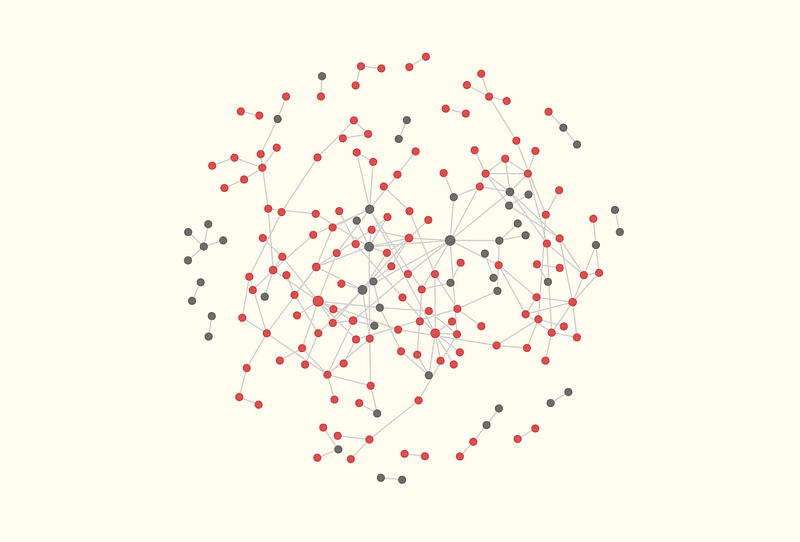
Questioning the Zettelkasten's Usability — The System You Could Consider Instead
The Zettelkasten Method from Niklas Luhmann is one of the most infamous strategies for managing knowledge.

How to Not Over-Complicate Productivity
Simple systems and knowing when to take time off is all it takes…

How to Keep Improving Your Note-Taking Practice
Even those who teach note-taking have to spend some time improving their systems…
Even though this is what I’ve focused on more in the last year, it doesn’t mean I haven’t written specifically about the Obsidian app, its features and its plugins…
My piece on Obsidian’s official web clipper was very popular, and the web clipper continues with a place in my system and workflow. Steph Ango (Obsidian’s CEO) is actively working on new features for it as well, so expect an update on how I use this tool at some point in the future.

Meet Obsidian's Brand New Official Web Clipper
The best new solution for web clipping into Obsidian…

How My Obsidian Vault Looks Now vs At the Start
All the changes that have reduced friction and increased my confidence in my PKM…
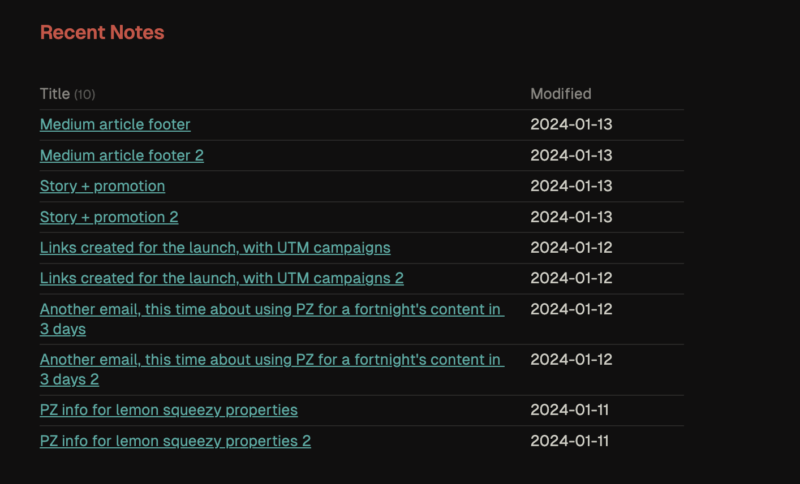
How I Manage LARGE Projects in Obsidian
A behind-the-scenes look at managing a major product launch using PARAZETTEL

Workspaces — A Powerful Obsidian Workflow Enhancer
Another core plugin that fell under my radar for a long time...
One of the greatest improvements to my Obsidian use in the last year or so though, is how I use the app on mobile. Mobile use was in fact the main focus behind one of two major updates of my product PARAZETTEL this year.
Obsidian for Mobile — My Setup and Opinions on Sync
How I use Obsidian on mobile and my experience with the Sync service
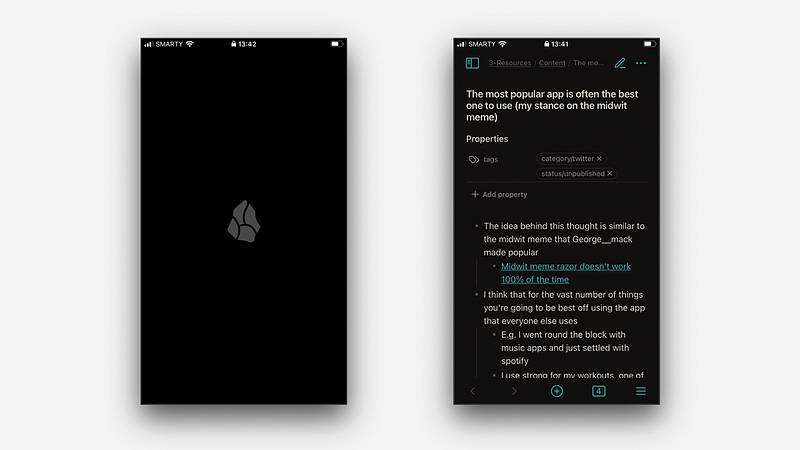
Obsidian Are Improving Their Mobile App
Small tweaks and upgrades that make a world of difference
The PARAZETTEL V3 update came in the middle of September and added a host of new content all about what I’d learned around implementing mobile Obsidian using the PARAZETTEL system in a useful way in my life.
That brings us to the end of this new and updated complete guide to Obsidian. I’ll say it until the end of time, using this app has changed my productivity and knowledge management and has made a significant effect on my life and how I live. I can’t understate the value of giving it a go if you haven’t already.
If you are someone who’s been using Obsidian consistently for a long time like me, I hope you found something useful in this piece or the linked pieces. Also, if you want to take your personal knowledge management further, check out my Obsidian system PARAZETTEL.
Thanks for reading!