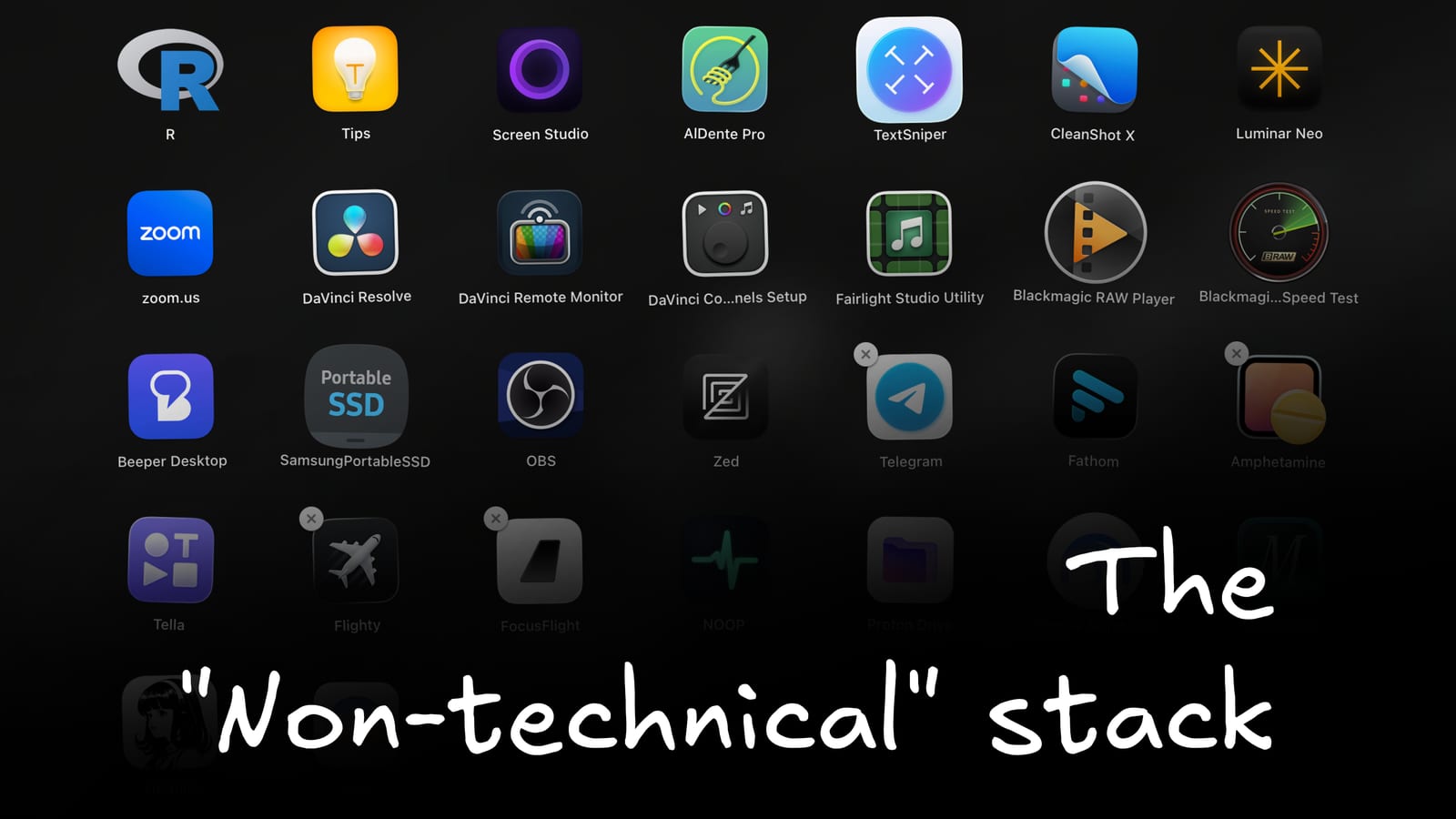
I’ve started building things on more primitive digital infrastructure lately. Closer to the server, closer to the terminal, and closer to editing a file by hand.
That has not turned me into a massive coder. It has made me less willing to wait for a boxed-up app to do every small thing for me.
A year ago, I had no idea what most of these tools even were. Now they are the tools I reach for when I want to change something, make something, or get a small job finished without turning it into a whole project.
Here’s the stack that I’m using right now…
Zed (IDE)
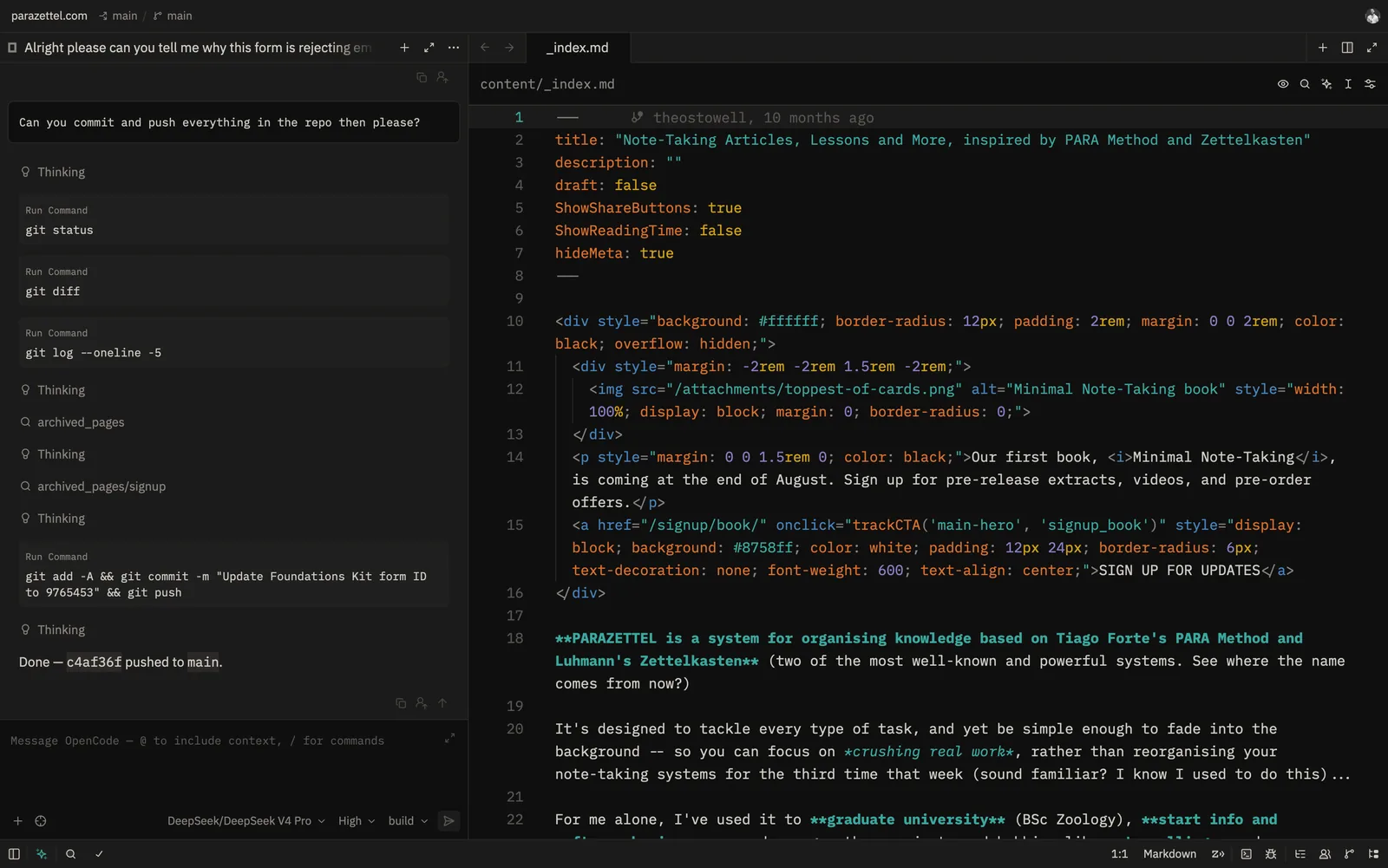
Sometimes the quickest way to make a change to a project on your computer is to simply open it in a code editor and use your own two hands to type the change in manually (archaic, I know!)
I use Zed for that (see the previous image). It’s light and easy, which is especially important when I’m only changing a few lines or trying to understand how a page or feature is put together.
Think things like my Hugo websites (which parazettel.com, tstowx.com, and photos.tstowx.com all hinge upon), where you can’t really open the files in Obsidian to edit them (file types that aren’t Markdown aren’t treated as first-party most of the time), so you have to open them in something else.
And it’s pretty easy to get AI involved through Zed as well - it’s what gave me the original inspiration for building an Obsidian plugin (although that got called off pretty quickly cause of the Claudian plugin), where you can use an AI chat in the sidebar, and see your work changing in the editor panel as you wait.
I use the Flexoki colour scheme (it borrows from VS Code’s theme library), which also happens to match my Obsidian vault, so the switch between writing in my notes and changing something in a project feels smooth and integrated (it’s the little things).
The point is not that these days I’m not coding complicated projects by hand, but I want to be capable enough to make the simple change when the simple change is what is holding the work up.
IONOS (VPS)
IONOS is the platform I use for VPS hosting, where my Hermes agent lives and operates from.
I have done a lot of experimenting with Hermes recently, and it needs to live somewhere accessible and powered on every day, which is what this server is for. My laptop is for the work I do while I am sat in front of it and can handle the small, repeatable jobs no matter where I am and what I’m doing.
I wrote much more about the initial setup, including moving from Hostinger and getting the assistant running, in this piece:
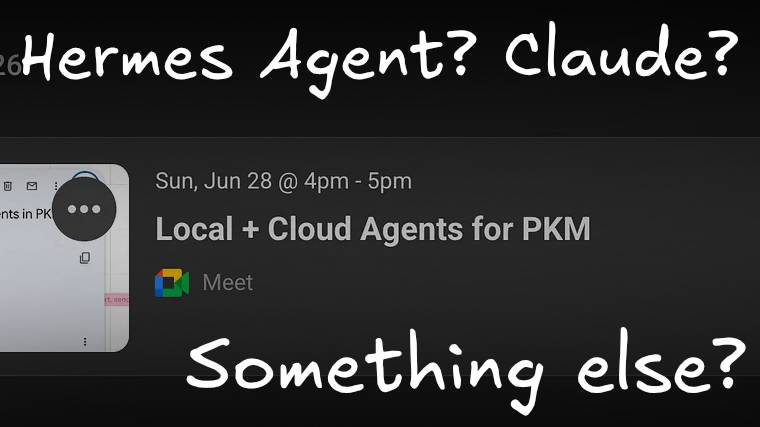
And both connect to Obsidian seamlessly. Here's how I manage it all...
Although the most I’d ever done in terms of hosting was using Netlify for all the websites that I talked about earlier, this process was relatively easy to learn.
Here are a couple of tips that helped me…
- Ask your agents, once you’ve got them set up, to make sure that the server’s configured correctly for them to run.
- Learn how to SSH tunnel (this is how you can access the command line whilst on your own computer - for a while in Hostinger I was logging into the platform every time I needed a terminal, until my friend saved me and taught me SSH).
The Hermes agent on IONOS is only one half of a power duo that largely runs my professional life, though, so let’s talk about the other…
Obsidian (PKM)
Obsidian is still the centre of it all, but I use it somewhat differently to before this really became a thing…
Personal knowledge management doesn’t really rely on AI (after all, it’s your records and ideas). Only a few of the processes in an Obsidian vault do, once you’ve gathered your info and generated ideas…
There are a couple of plugins that help with said processes, but aside from this, we’re trying to keep things organised so that we can build out the best personal context library (i.e. just a vault that helps you work as effectively as possible), so that it can be used going forward.
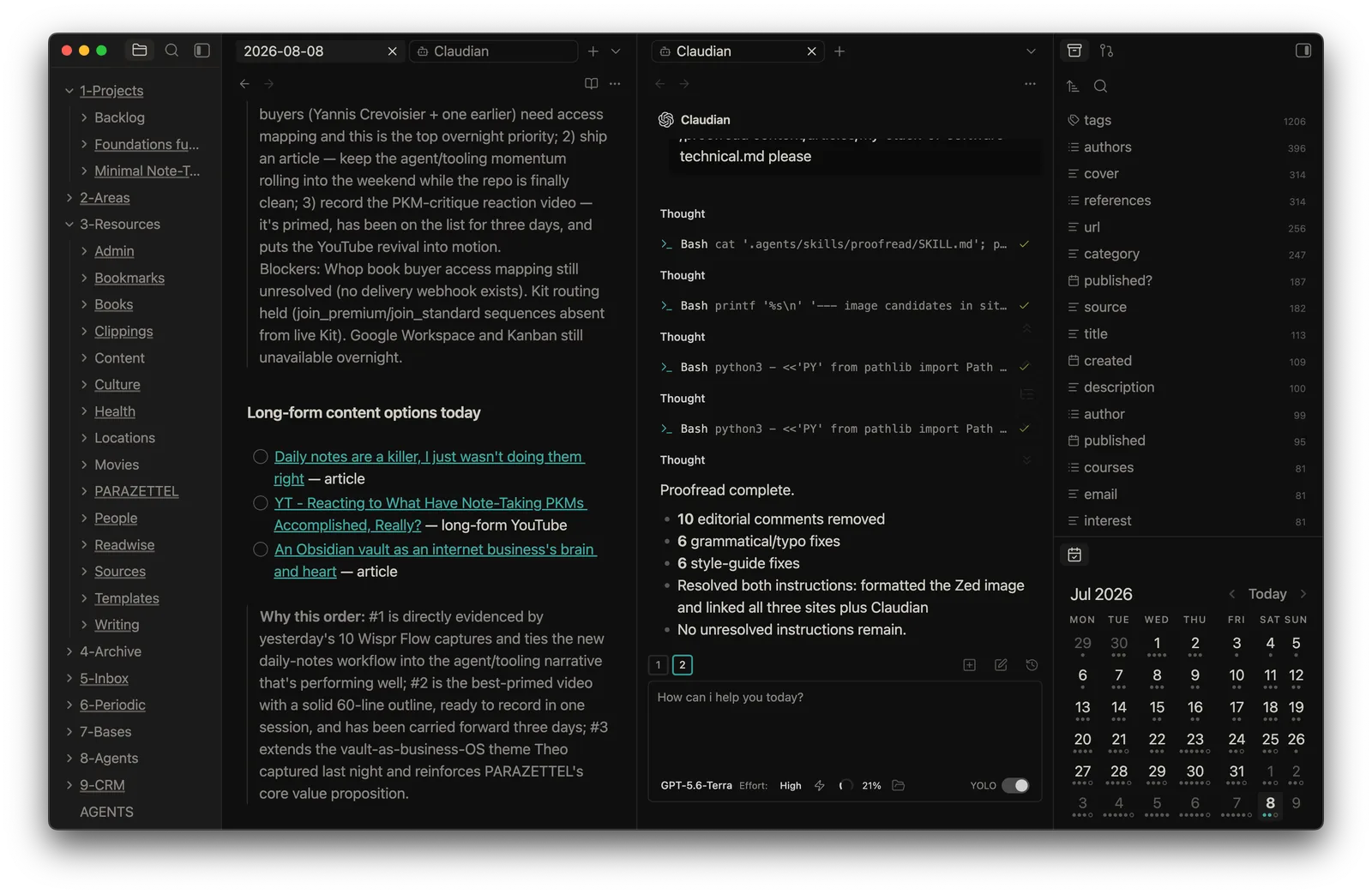
In terms of plugins etc. (For a while I thought that I’d be writing an article on these changes alone, but there are only a couple of things that have changed, highlighting the earlier point), I use the following…
First is the Claudian plugin, which lets me work with Claude, Codex, and other agents directly inside the vault. I wrote a full piece on that here, but the short version is that it removes a lot of pointless switching between the app where my context lives and the app where I want help with it, whilst not reducing the functionality of entire native chat apps on your desktop.
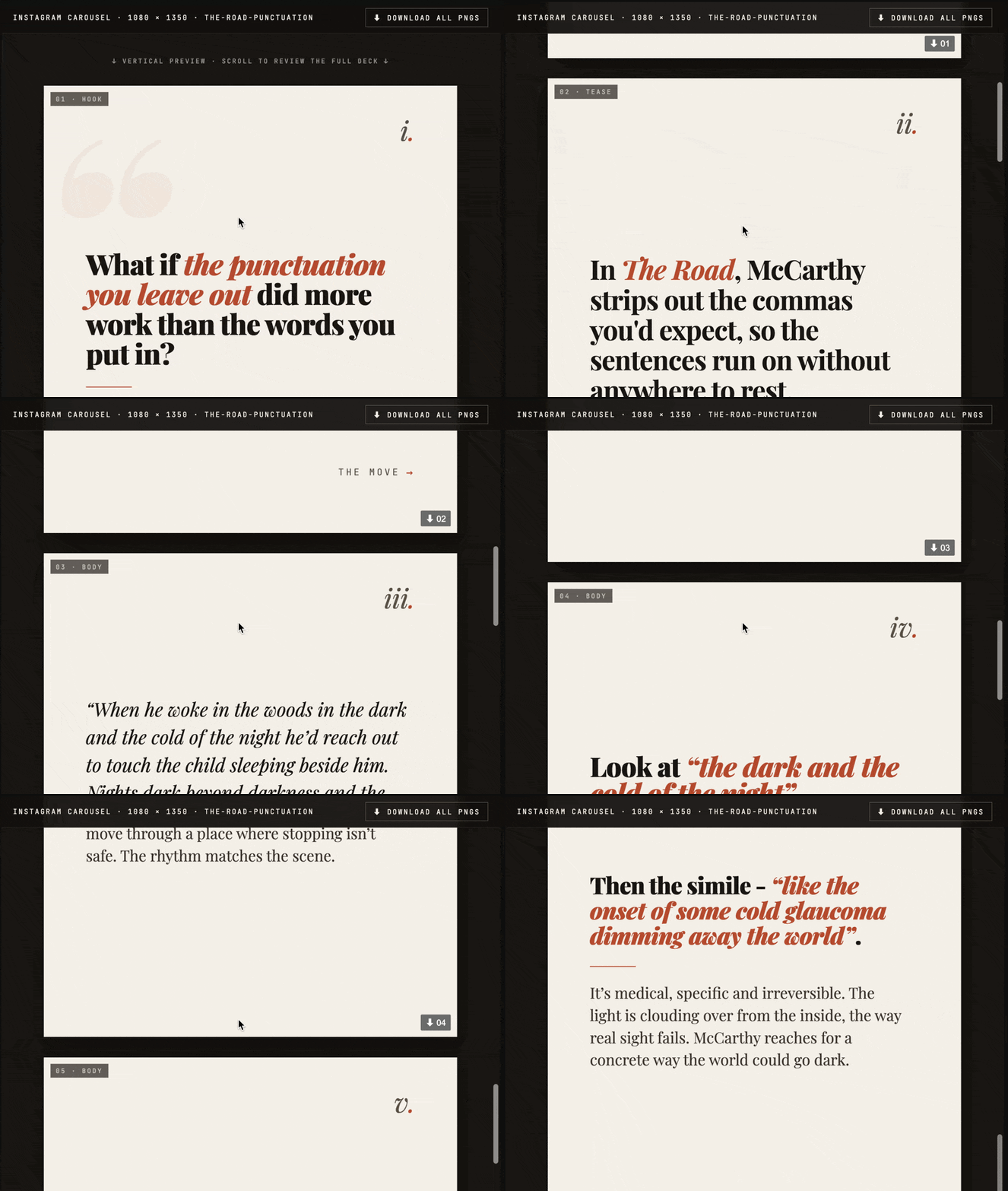
Another addition is HTML Docs, a plugin that’s relatively new. AI has pushed me to work with more rendered and interactive material, rather than treating every task as a plain Markdown file. That is also how I make posts for ProseLab from inside Obsidian. The workflow starts with a normal Markdown note.
I run Claudian on it, then use HTML Docs to turn it into something I can look at, interact with, and make decisions from. It means I can do more in one place without pretending that one format is right for every job…
Finally, I use the Obsidian Web Clipper way more now - the moat to resurfacing information is no longer how fast I can read or research, but how fast Claude or Codex can, so the volume bottleneck is vastly reduced, and I can capture much more stuff with the intention of reading and referencing it all in the future.
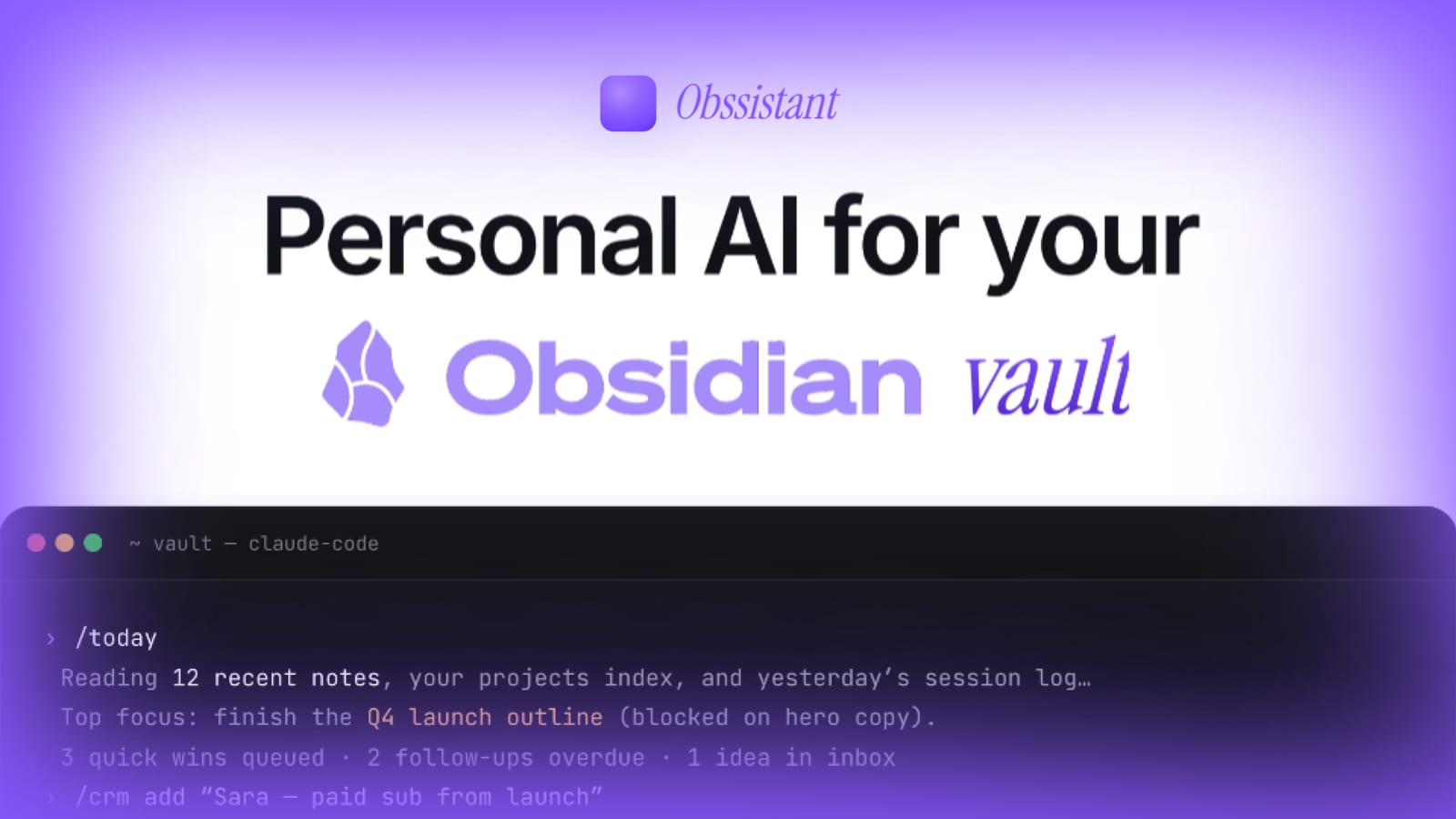
If you want to see more of how I run my businesses with AI and Obsidian as the brain and operating system, this is what I am building with Obssistant:
Ghostty (Terminal)
When I do not need Zed, I work in the terminal - think SSH tunnels to the Hermes web dashboard, or setting up dev servers so that I can view my projects locally before pushing the changes to production.
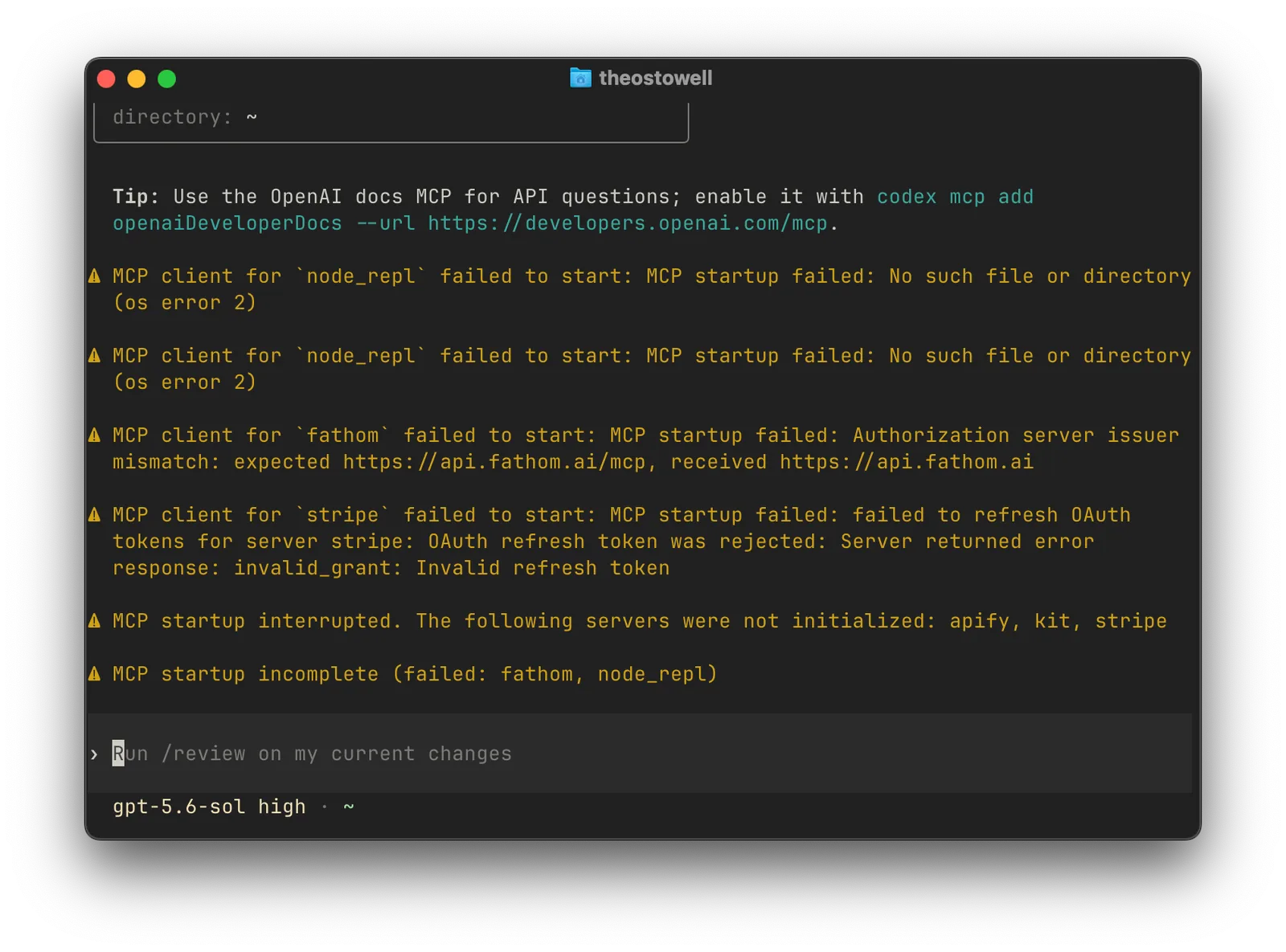
I need to sort out my MCPs though…
Ghostty is the terminal I keep coming back to. It is fast, lightweight, and simple, which is good because enough complexity already comes from the bits and pieces I am wrangling in the main pane.
I have used more complicated solutions before. Warp had AI integration. ‘cmux’ gave me lots of windows, parallel agents running and the like, but it was complicated. For now, I need something simple and pleasant to use.
If I need to access my Hermes dashboard for a moment, I can use Ghostty to spin up a quick SSH tunnel, do the work I need to do, and get on with my day. The other tools in this piece can handle the bigger or more specialised jobs.
That is the stack I use most days now. It is not a technical person’s perfect toolkit, and it probably will not stay exactly the same for long.
I am not technical. I want simple tools that have, self-evidently, become closer to the base infrastructure over time, because the value of third-party software is going down, whilst we can build our own.
That being said, the value of the personal context, knowledge and information that you can gather is increasing, as this age’s tools develop.
The value and quality of the output that comes from them still depends upon the quality of the input, which is as good a reason as ever to focus on building a PKM system with good foundations. I can help you to do this here…