I’ve recently written a piece about my iPhone setup for productivity and thought it would be interesting to do an accompanying piece about how I set up a desktop for productivity.
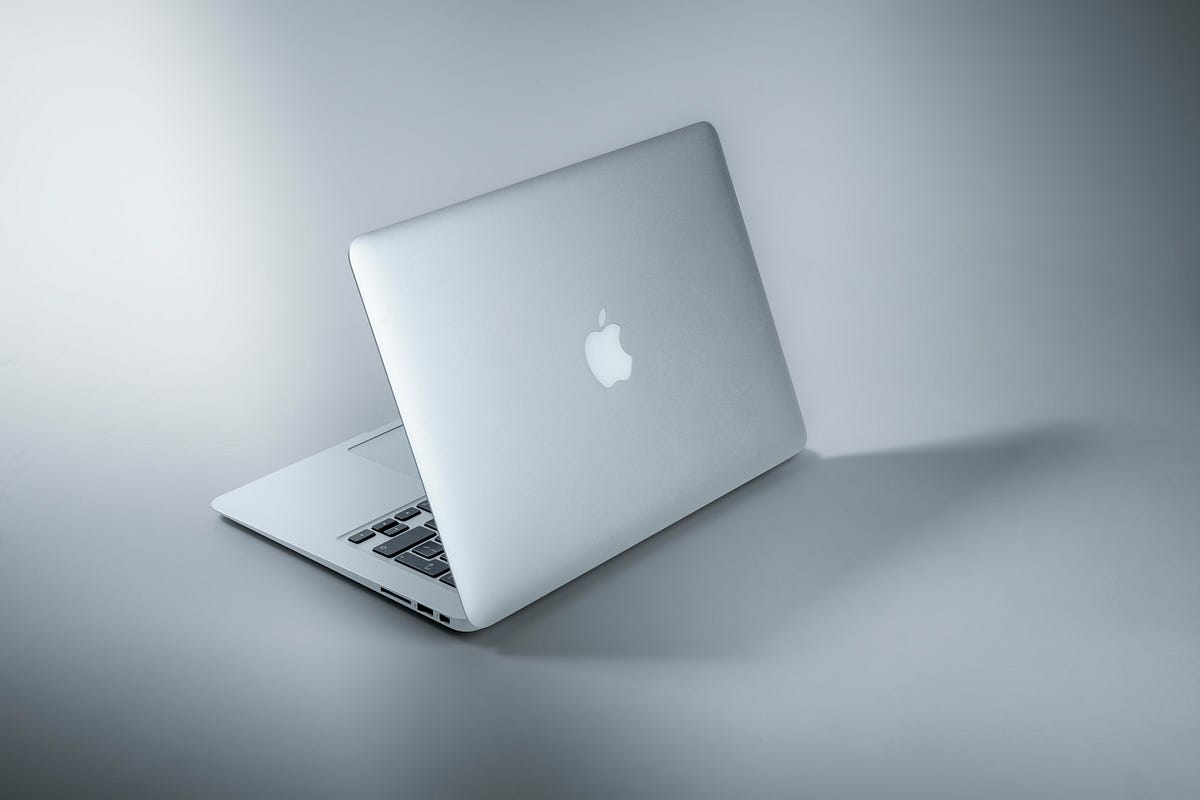
My tool of the trade here is a 13-Inch M2 Macbook Air, which I’ve had for the last month or so. Like the iPhone, I had to take some time to adjust to the new operating system, but I have everything in place now, so I wanted to go over what I’ve chosen to use for productivity on this device.
Let’s get started…
Apps
I thought about using stock Apple offerings for simplicity during the time I spent setting up this system when the computer was new, but, like the iPhone, I ended up pretty much moving back to the services that I’d been using for a long period of time before getting these new pieces of technology…
Obsidian — I’ve been using this note-taking app almost exclusively for over a year now. It’s better than all the others, period.
From university work to scripting YouTube videos, to outlining articles, to project management, it has a solution for everything that isn’t just satisfactory, it’s the best.
There’s a small and very active team developing the app, with quite regular updates.
It’s free unless you want to sync or publish your notes — everything is accessible to you without paying a penny. This is great if you want to build a system at first without investing. Then I’d recommend getting a Catalyst license for a one-time payment of $25, which gives you access to updates earlier, and directly supports the team building the app.
Arc — this is a very new browser app that I got access to a few weeks back. Now it’s just been released to the public in version 1.0 and everyone can access it, so long as you have a MacOS-based device.
This browser is lightyears ahead of any other browser that I’ve used before. It has dynamic and innovative features, making websites feel very native and comfortable to use (I’ve always been someone who’s preferred installing apps).
It’s well-designed, with very clean animations and a great look. This browser feels more as though it’s been built for the beauty of it rather than just to serve a function, and you can tell this immediately when you start using it.
A great new app that I’m happy to be using.
Todoist — the same as the iPhone, this is an app that serves as a point of capture and clarification for my thoughts. The quick capture feature combined with TTS on the Mac makes fixing any notion in my mind to words extremely frictionless.
This means that no idea goes unexplored, and the organisational tools within the app make it easy to structure tasks and ideas so that I actually take action on them.
Another nice thing is the fact that I can do everything I want to do on this app for free. I wouldn’t mind paying $4 for Premium if I had to, but if I had to pay this for every app it would add up quickly, so I’m grateful I don’t have to pay for Todoist.
There are some other peripheral tools that I use on my desktop to enhance my productivity too:
Magnet — I’m a bit of a neat freak, so having something simple that can organise windows is a must — Magnet does its job and gets out of the way.
Adobe Creative Cloud — I have a photography plan here, and use Photoshop and Lightroom for my visual media endeavours
DaVinci Resolve — I can’t believe a video editor this good is available for free. The best.
Cold Turkey Blocker — so I can block myself from trying out so many different apps and get some real work done
Raycast — an alternative to Alfred and Spotlight, this is a quick way to open apps, with many extensions to tools like ChatGPT if you need them. Very, very good app.
Settings
There isn’t much to touch on here.
I stay away from the complicated things.
Notifications are off, do not disturb is on. I don’t use greyscale as I do for my phone.
I have a Screen Time widget available, so I’m reminded to go and live in the real world.
The dock is hidden so that my apps take up more of the screen when they’re open.
This is how I’ve set up my MacBook Air for productivity. I really like this new computer and I’m glad that I’ve got past the point of distraction and inefficiency.
I hope you’ve learned something new from this piece, and as always, thanks for reading!