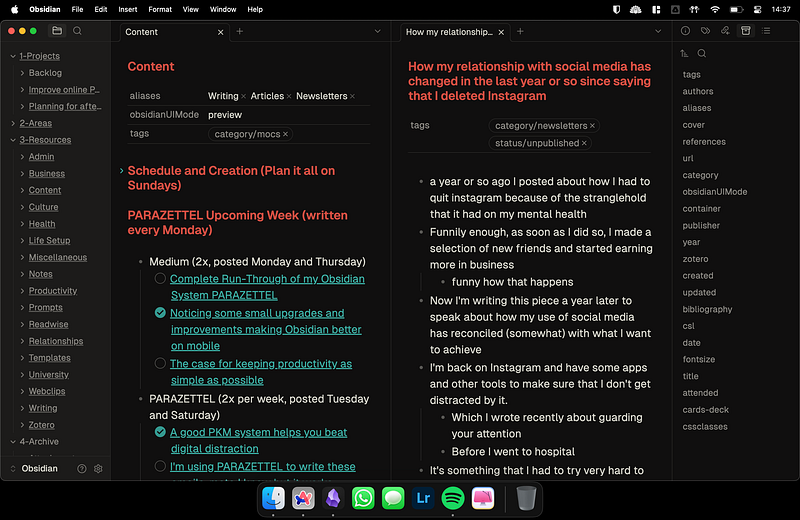
It was well over two years ago that I first found out about Obsidian now, and I can’t remember how it came to my attention either.
All I remember was that I thought that this app would be a great solution for all clicking about between Notion, OneNote and more that I was doing.
I needed something that was going to break me out of my shiny object syndrome rut.
Today, I’ve been using Obsidian consistently for over the last two years.
The system within the app has changed slightly here and there, but since I launched my system for everyone to use a bit less than a year ago, I’ve been working the same in my vault consistently.
Recently, though, I noticed that I never really gave an entire outline of how I work in my vault — the plugins that I have and the systems that I use to create work, so I thought I’d do that in this piece.
Welcome to the complete run-through of the details of my Obsidian system.
Let’s start with what I actually use the system for…
Projects I use Obsidian for
I say a lot that I’ve used Obsidian for the last two years but less of you might know what I’ve been using it for…
First and foremost it’s somewhere I can write down my ideas and thoughts. This inspires pieces of writing that I can choose to share on the internet or just keep the pieces private for personal reference.
In the vault, I have systems for writing pieces which include using bullet-pointed outlines and writing in another pane…
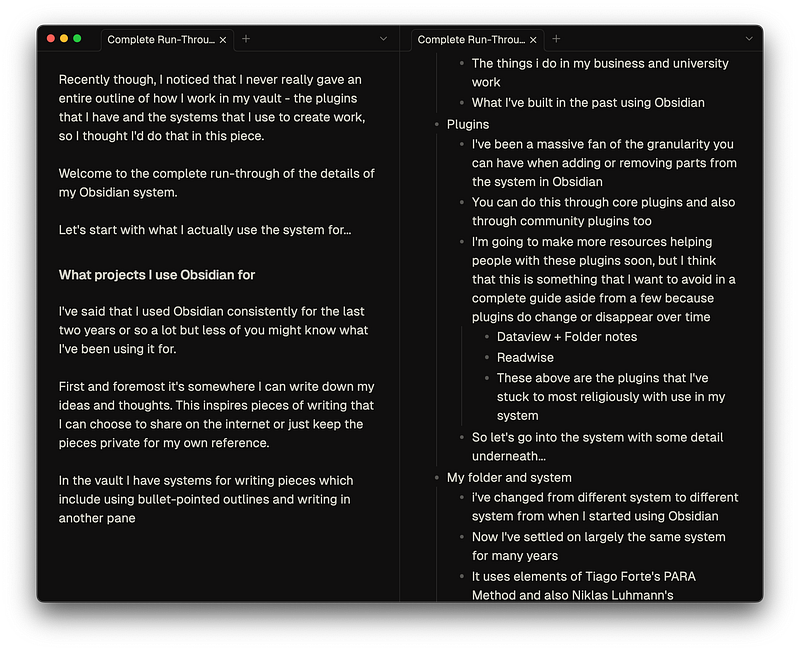
It means that I can access quickly the plan for the piece I’m writing and seamlessly change the outline into a full piece in my head and write down the resulting work whilst in full flow.
Whilst I’m studying at university too, I’ve been using Obsidian for all of my notes and writing. I’ve tried to focus more on the tasks that are going to make a difference in my study.

Academic Writing in Obsidian — Complete Workflow
> If you’re not a Medium member you can still read this piece for free by clicking my friend link here — Academic Writing in Obsidian — Complete Workf...
This meant stopping procrastinating making small automations that might help a little but are more likely a waste of time.
Since I’ve started using Obsidian in my study the plugins and methods that I’ve used haven’t changed that much, as I’m just keeping things low maintenance so I can work on other projects at the same time.
I’ve written about these plugins before but I’ll tell you about them again here:
- Pandoc Plugin to export essays as PDFs when they’re ready to be submitted
- Citations Plugin to help get citations into my work from Zotero with minimal effort
- Qmd as md so I can edit my essays and reports in Obsidian and have all the functionality of the Quarto markdown format
- Shell Commands if I want to export these .qmd files into PDFs as well
I try and keep things streamlined so that I’m not wasting time. This keeps my job as easy as possible, emphasising creating and building.
Since last year, when I launched PARAZETTEL, I’ve been using Obsidian for all of my business organisation and progress too.
It’s been great to be able to keep track of something so important in the same space as all the other content I value so much. Using Obsidian has played quite a large part in my life in the last couple of years.
Important Obsidian plugins I use in my vault
One of the reasons I loved using Obsidian so much from the start was the fact that there was so much granularity in the plugins and features you could use in the vault…

I Tried Tana, Anytype and Notion, Then Bought an Obsidian Catalyst Licence. Here's Why
Why Obsidian is the best notes app for building a functional, no-frills productivity system.
You could truly make the app yours, an ideal environment to work in — that is if you could get past the shiny object syndrome caused by having countless plugins available to choose from.
It took some work to build a system I was happy with, but now I have something in this app that I’d never be able to get anywhere else and I’m not likely going to switch.
The most important community plugins in my system:
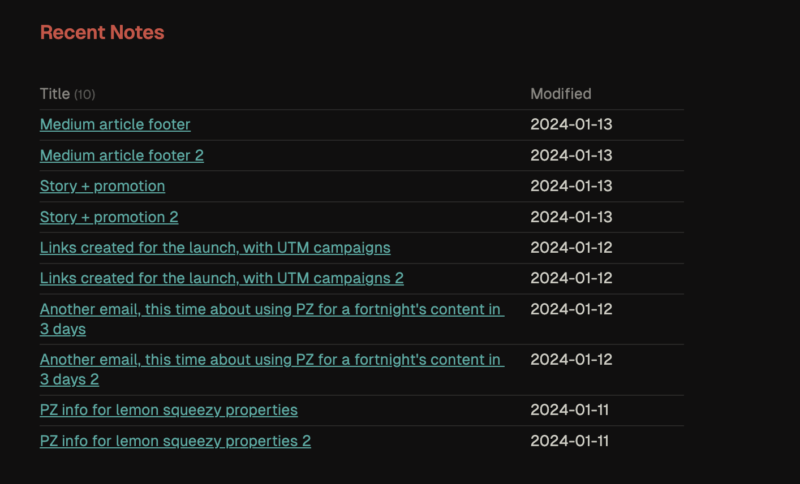
- Dataview and Folder notes — I’ve lumped these two together because they work together in my system. I combine the two to make index/folder notes for each important folder in my vault, creating a point from which I can overlook all the content of a certain topic or project I’m working on at the moment.
How I Manage LARGE Projects in Obsidian
A behind-the-scenes look at managing a major product launch using PARAZETTEL
- Readwise Official — I consume content from Kindle, podcasts, Twitter and more, and there are a lot of insights and ideas that come from there that I want to save and make accessible. Readwise aggregates my highlights in my Obsidian vault where I can use them in projects or as inspiration for notes in my Zettelkasten.
Questioning the Zettelkasten's Usability — The System You Could Consider Instead
The Zettelkasten Method from Niklas Luhmann is one of the most infamous strategies for managing knowledge.
- QuickAdd and Templater — They automate the quick capture of information in my vault and the quick automation of repeated addition of metadata as well so I don’t have to write the same thing every time I make a new note. Very useful…

The Most Efficient Obsidian Power Users Have These Plugins Installed
> If you’re not a Medium member you can still read this piece for free by clicking my friend link here — The Most Efficient Obsidian Power Users Have...
My folder organisation and PKM system
Back when I started to use Obsidian, I was very into the Zettelkasten method as it was becoming popular. I heard lots of people saying that it was a great approach for managing ideas.
However, I struggled because there were other projects I was trying to get on with and Zettelkasten isn’t designed for keeping up with projects, changing details and creating resources.
One system that is, though, is the PARA method from Tiago Forte — not long after I struggled with just having the Zettelkasten Forte released his first book Building a Second Brain and I devoured it and loved every part of the method.

Fusing the Two Most Powerful Note-Taking Systems in Obsidian
The two note-taking strategies of Niklas Luhmann's Zettelkasten and Tiago Forte's PARA in Building a Second Brain have dominated managing many people's personal
But I didn’t want to lose Zettelkasten when switching over to PARA (which was much more adapted for project work).
So eventually, I came up with an idea to fuse the systems into one. I called it PARAZETTEL and it became quite popular with the online audience reading the early ideas about it that I was sharing.
As for how it works — putting it simply, it’s Forte’s PARA Method with a slight modification to the Areas section…
Projects — project folders for each current project that I have running, containing relevant information and content to do with this project.
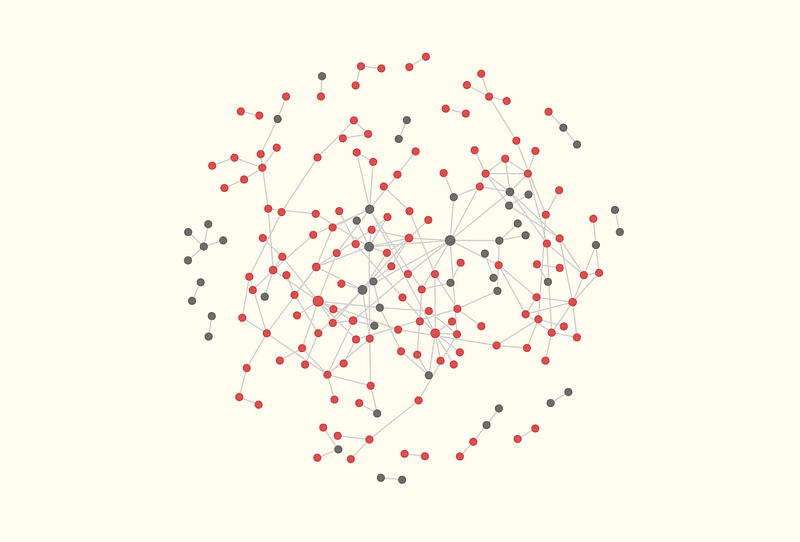
Areas — Here’s where the main change and fusion of both systems takes place — instead of having folders with individual content of important areas, I changed the Areas folder into a Zettelkasten to keep its set of features in my vault at least in part. I can link my ideas together using Obsidian’s backlinks and build this hive of ideas and thoughts that I can dip into when I want inspiration.
Resources — these are folders about general topics that contain notes that I might want to reference in the future. This is where the Readwise folder is, which contains all the notes from Readwise that are imported. It’s also where my ‘Content’ folder is, where I write all these pieces and plan them.
Archive — this is where all the stuff that is no longer useful goes. It’s to make sure that, if I do need it back, the content is not completely deleted and I can recover it, but it’s to keep it out of the way of the active content in my vault.
Reviewing, updating and improving your system
This is something that I still find myself doing now and again. I clear things out of the vault, bring it back to the basics and make sure it’s a simple place to work.
For example — I noticed recently that I wasn’t making full use of the Zettelkasten in my system. Rather than working with ideas, I was bypassing the part of my creative process where I develop them into something worth sharing.
Instead of continuing this way, I went back to writing a lot in the Zettelkasten. Now I’m back amongst the best of my ideas I’m as creative as ever with what I’ve been putting out.
So find your equivalent — your system is something that’s supposed to help you, not hold you back. If there are parts of it serving as bloat and distraction, get rid of them.
Come back to the core processes of working with your thoughts and ideas to make sure that you stay closer to your creative and productive essence.
To round things up
This brings me to the end of this complete guide about the tools, systems, plugins and cleanup and re-centring processes that I use to make sure that Obsidian remains the best place for me to do my work.
I hope that it’s something that’s inspired and informed you as to why you should be using Obsidian for your PKM like I am.
As always, thanks for reading!