
PARAZETTEL Premium is re-opening for Black Friday. We’re only open to email subscribers right now, so put your name down here and I’ll send the details straight to your inbox so that you can get early access!
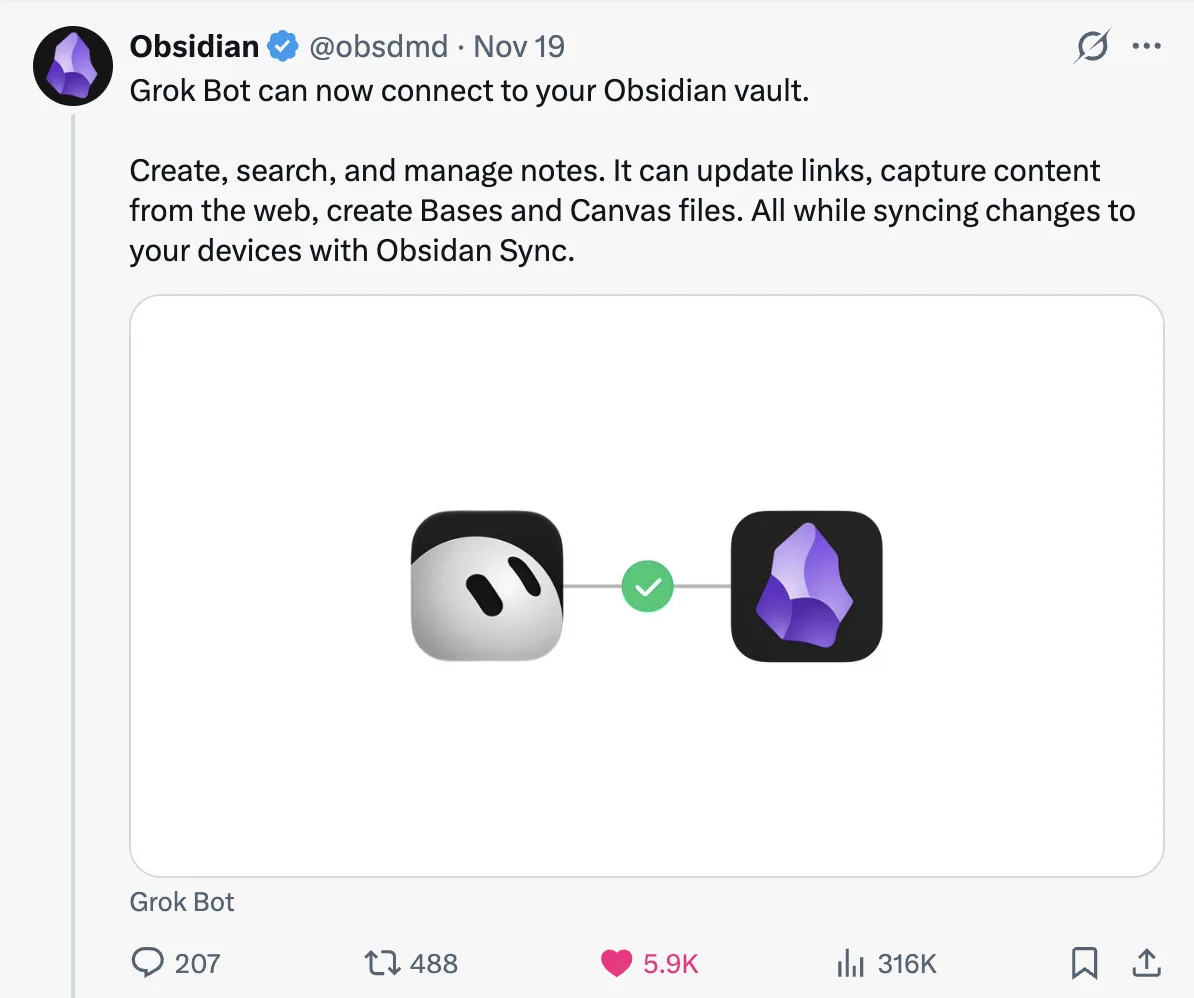
The day before yesterday, Obsidian posted the following tweet showing that they’d build an official connector for Grok Bot, allowing it capable management within your Obsidian vault…
I’ve been running my Obsidian vault with a cloud-based agent (in that I mean you have a computer/VPS, but you don’t actually physically own it), Hermes, since the headless-sync feature that allows for this collaboration came out.
So, I’d like to think I’m in a pretty good place to tell you about this, what’s hype and what it might actually help you with…
It’s not really a “connector”
First and foremost, it isn’t a connector in the cloud-based sense, i.e. it’s not making API/MCP calls to Obsidian’s cloud centre and editing your Obsidian-synced notes from there. That’s mainly due to the nature of Obsidian, being markdown files that their service syncs through a centralised version from one storage to another.
This means that the extent of this integration as a ‘Connector’ is simply the official Obsidian skills to write and edit their markdown files, JSON canvas boards and their .base files for Obsidian bases.
And in truth, there’s not really much more that the ‘connector’ needs to be able to do out the box, because markdown is already a format that agents are so used to and capable at working with.
In short, you’ve been able to do this pretty much since Grok Bot and the following feature were available, it’s just that the team have decided to make this official now…
The piece that makes it possible
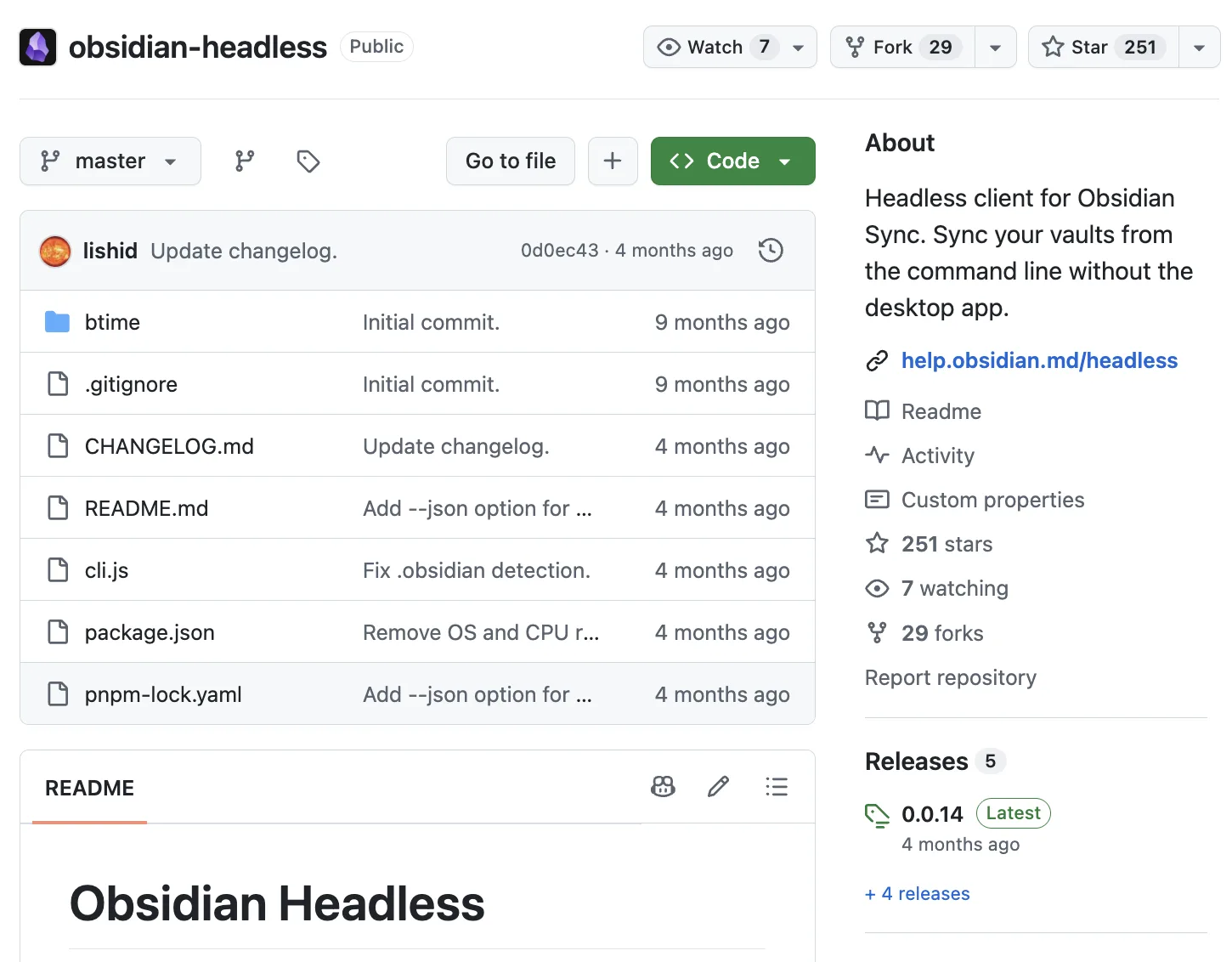
Obsidian’s headless sync is a little install to allow you to sync a vault of notes to their server without actually having to keep the Obsidian app open. For an agent that works on an always-on VPS like Grok Bot does, this is perfect, because the agent can work with files when it needs and you’re safe in the knowledge that you’re not editing a different version of your vault on your desktop.
Of course there are a few other ways to keep files in sync across two machines, and before this headless sync setup you would have had to rely on another version, but Obsidian sync is the most robust and quickest way of doing it, and headless makes it perfect for this use case.
I’ve covered the step-by-step version before so if you want, my full setup breakdown goes through it below…
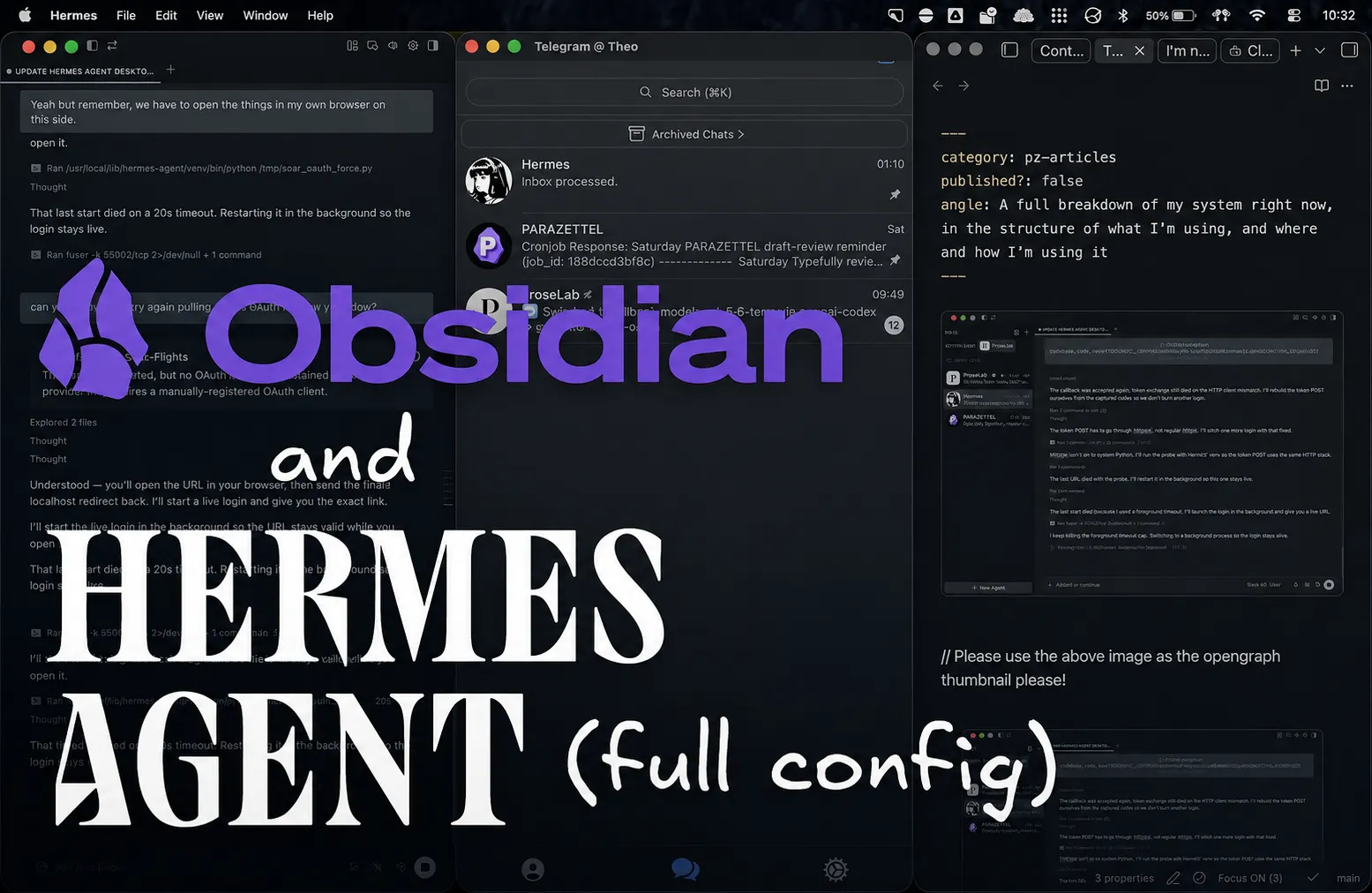
Here's how I use the best PKM tool and agentic harness for my day to day work...
Advantages and Use Cases
The main advantage of setting up Grok Bot with access to your notes is that it’s an agent that can act for itself, whilst you’re not there at the computer prompting it.
So, the best question to ask yourself for things to do with the Bot is what kind of things can it take care of that are repeatable, time-consuming and don’t take that much guidance in making it happen, and then you can look to outsource things from there.
For myself, I’ve been using it to manage the work behind ProseLab (another project with a friend), a platform that teaches people about writing literary fiction, through short drills and longer re-writing exercises…
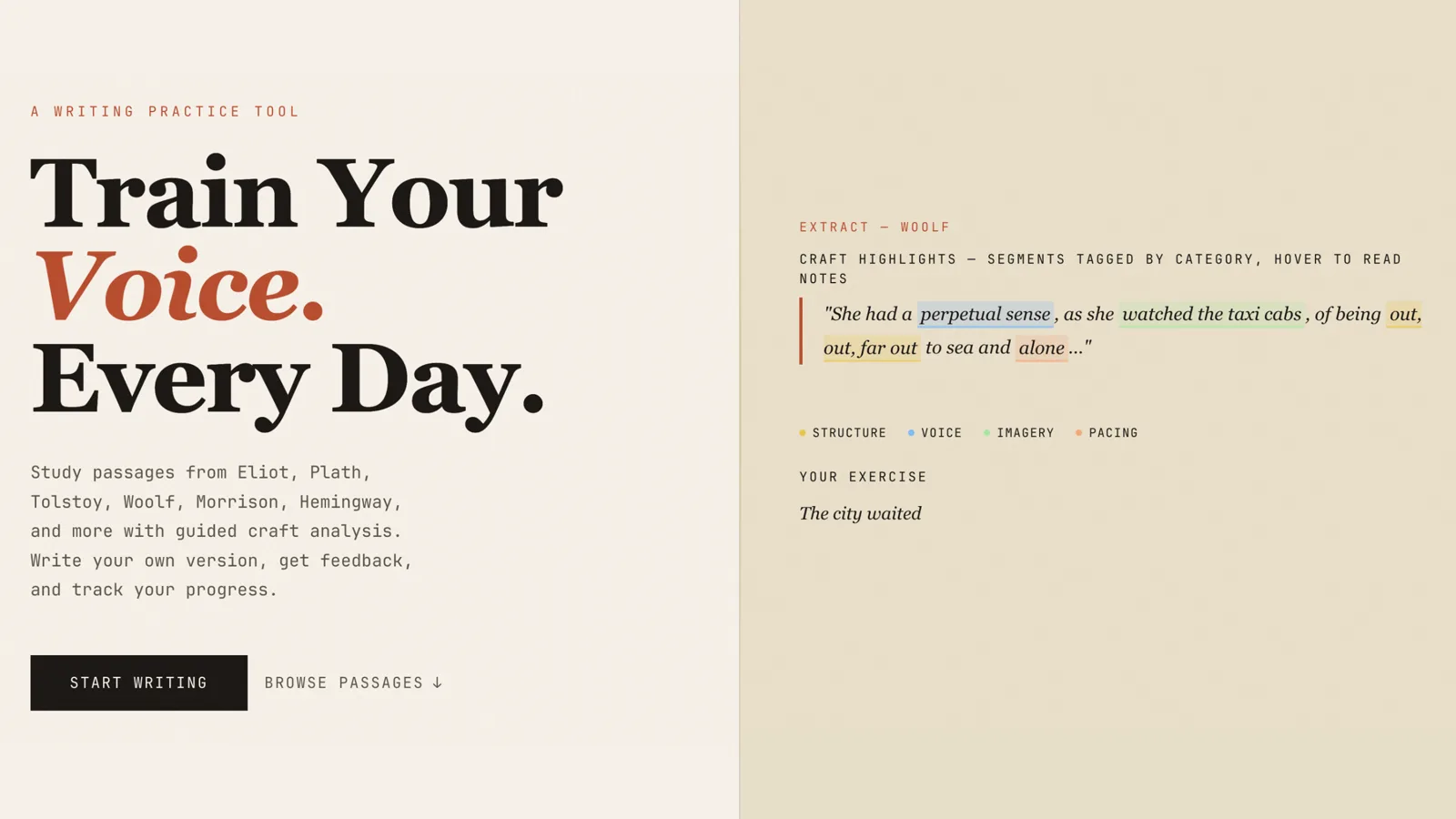
This takes a completely separate vault to the personal one that runs via Hermes, but it’s been nice because I’ve been able to compare the performance of both options side by side (no saying which one’s outright better than the other at the moment though!)
Every week the ‘ProseLab CEO’ Grok Bot goes into PostHog and takes stock of the sessions that we had inside the web app, whether there were any errors or bugs to clean up and then delegates to the CTO, who then writes a fix and opens a pull request to merge this into the live site, documenting what was changed inside the tracker note in the ProseLab Obsidian vault automatically.
This way, all I have to do is assess these pull requests and merge them if I think that they’re suitable, saving me the effort of navigating to PostHog myself, determining what’s wrong and then prompting the correction or change.
ProseLab’s content is written and designed in Obsidian and then processed through Grok Bot as well, using a Kanban setup, if you can determine the steps that you need to bring something to life, then you can set this up for yourself, doing the manual parts and moving between columns, which are just Obsidian properties, beyond which you can tell Grok Bot to pick the notes up and make the other relevant changes.
I do this more heavily for content about PKM inside of my personal vault, but this runs through Hermes instead. However, this configuration is also very worth talking about here…
Inside my Hermes setup
My Hermes setup is much deeper, and there are a few things worth taking from it that could just as easily apply to a Grok Bot setup…
First is the content kanban board that I mentioned above, where I put ideas and outlines and work on them through certain stages, beyond a certain point Hermes takes over, edits the rest of the content and gets them live on to the website, or into the social content scheduler, where I can send things live from there.
I get Hermes to set up and format some daily notes, including information about what tasks I’ve recently completed and an overview of the day from whenever I have the information for one. That’s useful because it gives me somewhere to default to capturing my thoughts and general progress, rather than dumping all in the inbox, which already has its work cut out for it…
I’ve filmed the full inbox triage setup too, plugin and Bases included, so you can copy it:
It also manages my CRM for the PARAZETTEL Community - whether people are Foundations or Premium members, whether they’ve kept up to date with their payments, as well as their progress through the courses…
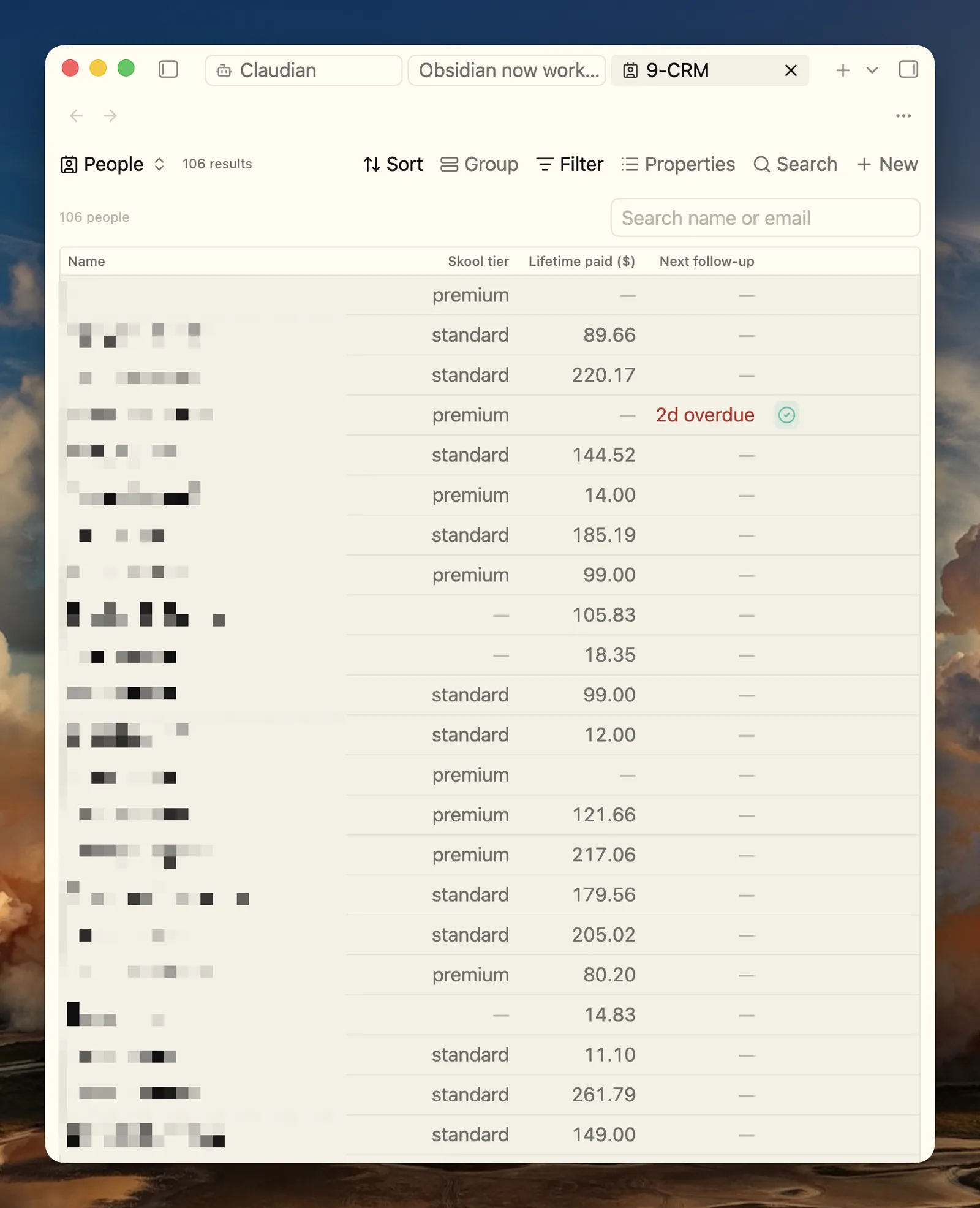
You can set up webhooks from a lot of services like Stripe and ConvertKit, and pass them to your Hermes (or Grok Bot), and then so long as it’s been instructed this way, it can go out and make the changes to your databases for you, based on the events that have already happened, and even go out and confirm that follow-up events have taken place.
Now it’s not going to work like this out of the box. You have to make sure that you’re recording what and how you do certain things so that they’re actually repeatable for the agent.
I like to use an actual folder inside of the vault for this, called “agents,” that I just give the Grok Bot, Hermes, or local Claude a free rein to write inside (so they can coordinate between each other and for their future selves). This was the topic of pretty much the first article that I wrote about the coordination between Obsidian and AI as well…

How I turned it into a personal assistant that lives in my Obsidian vault and learns my workflows…
Now all of this that Grok Bot supposedly has access to through this ‘connector’ was technically possible for the last few months, and was what I’ve spent my last few months doing.
So, I’ve learned some lessons along the way as well…
Things to pay attention to
The cloud version that’s stored on your Grok Bot’s computer is naturally worse at using the desktop app. Although I’ve not tried, and they do have a ‘computer use’ desktop that you can tap into, I would imagine that it’s not a great solution.
So, if you want to build out your own plugins or base views, you’re better doing this on the desktop. The Claudian plugin is a good choice to tap into using Claude Code or a number of other harnesses without leaving the walls of your vault.
There’s also the problem of trying to keep the vaults in sync with each other, whilst not having a traditional interface to use to do so.
The solution is to simply tell the agent ‘please check every half an hour (or even more regularly) to make sure that my obsidian sync is up and running. This will save you quite a headache compared to the first time it stops working and you don’t have this little check set up. However every now and again things do fall into disrepair, but the agent is pretty handy at sorting things out.
The last thing is that your notes aren’t technically private anymore. At this point I’m pretty sure most of what I’ve written in my Obsidian vault has gone to either XAI models or Anthropic or OpenAI or the like, but if you’re wary of this, either give it a miss or segregate your really important stuff into a separate place if you still want to make the most of these capabilities…
And make the most of it I recommend! Cloud agents alongside my Obsidian vault have changed the way I work - it’s like having a (semi-)intelligent assistant at your side for your work.
If you want to work on the notes underneath all the agent activity…
PARAZETTEL Premium is re-opening for Black Friday. Sign up and I’ll send you the details straight to your inbox.
Sign up for the PARAZETTEL Premium Black Friday offer