
I’ve been a dedicated user of Obsidian pretty much since the beginning of 2022, and it’s served me throughout the entirety of an undergraduate degree and building a business on the internet (mostly at the same time, might I add!).
And things have changed quite a lot during this time, not least because of the rise of AI tools around PKM.
With an app such as Obsidian, where the third-party plugin infrastructure and popularity is first-party, so to speak, there’s a lot of opportunity to morph the app and build it out into something that’s really customisable. In fact, I made a YouTube video about this, hopping back on the bandwagon of regular posting, just the other day…
This article is going to be a few examples of how I have, and how you can be building out your own Obsidian plugins to mould the app into something better designed for your own work. First, and perhaps the most obvious, you can make tweaks to existing plugins.
Copy a plugin that already exists
You can easily copy a plugin that already exists, as developers out there have put together solutions that they’re happy with people using, often taking the difficult design, experience and interface decisions off of your plate, so you can make a few smaller tweaks on top.
I did this for the Longform plugin. I now have my own version of it that, until recently, helped me write the first edition of the Minimal Note-Taking book.
This plugin was largely what I needed, but at the same time I saw some room for improvement for gamification (as I was struggling at the time to string together day after day of relatively heavy writing), and some reductions in features I never wanted to use.
I built a heatmap, so that I could compare how much I was writing every day, and a little more of a confetti celebration when I hit my day’s writing goal.
Not massive, but more personal, and dedicated to helping me get a really important project done.
At the same time, you might develop an idea for something that doesn’t exist as a plugin yet, and now is a better time than ever for you to be building this out into something that’s real. Let me introduce you to a small project of my own…
A plugin I built as a solution that didn’t exist
Here’s one that I built recently and am thinking about making public, first on GitHub and then perhaps to the plugin store for real. I’m calling it a Skill Invoker (ob-invoker on my GitHub), and this is what it looks like when ‘invoked’ inside of the app…
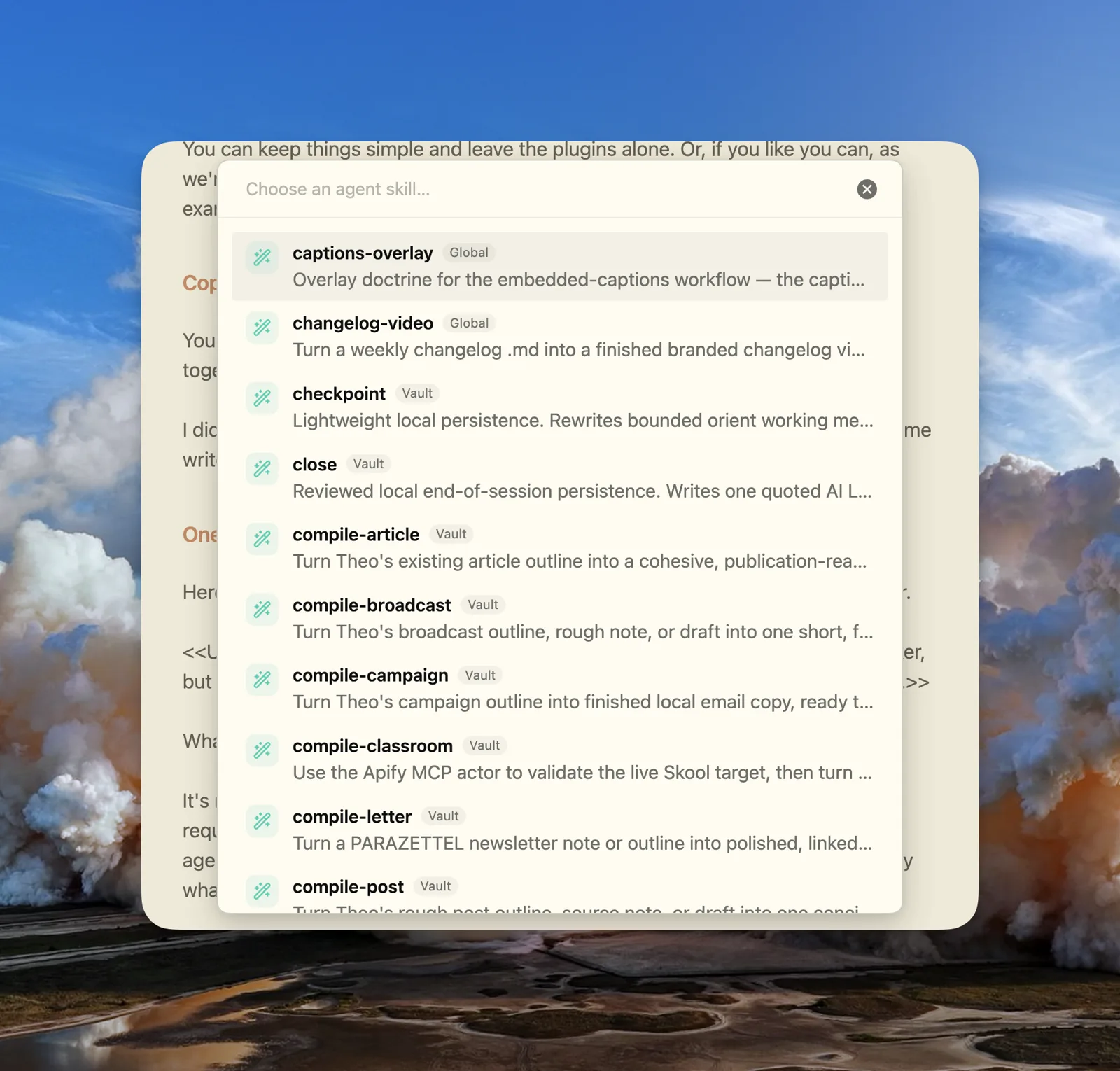
What it does is implement skills on the active file, dependent upon what agent’s config you specify in the settings, sending off a worker to make the changes to the file.
It’s not something I’ve really seen elsewhere. I’ve got a number of workflows that require rigid steps, the same steps every single time. You don’t want to open an agent window when all you need to do is execute certain steps as quickly as possible.
You get a modal pop-up, the same way as you do in the QuickAdd plugin, and you choose a skill to run. This dispatches an agent and locks your note until the action is finished, so there’s no interference and you don’t have to do anything.
I pushed against the friction of not having this feature for a while (as is crucial, otherwise we’d all be building every single feature we could think of), however after a while of struggling, opening interfaces every single time I wanted to make one move on a file, I bit the bullet and built this plugin.
And there’s a lot of scope for building it out as well, which I’m wary about for now, but sometimes you don’t have to build something that’s so significant for it to have an impact…
A smaller one, for switching vaults
I’ve also got another smaller plugin, designed to bring an experience a lot like the old Arc Browser Spaces, simply because I felt so at home in the application back when it was in active development.
The feature is where you could swipe between different browser profiles, and no other web browser really provides this experience to date. I really liked it, so I ported that into Obsidian. I’ve got lots of different vaults that I need to switch through semi-regularly, and so being able to do it so simply, through reading and accessing at the bottom of the sidebar (below), was something that brings massive value to my daily work across my projects.
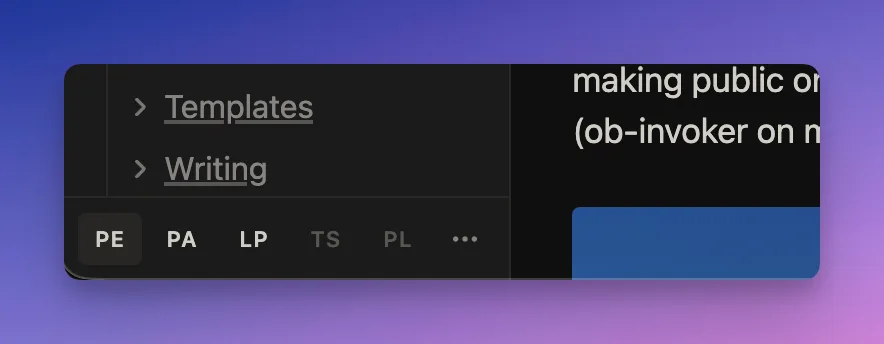
It’s not about whether other people will find it useful, and that’s going to be the value as more people simply build their own plugins, and stop thinking about other people when creating something. We’re at least going to have to learn what I talked about first, about forking people’s plugins and creating our own modifications. The vault-spaces here does the job for me as and when I’m working on my notes, so I don’t really think about supporting other people’s preferences when it’s so easy to modify oneself.
The same I imagine is true with the Obsidian team and the features that they’re building — luckily though they’re making it very easy to integrate personal solutions, not just in the plane of general plugins, but in Base views as well…
The Bases API
This is something that’s really underrated for working with AI inside of Obsidian. There are a few different types of Bases views that come built into the app by default, but hand your agent the Obsidian Bases API docs and you can make a million more.
Here are a couple of the ones that I’ve built…
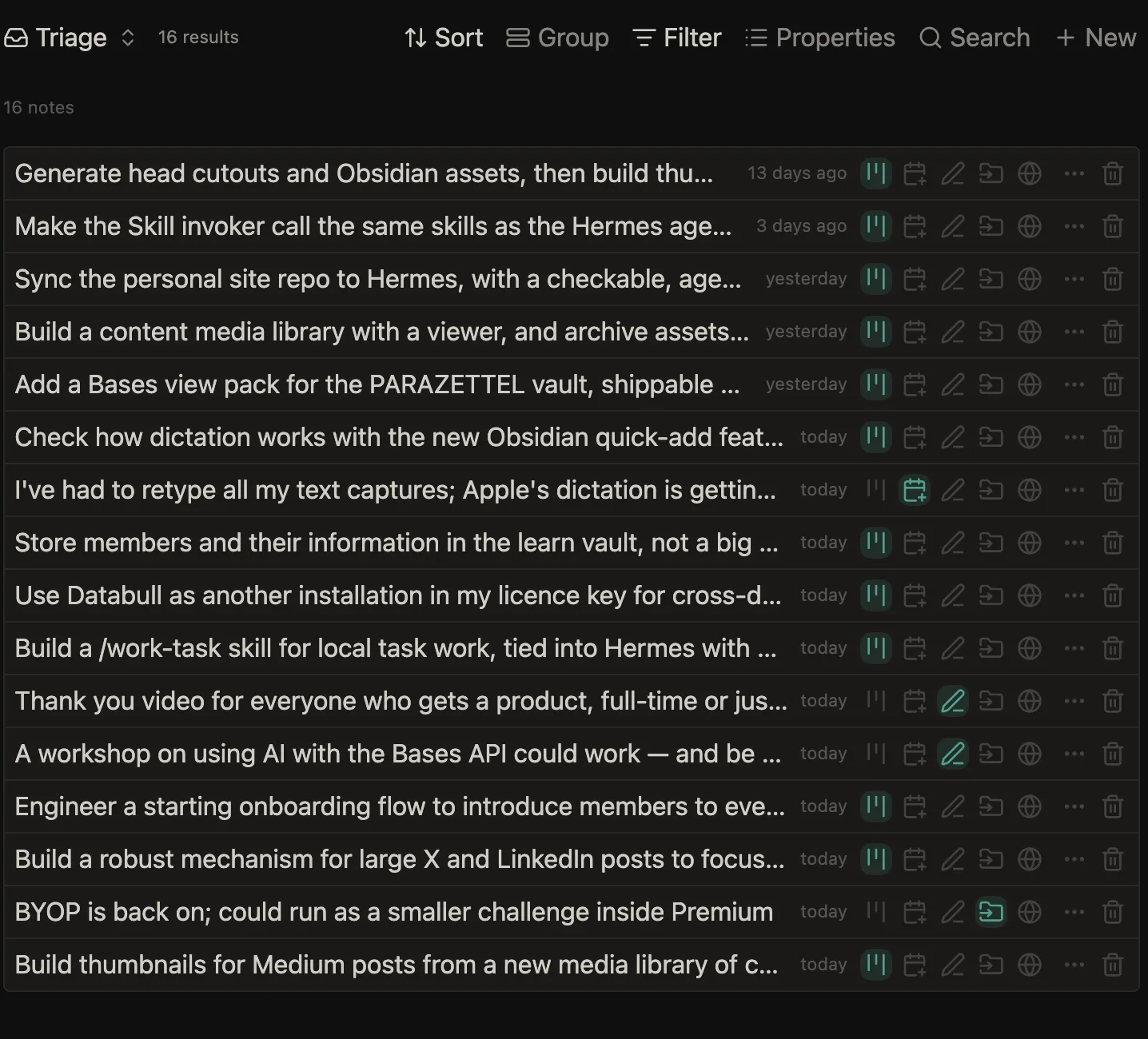
An inbox triage (above): the notes in my inbox turned into little summary cards, that I can ping away to certain areas inside my vault, from automated task kanbans to ideas for my Zettelkasten or just a daily note capture.
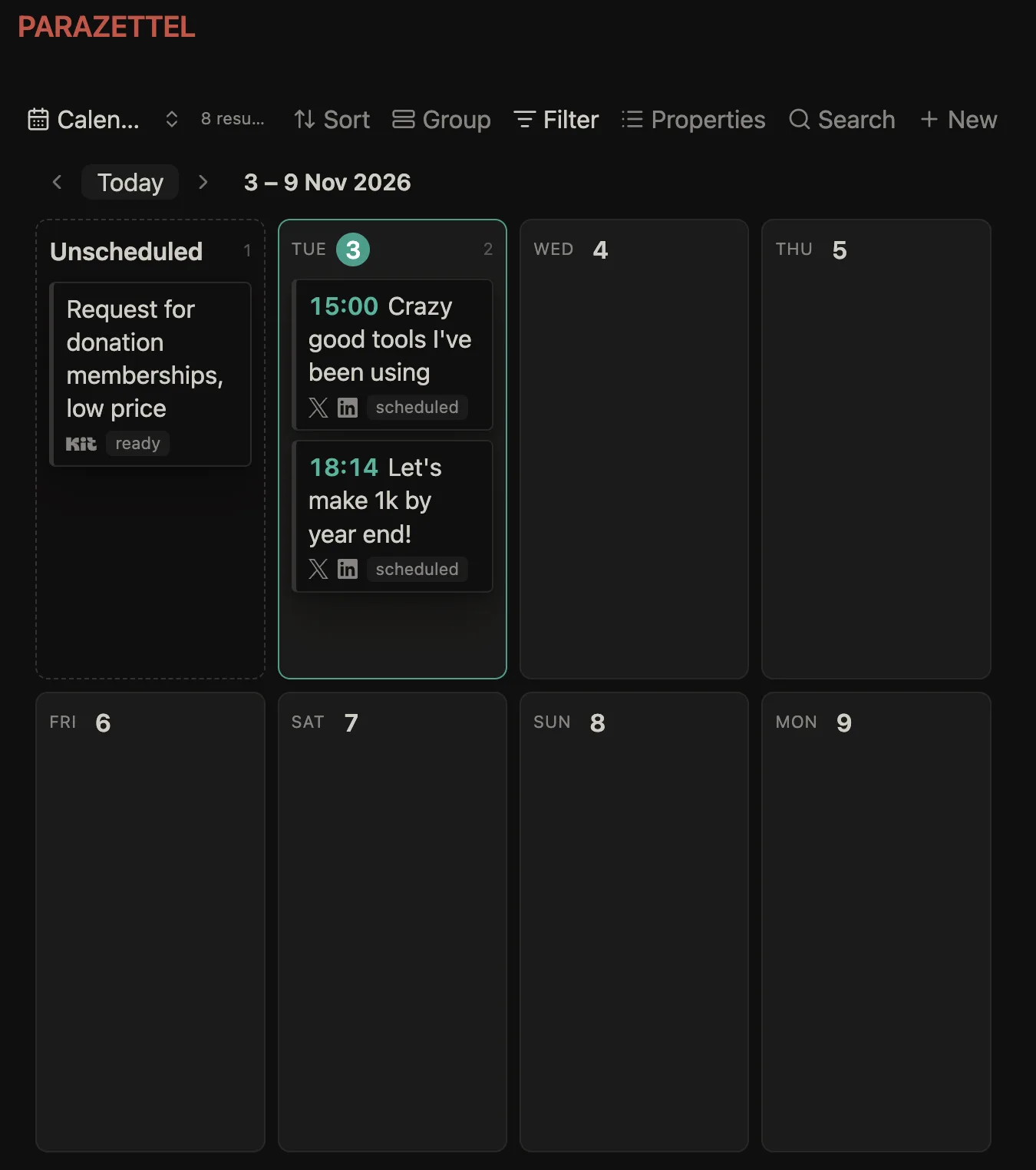
A content calendar (paired with a kanban): so that I can upload the week’s content based on what’s completed, and this way take a lot of the admin-based stuff off of my plate (i.e. uploading and posting to many different platforms, keeping the formatting neat, and having everything pointing consistently to useful links and pages).
If you like what we’ve got here above, you might like what I’m talking about all the time for Obssistant. It’s all about integrating the two of Obsidian and AI agents like Claude Code.
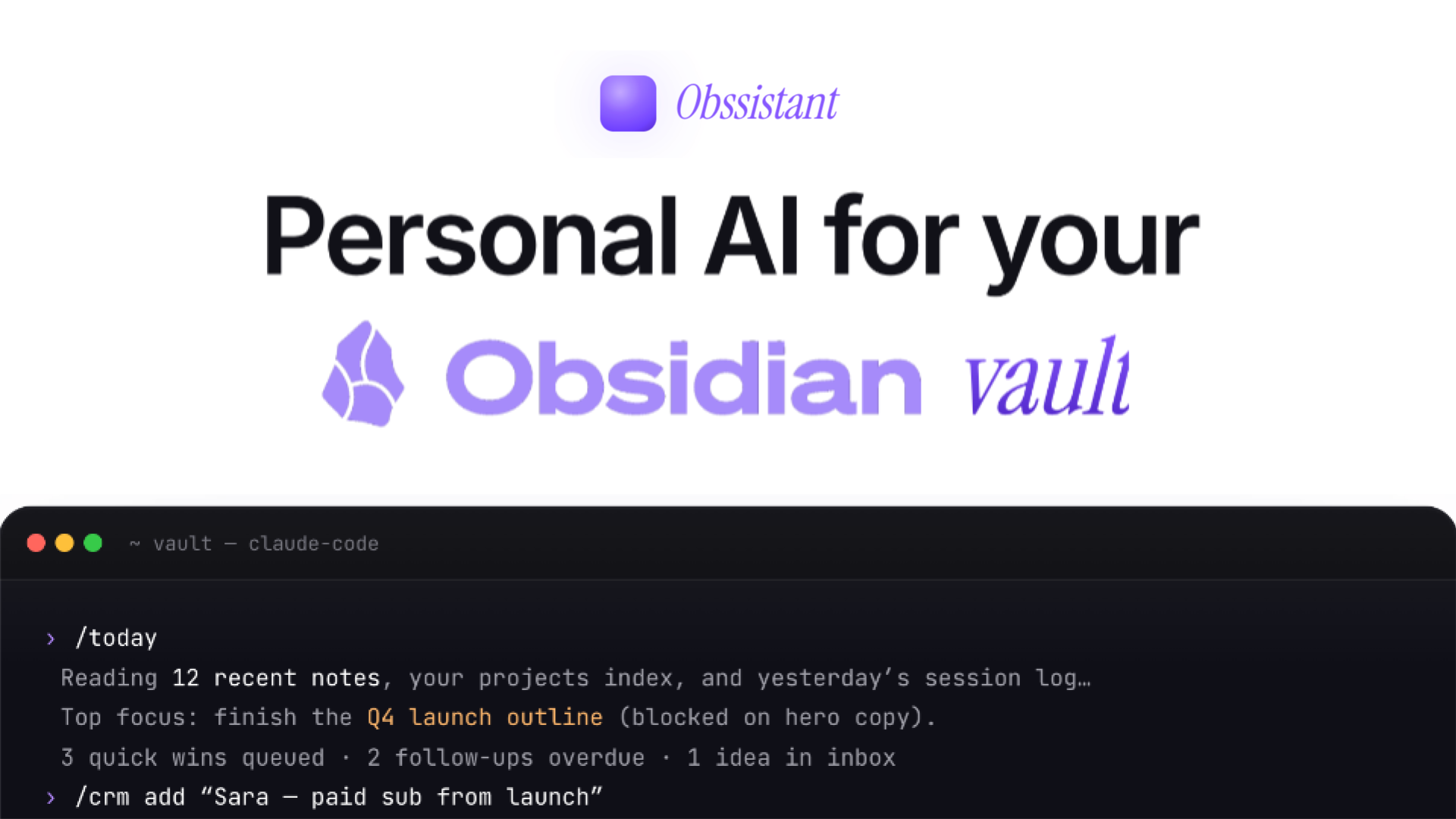
Register your interest in Obssistant while the full offer is under wraps.
Automate the right things
With automation and customisation, you don’t need to go too far off the rails, otherwise we run into the number one main problem that I teach to solve in programs like PARAZETTEL Foundations and the Minimal Note-Taking book, which are both kind of the core of the underlying principles I want you to understand about PKM.
What you need to do is think more deeply about what you’re automating, and whether it’s worth your time, whether it’s actually going to move you any closer to your goals. With this kind of capability it’s all too easy to go off the rails trying to automate things, when you should be focusing on the work.
If you are interested in something like this though, then I hope that this has served as a little bit of inspiration around what’s possible with personal custom plugins and Base views in Obsidian now!
If you’re uncertain about where to start, and think that perhaps if you start tinkering with AI and plugins in your vault then you’ll get sidetracked, you need to learn the number one lesson of PARAZETTEL Foundations which, in enough words is, KEEP THINGS SIMPLE! You can watch it for free below…
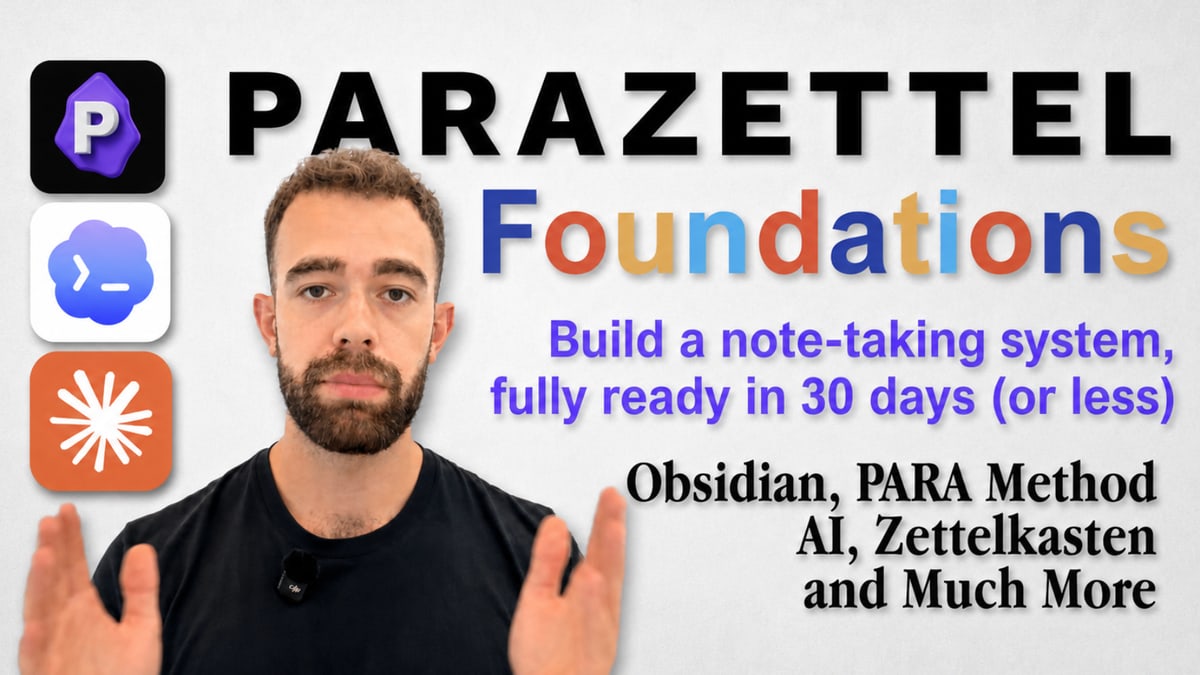
Sign up to learn about PARAZETTEL Foundations and watch the first lesson of the program for free