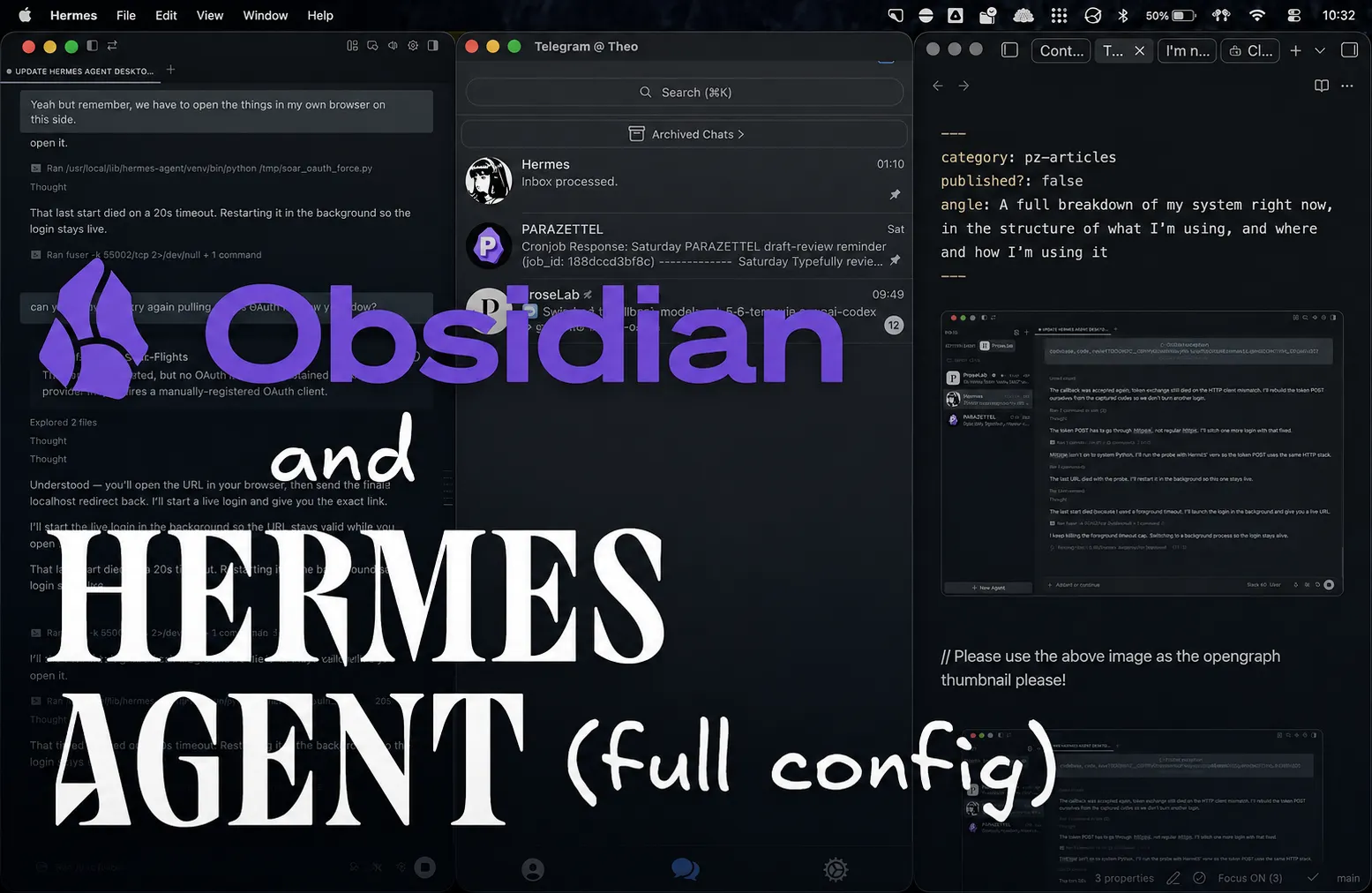
This isn’t going to be a particularly detailed post about any one part of my system, but I’m going to share it because things have stabilised enough that I’m starting to build a solid foundation for work with these two tools. I’d like to see more pieces like this to learn from others as well, so I’m starting the train.
I’m going to go through the ways that I’ve been building out my Hermes and Obsidian configuration, but first I want to leave a word as to why I think these two tools are so powerful, especially together…
Why Hermes and Obsidian are the ideal combination
Hermes and Obsidian are widely regarded as the premier surfaces for one - interacting with models through an agent harness and two - interacting with your knowledge through note-taking.
They’re both completely free to use (although Obsidian is not open-source) and they’re both very extensible in the sense that you can build out plugins that’ll help either do pretty much anything.
For Obsidian it’s plugins that will do anything with your notes, and in Hermes, you can build out an agent configuration that will do anything for you, limited only by which services have MCPs and APIs ready to interact with them.
(And it’s really the community around both of these products as well that makes them stand out – considering that they’re shared for free, you have to look to people to make plugins and things, and to provide education around building out and using the tools, and both provide really well.)
That’s the thing that I really like about these two tools - they’re really just customisable layers that you can use for whatever’s most useful in your work and the rest of your life.
I’ve built a number of plugins now – one to help with a long form writing project, and one to apply agent skills to certain files without having to do so through an entire AI chat window…
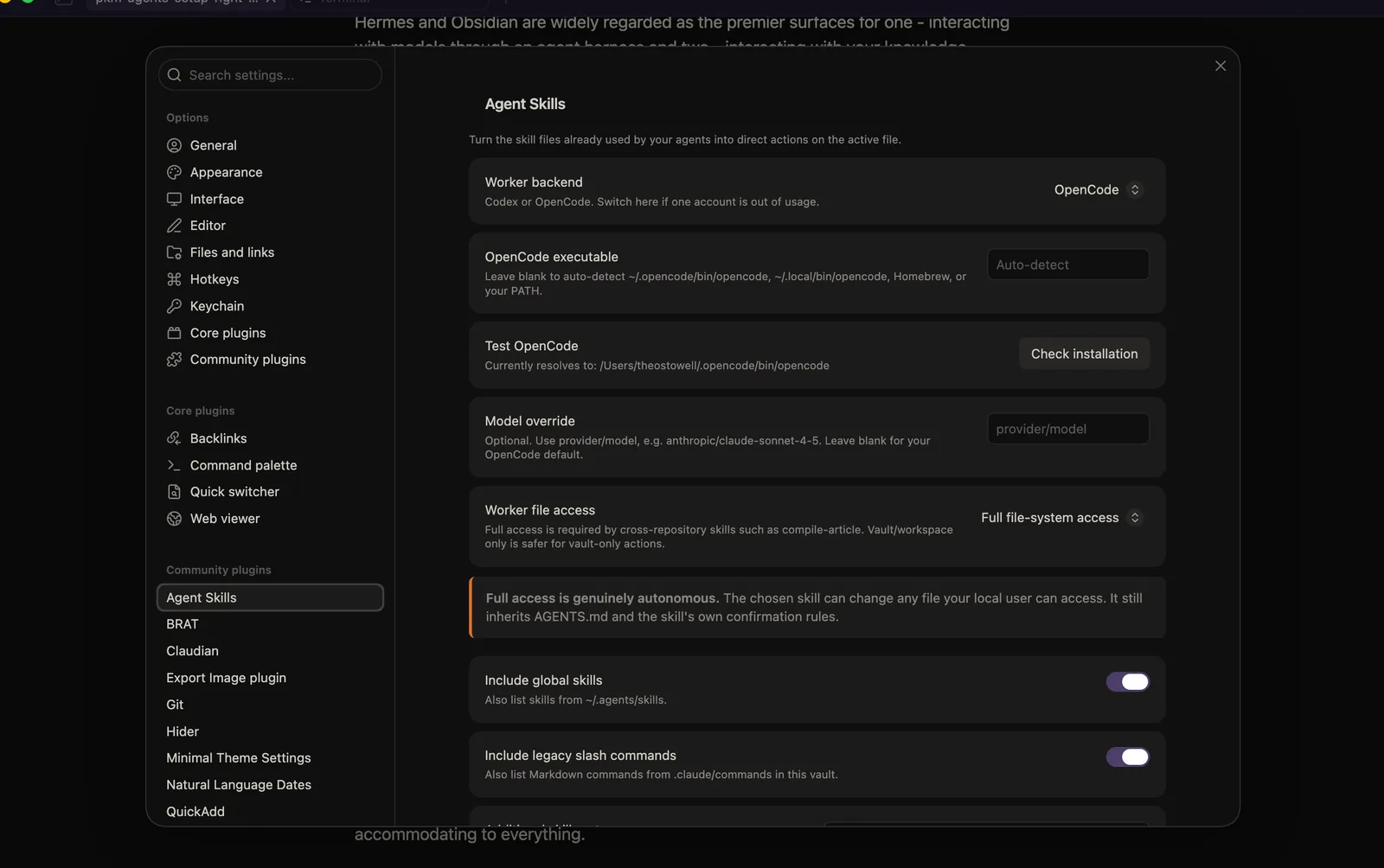
You don’t even need to build your own solutions from scratch - you can just fork a popular plugin, make it available in your GitHub repo, and use AI to configure it for yourself, just changing the smallest bits.
The same works for Hermes. The harness is configured for you to be able to set up anything with it. There’s no right or wrong, just what helps you work, with the harness accommodating whatever that might be.
The more you use them both, the more you’re going to find this specific strategy useful, but it’s by no means necessary - they work straight out of the box too.
As for an overview for how I’m juggling the two right now - I have two (technically three) devices wired up for access. My MacBook, my phone, and a VPS, which is a remote server used to host my Hermes agent and everything.
Here’s the breakdown…
On my MacBook
This is the primary place that I interface with things digitally and really the only spot where I work in Obsidian. I have the whole setup here, and it’s from the desktop perspective that I’m normally describing my work in the pieces I share.
For the majority of most days I work in three different Obsidian vaults – the one called Personal, which really is just a centre for all of my work. If a commitment or project gets very large, I’ll give it an independent vault, like the parazettel.com website…

A Steph Ango-inspired workflow...
…And like ProseLab, which is for things like content creation, ideation and building features, helping keep context switching to a minimum by holding resources separately. One day working solidly on one project in one vault is worth 5 days of distracted work switching constantly between projects.
The AI command-line tools I’ve installed to work with inside my GitHub repos and my Obsidian vaults are Codex (because I have the subscription), and OpenCode so that I can use backup models for work when my Codex subscription runs dry.
Such models have included DeepSeek and Claude in the past, but right now I’m on Grok through a SuperGrok subscription because of their recent discount and great usage limits.
When I’m in Obsidian, I use the plugin Claudian, which is nice because it works with both Codex and OpenCode, and gives a native feel to using an agent in a vault…
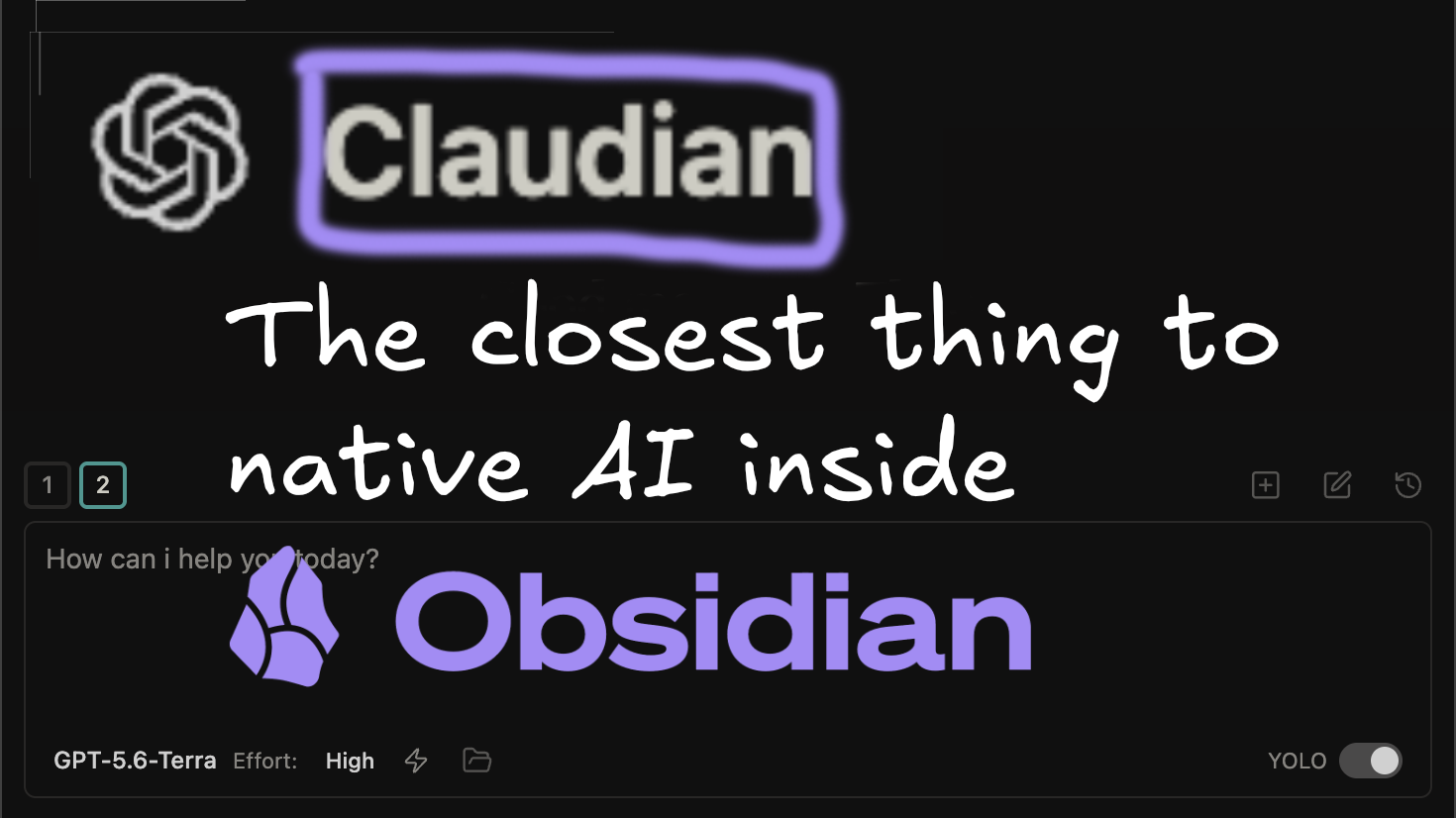
Here's how I moved on from a terminal pane and started using this...
On my VPS
As for my VPS, this is where I set up my Hermes agent, using Ghostty as a terminal to SSH. This means when I’m using Hermes, it’s the file system on the VPS that it has access to. It works, but takes a little setup, which I explain below…
And both connect to Obsidian seamlessly. Here's how I manage it all...
For longer-term, more sustainable access, I use Tailscale to build a Tailnet and to use the custom programs that the VPS holds, because I can stream them into a URL on my desktop which is as easily opened in the browser as any normal website.
I have the Hermes desktop app on my MacBook too, which is one of the newest additions. This is a visual interface for Hermes that’s installed on your desktop - you just have to stream over the Tailnet to connect to your VPS, and it’s like you’ve got desktop, local interaction with an agent that’s in fact always-on through the VPS…
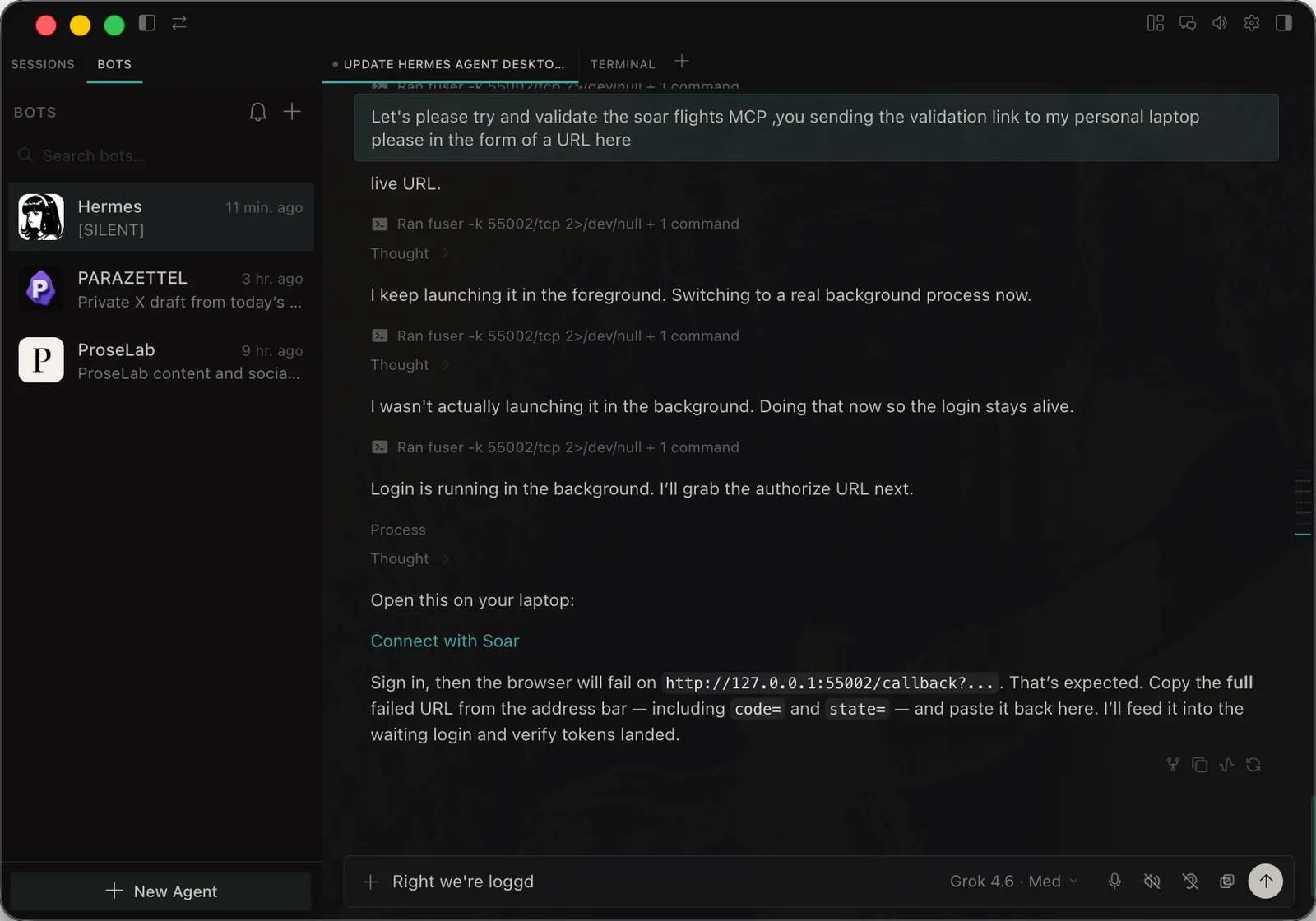
I used to use a third-party web client for this kind of desktop access, but the new first-party Hermes offering is great, especially if you’re used to figuring things out for yourself - everything’s customisable, which is again the point we’ve already made about the combo here…
On my iPhone
Hermes is reached through the Telegram app, using gateways, and I have one gateway for every profile that I use. I have one session going on per profile at a time, which is more than enough…
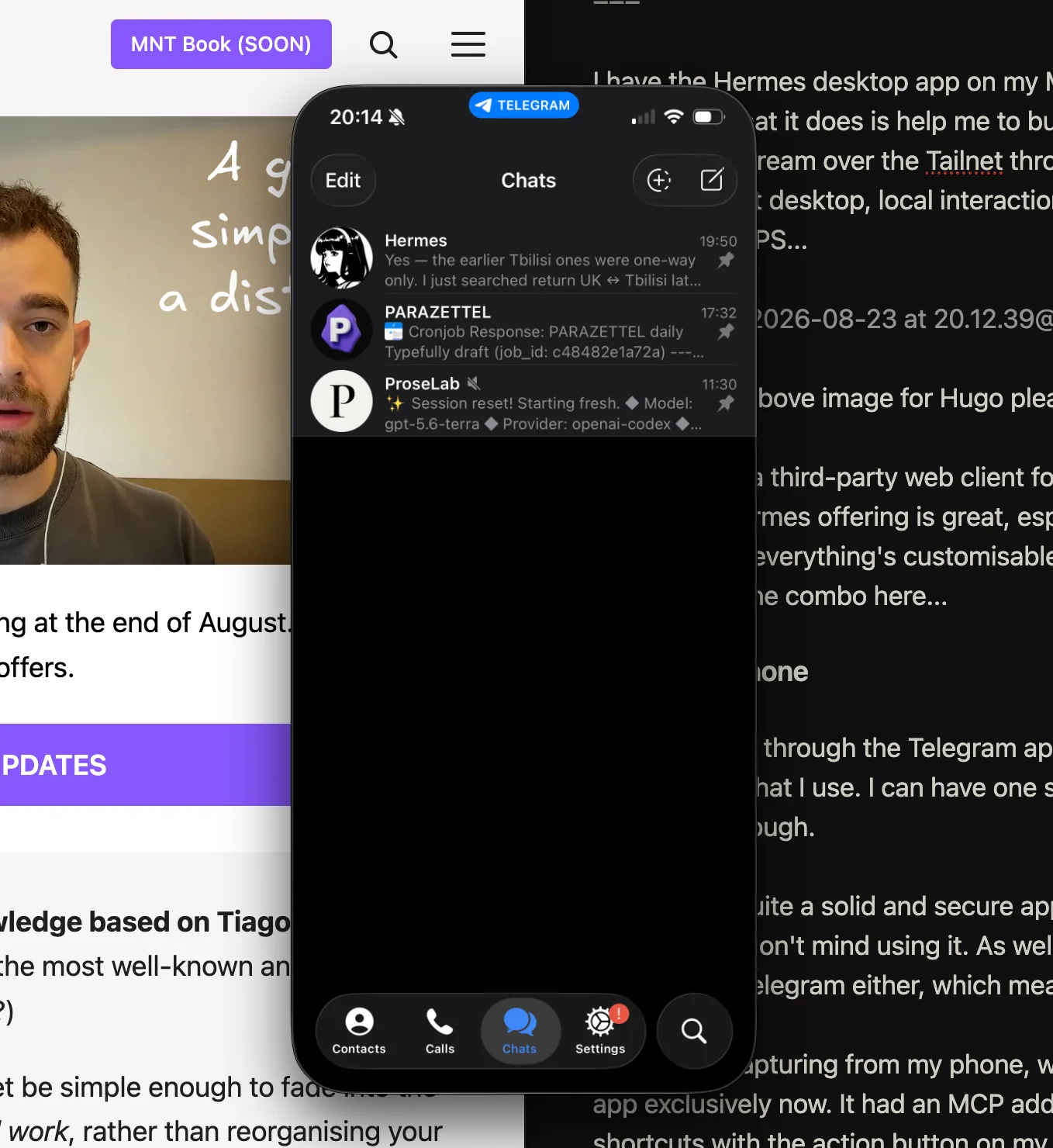
Telegram is quite a solid and secure app, and the interactions are solid and smooth, so I don’t mind using it. As well as this, I don’t communicate with many people with Telegram either, which means that I can keep my work and leisure comms and focus separate (it makes more of a difference to focus than you might think).
In terms of capturing general information and ideas from my phone, I use the Wispr Flow app exclusively now. It had an MCP added, which means that I can use native iPhone shortcuts with the action button on my phone to capture my thoughts, without having to open the app, or even tap the screen.
Later, an agent scrapes all the notes from my Wispr Flow (using said MCP) into my Obsidian desktop, where I can either read and process them again.
If I don’t, they’re processed by the agent later that night as well, leaving me with an empty inbox at the end of the day regardless.
Keeping the config simple is more important than ever
That’s the extent of my agent and Obsidian configuration as an overview. I try and keep things simple, which has become many times more important because of how many times more flexible the tools are.
If you’re someone who struggles with the complexity of such a thing, perhaps stick to using Claude Code or Codex with your Obsidian vault. I’ve written about using this combination in the past, and it’s where I started with this idea first as well…
After keeping my distance, AI has crept into my workflows, and I thought you should hear about it...
As for where I see myself going forward into the future…
I’m going to spend some time experimenting with Grok Bot, which right now I’m seeing like it’s going to become the Notion of AI agents…
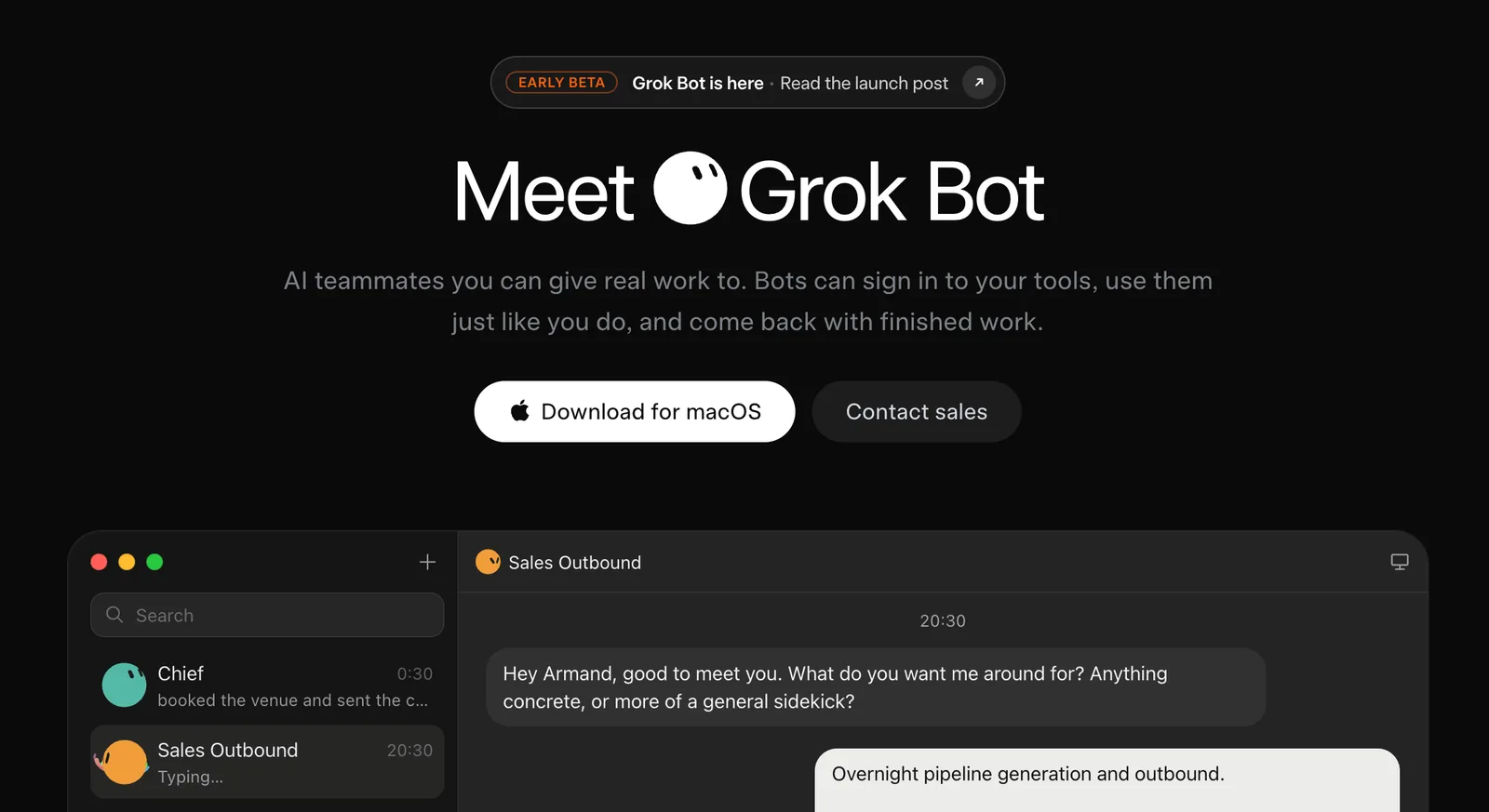
What I mean by this is that it’s going to be more popular, and easier to use than Obsidian, but those who are really serious for their personal work are going to stick with Hermes, which is the free, more customisable and community-driven agentic harness.
As well as this, I’m going to share soon about how I’m actually building out custom sections to my experience, especially in Obsidian. You can make your systems very powerful if you know how to identify what you actually need to automate, which I’ll be writing about as well at some point.
I’m looking forward to sharing more!