
Without meaning to, I’ve ended up writing something like a trilogy of articles.
The first was about the local-and-cloud agent setup I’ve built. The second was the more practical piece about Hermes and Obsidian as a power duo, covering the cloud side of things.
Now I need to cover the most up-to-date version of how I’m using AI locally.
How I used to run things…
I started by using internetVin’s Terminal plugin, which simply rendered a terminal inside my Obsidian vault. It meant I could run tools like Claude Code and Codex without leaving the app…

How I turned it into a personal assistant that lives in my Obsidian vault and learns my workflows…
That worked fine, but I was never satisfied with the idea of having a terminal sitting inside my vault because it was ugly and manual, especially when I was trying to search for something.
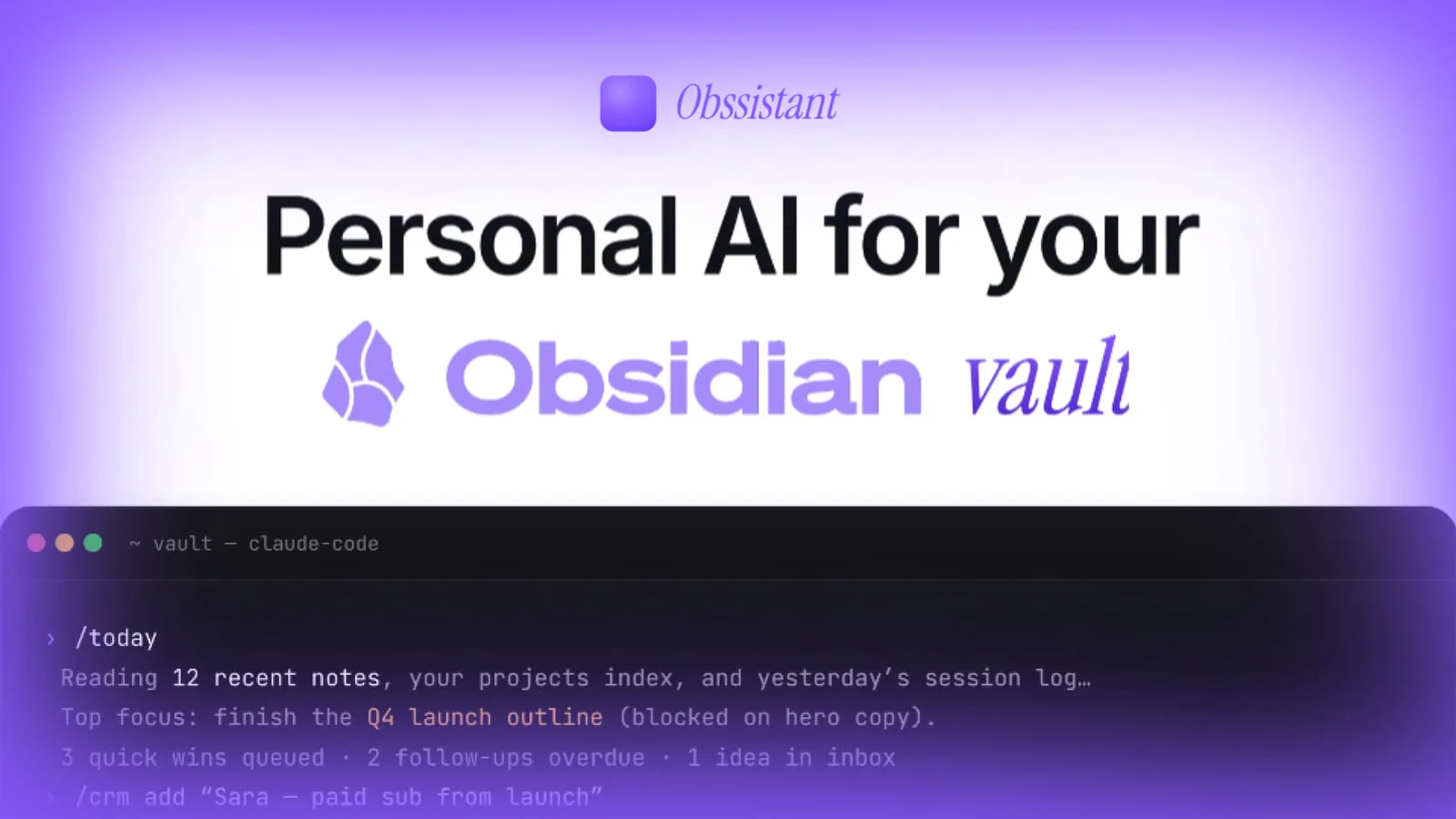
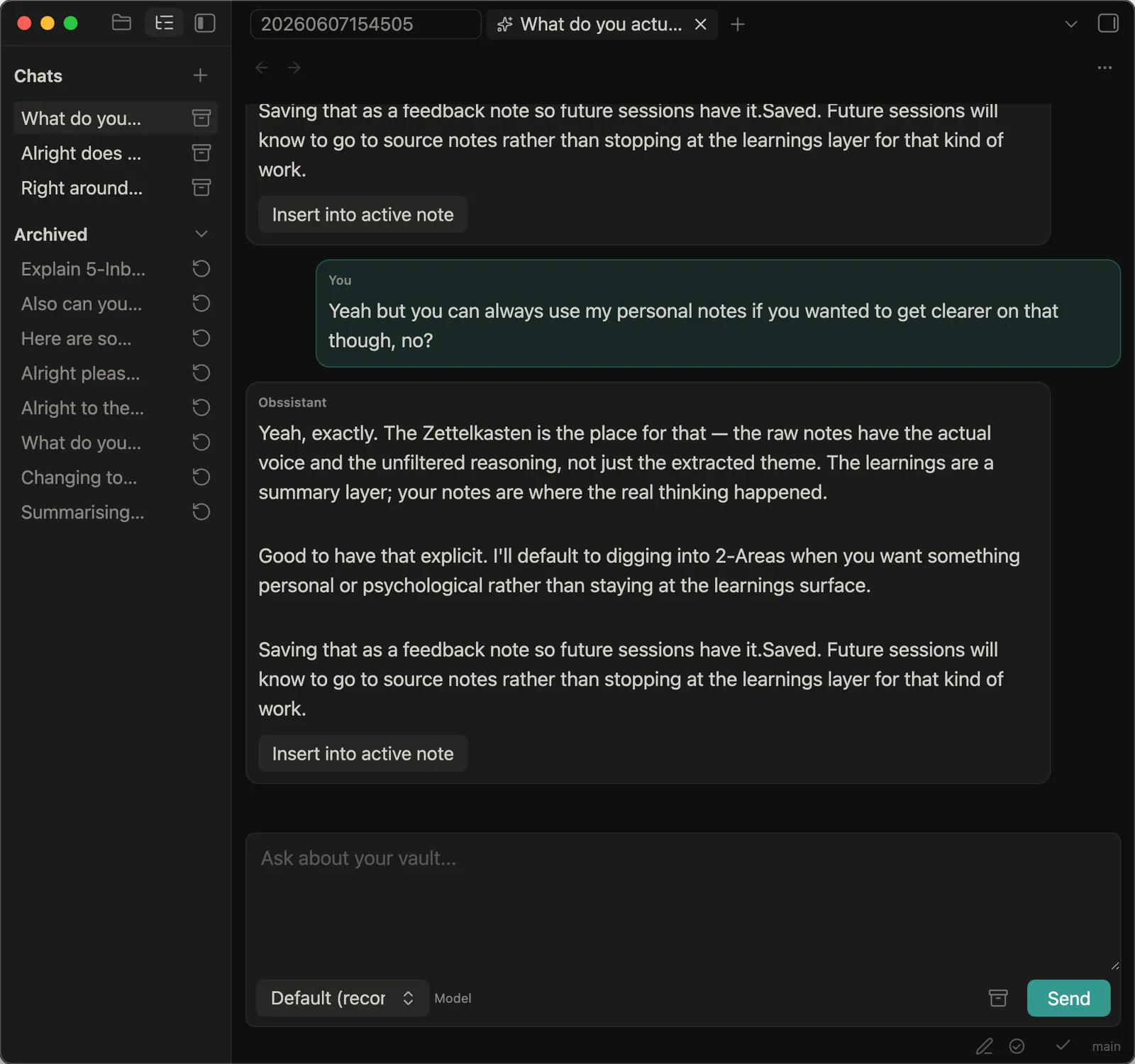
After a while, I came up with the name Obssistant and started putting together a plugin that would make Obsidian feel a little more like the native Claude or ChatGPT apps.
It had chats in the sidebar, a proper interface in the main pane, and somewhere to ask questions about my notes or write with them.
I built it for a while and nearly got to the point of putting it out…
Then I went onto the Obsidian Discord and found that somebody had already made something far better than I could have built alone (which was a frustrating waste of time, but a good sign I was having ideas that the world actually needed).
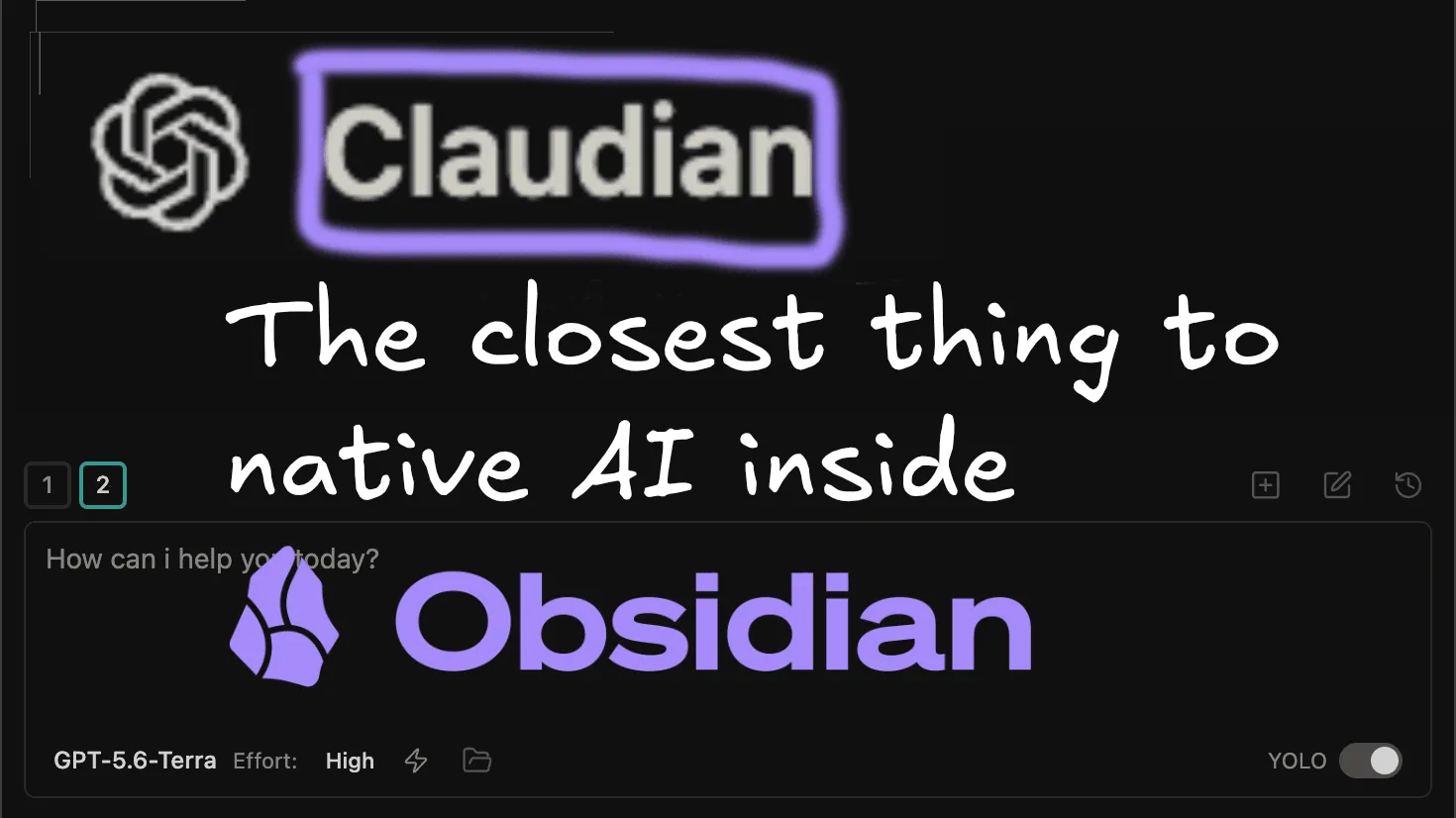
I’ve been using that plugin, Claudian, for about a month now.
Introducing Claudian
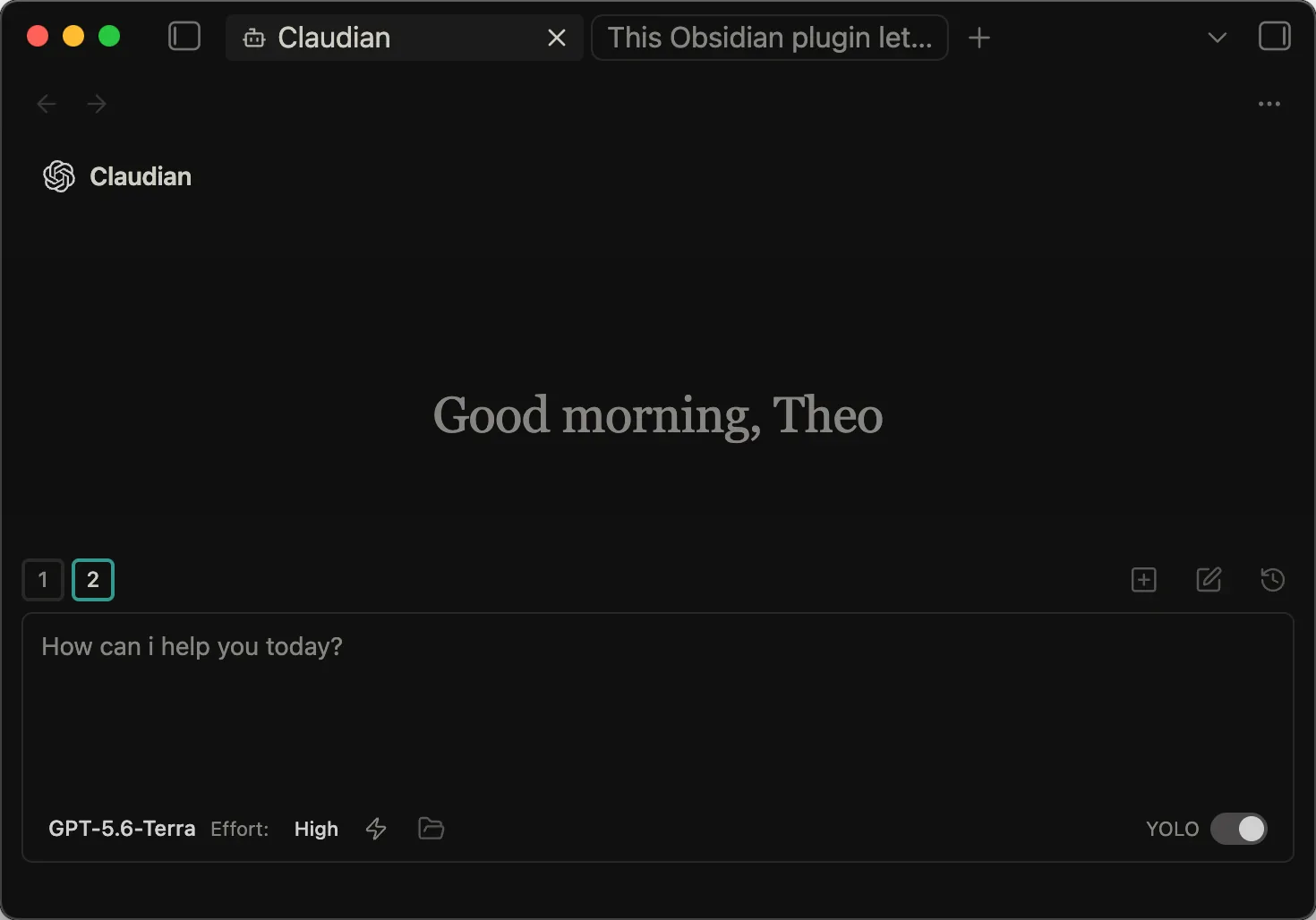
Claudian looks like a native workspace in Obsidian.
It has the things you would expect from that setup, like skills, model selectors, image and file attachments, and a quick way to search through your notes.
It’s installed through opening Obsidian’s community-plugin browser and searching for Claudian, like you would any normal plugin, and pretty much comes ready to work out-of-the-box, so long as you have local Claude Code or similar installed…
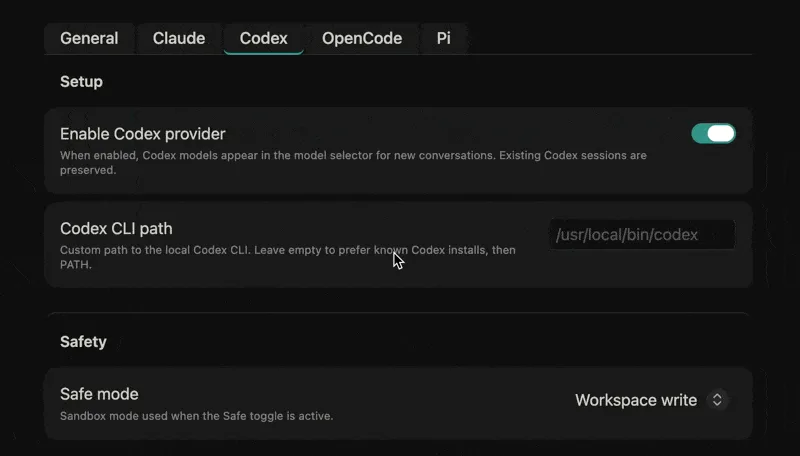
Even though the name indicates the plugin’s for use with Claude, it’s not. I’ve been almost exclusively using Codex from OpenAI with it, partly because I can use the same subscription to power my Hermes agent.
You can also use OpenCode, an open-source agent, and connect a model there, or use a combination of models through OpenRouter. This service lets you keep API keys in one place rather than adding them again for every piece of software you try, and even removes the need to open accounts with all the other services entirely.
When I run out of Codex usage, I normally pivot to DeepSeek through its API or OpenRouter. I have used Kimi in the past too (but stopped when I spent more than £120 in a month on AI credits :/).
Anyway, it’s a good feature that Claudian lets you pick between models - I don’t recommend having a relationship just with one provider and platform, because of how fragile the space is…
One month Anthropic feels ahead, and the next OpenAI does. As well as this, the other frontier models are not far behind in terms of function and capability.
With this added, Claudian gives me one visual and robust place to customise how I work with AI inside my notes. Which I do still make use of regularly, despite all the writing about how cloud agents are taking over my workflows.
Here are some use cases…
What I use the local agent (in Claudian) for
The distinction from my assistant-and-intern article still holds, in that the local agent acts as an intern and does intern-relevant tasks.
I give it jobs like searching for information, coming up with outlines, or giving general suggestions. But I never trust it with the final result or end product. You wouldn’t with an intern, and you shouldn’t with a local agent, no matter how powerful the company that makes it says it is.
That makes Claudian useful for repetitive work or work that would take a while inside the vault, like organising things, gathering information across many sources, and turning a messy set of notes into something I can review.
For me, that can include pulling in resources to write a lesson for the Foundations programme, reorganising my notes so that, once a project is finished, I have learned from it, captured the useful parts in my periodic notes, and archived it where I can find it again without leaving clutter in the active workspace.
It can also be useful in terms of making broad grammatical changes and the like in articles, as well as formatting images and metadata ready for publish much more effectively than doing this manually…
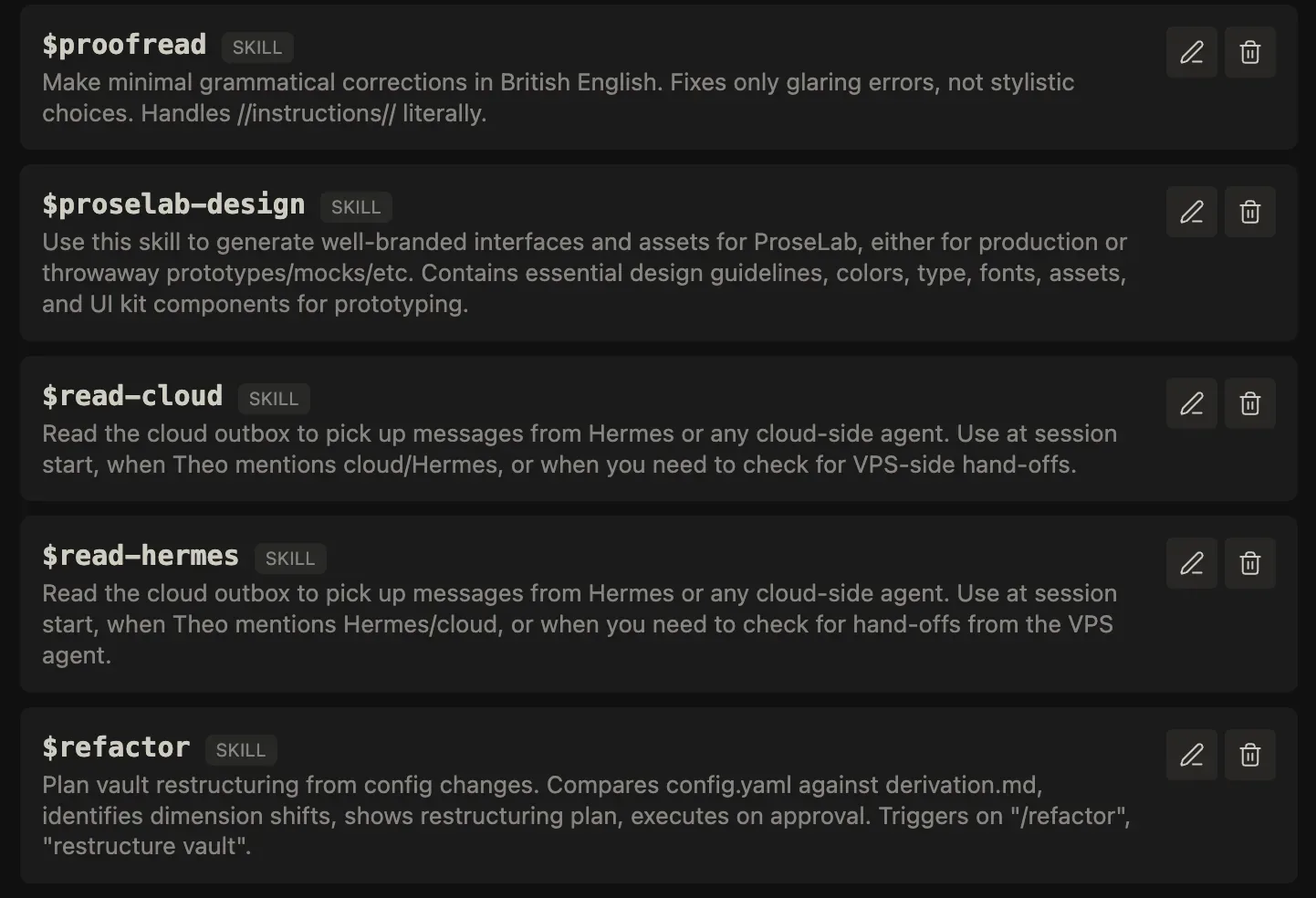
The jobs that run at a regular interval, regardless of whether I am at my computer, or that connect to third-party services are the jobs I give to Hermes, my personal assistant. It has more flexibility and agency for those workflows.
Claudian is for quick tasks in the vault, or deep tasks that stay in the vault and are clearly defined by one prompt or skill.
•••
That’s the roundup of this plugin, the main way I’ve been using AI in Obsidian recently. I have moved from a raw terminal to something more full-fledged, which gives me access to different models and is simply nicer to use every day.
If you want to learn more about PARAZETTEL, the system I use for my work inside Obsidian every day, this free info pack includes a demo video walking through the whole thing…
A concise and impactful introduction to the *right* way to take notes in Obsidian