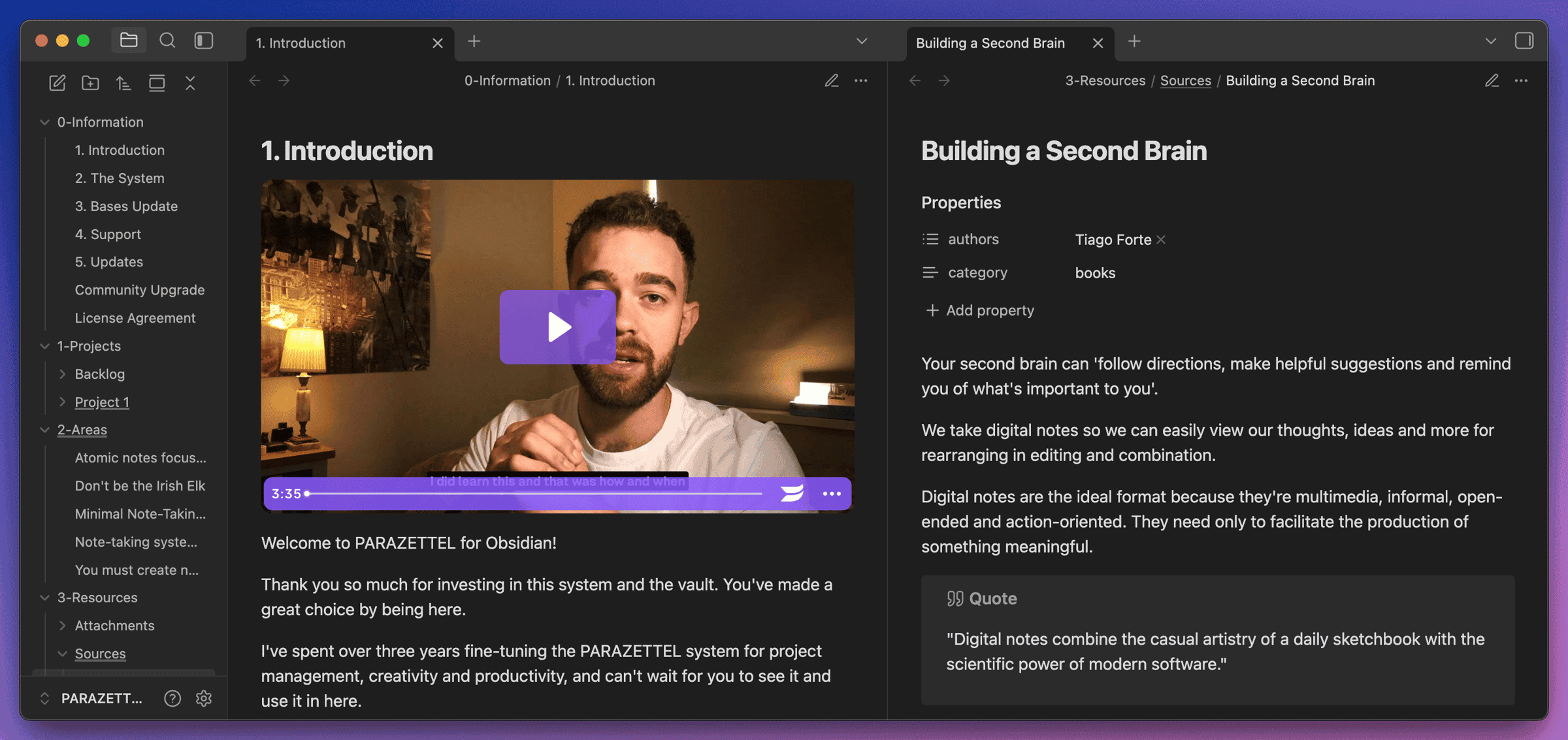
In 2024, I wrote about stepping back from AI in my knowledge work.
Things have changed since then, and this article is going to talk about what’s different, as well as how you might be able to take advantage of my new learnings and tools used.
First, here’s my story with AI in taking notes…
In 2024, I said ‘I focus and create better without it’, but that was back when AI was pretty limited, manifesting simply as a chatbot. Yes, it was getting more capable, but it wasn’t what I was looking for.
AI Tools I Use Now + An Updated Philosophy Surrounding AI Use
_Back when I started writing on the internet, I had a lot of engagement around my articles talking about AI._parazettel.com
(The article from back in 2024, where I say that AI is a distraction)
Then, back at the start of this year, I started seeing signs of AI becoming genuinely helpful.
And so I talked about how to use Claude Code with Obsidian, as I started to make my voyage into the topic…
Claude Code x Obsidian: Time to Stop Ignoring Al in PKM?
_After keeping my distance, Al has crept into my workflows, and I thought you should hear about it…_parazettel.com
Also, there’s one person on Twitter who’s gained serious popularity in the last few months, due to their work on AI agent knowledge systems…
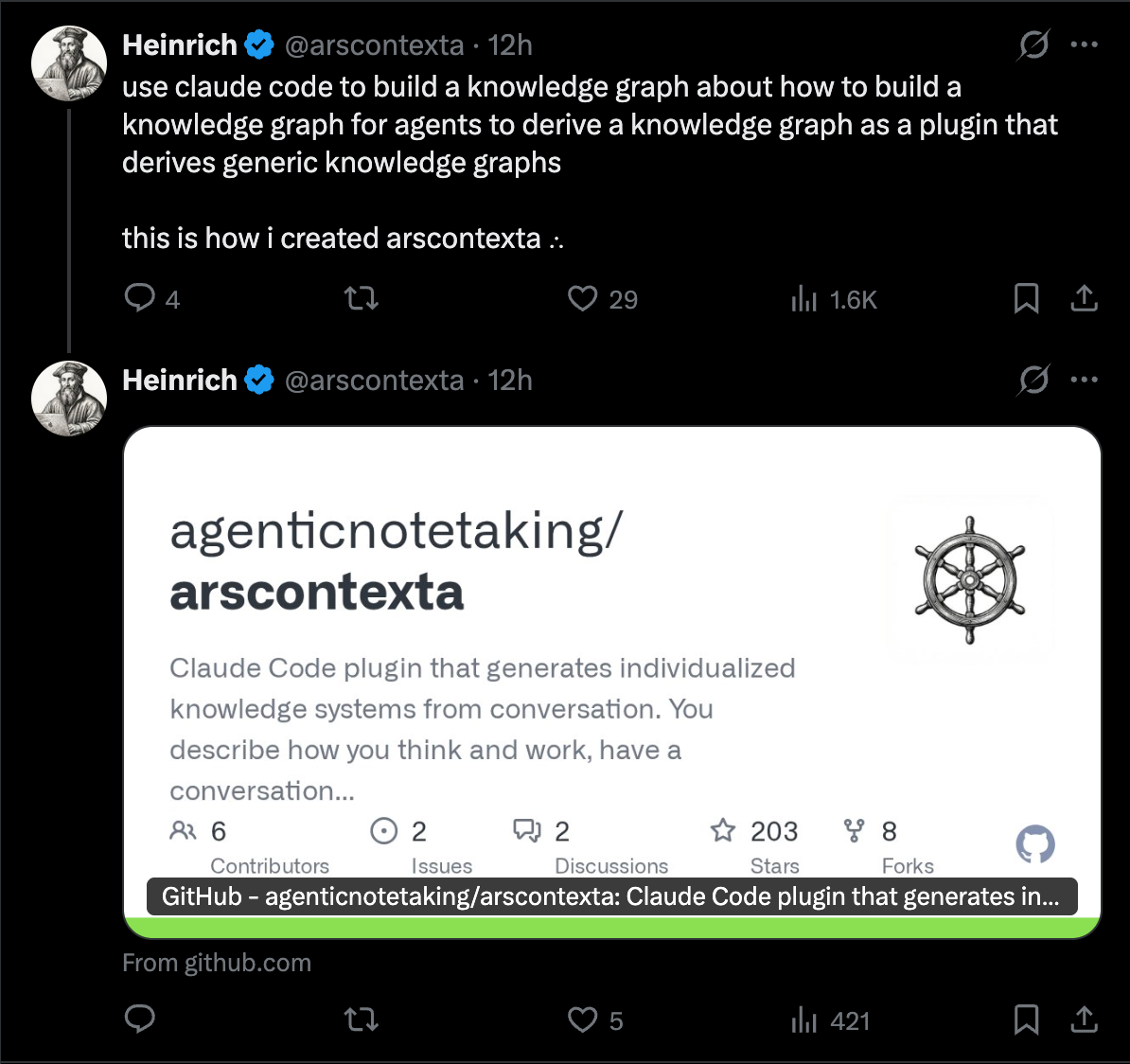
I’ve started to experiment with the above person’s Claude Code plugin (called Ars Contexta) as well, which is a set of skills that helps your Claude generate its own ‘second brain’, which it can reference to be functional and effective in your note-taking.
For everyone this is useful, as we all work with our notes in unique ways, and want our Claude to understand this and become increasingly more proficient at helping us.
So what do the plugin and skills actually do?
The AI can make itself better, but only if you tell it how to. And that’s what I’ve done, with massive help from this package.
When you boot it up, you’re given a few configuration options and asked to explain how you normally work in your file system (probably your Obsidian vault).
After that, the agent runs through a few setup steps to initialise its own “second brain”, which is an externalised context and knowledge base it can use to learn how to work with you inside your notes (i.e. your own second brain).
I realised I needed to write this article once I saw this task completed. It’s a whole lot more than simply attaching a chatbot to your local files.
Since, I’ve learned that this skills package can do a few important things:
- It automatically captures session context, so it always knows what you’re currently working on.
- It creates maps of your content, letting the AI move through your notes quickly and follow its own instructions.
- It learns about you over time, so it can help more accurately with what you’re actually trying to accomplish.
- And many, many more things I’ve not yet discovered or tested at this point.
But how does it manifest itself inside my notes?
I put the files generated by the agent (i.e. its own second brain), inside a new 8-Agent folder inside my vault. That way, the agent has one place to look for all of its context, separate from my own work.
As well as this, on my Obsidian graph of links, I’ve coloured these notes differently so that I can view them separately in a visual way.
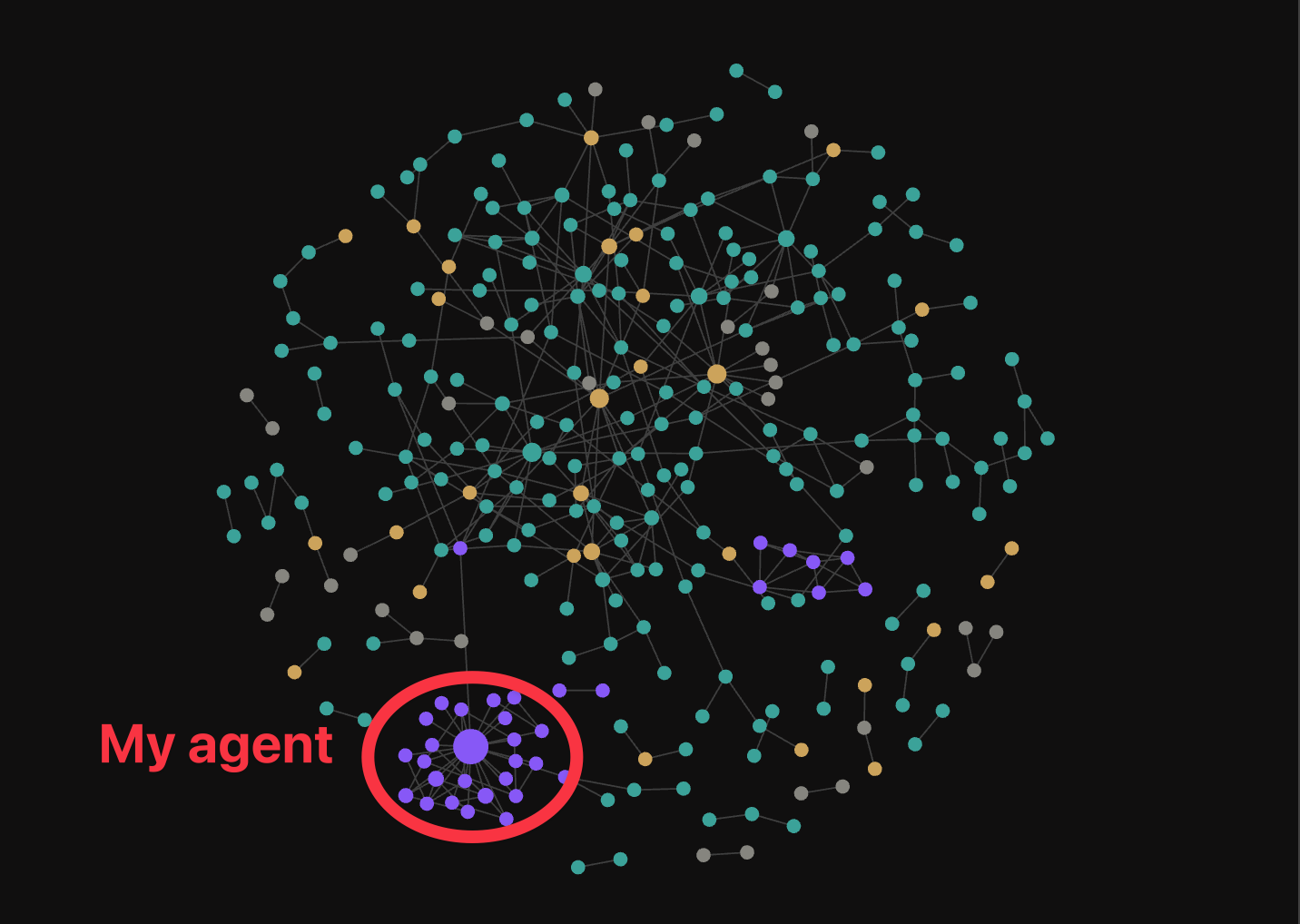
They also use different properties (i.e. the same but appended with agent/’property’ like so), and I’ve made sure to hide the folder in the sidebar, using a plugin called ‘File Hider’ — this way, I don’t have the agent’s work cluttering up where I want to be typing and working with ideas, and as they say, ‘out of sight, out of mind’.
And so now my agent has its own second brain, can build its own skills and knowledge base, and has unlimited context to help me in my work, including building skills for itself…
Making content outlines
I love writing, but what I don’t like is all the preparation and research that goes into doing this.
And so when I’m making my content, I tend to slack off and write things that are a little more shallow than I might be able to manage.
With the Ars Contexta plugin in Claude Code, I’ve now built a skill that takes from the context of my notes that I capture, especially the zettelkasten, the inbox and my periodic notes (i.e. my personal context), and creates an outline that can be used as a reference when I’m drafting a new piece of content.
Now, all I have to do is take the output research, which is grounded in my own notes and ideas, and start writing. Aside from this, my only job is to keep capturing ideas into my system.
This means I can focus on managing ideas — making notes in my Zettelkasten about what I’m observing and finding. It feels like a much more ‘pure’ way to manage knowledge, one where the agent handles the grunt work, and I just capture and create.
As I progress with developing these skills, I’ve got ideas for creating slideshows ready to present on YouTube, as well as for differentiating between types of content outlines, comments and similar.
However, we need to question whether all of this is actually changing the world of knowledge management or whether it’s just another fad…
Does this really change knowledge management?
As I said earlier in this piece, I’ve traditionally leaned away from using AI for knowledge management and content creation. It didn’t feel like something I wanted to build my workflows around.
But this agent doesn’t replace you. Rather, this means you’ve now got an assistant (not a replacement) that continues to improve how it behaves, and becomes more and more in tune with your work and life goals, the more you use it.
I, for one, think that this is the real deal in terms of starting to develop functional AI use in personal knowledge management.
Above, I’ve already shown you a real utilisation of having an agent that works with you inside of your notes and builds its own second brain alongside you.
However, to implement this well, you’re going to have to think of what you actually spend time doing in your vault.
What actions would you like automated, saving time so you can work even more with your knowledge?
It’s Minimal Note-Taking all over again — pick the one or two features you’d like to automate for maximum effect — just this time, it’ll be sensible to remind your agent to take notes minimally too…
Minimal Note-Taking: A Complete Guide
_Learn the best way to take notes for your use case…_parazettel.com
I’ll end this piece by saying the same thing I did in my last one about Claude Code x Obsidian…
Considering how fast things are evolving, and how much more possibility there is with the power of AI in our vaults, the theory and ideas around taking good notes, most of all having an idea of what we’re managing knowledge for are going to become ever more important.
This trend’s not dying out this time. We’re going to be hearing a lot more about using Obsidian with Claude Code.
And I’m going to be here to try and document my journey with this process as well.
Thanks for reading!