Normally I tend towards paying for digital utilities, from software, to content memberships, and I’ve written about this stack a lot. There are a few good reasons for paying for software…
- Most of the time, when operating a business, you need to use the features that are behind a paywall
- I also believe that the investment you make into the world comes back around to find you again after some time
- And also I just dislike the upgrade banners, ads and annoyances
But there are three apps that I open every day, that don’t cost me a penny in recurring outgoings. We’re going to talk about them in this piece.
1. Obsidian
Now this is a little bit of a sneaky entry into the list, seeing as I’ve paid for the app (£25 one time, three years ago, to become a Catalyst), but realise this…
Even if I hadn’t paid for a Catalyst license, I’d have been able to do almost everything I’ve used Obsidian for in the past. There are only a couple of exceptions - building a website using Obsidian Publish, and syncing notes between my phone and my laptop.
All in all, these two are functions so far outside of what I use the app for every day that use of Obsidian, ever since I started back in 2022, has been essentially free.
This is mind-boggling to me, especially since becoming one of the hottest softwares on the internet, with the discourse around PKM with assistants and agents through integrating with Claude Code.
But their ethos is rock-solid, and the team is growing - they recently posted a listing for their third full-time engineer, taking the total headcount from seven to eight.
Fantastic software - I need not say any more. I’ve written a hundred times over on Obsidian and how I use it.
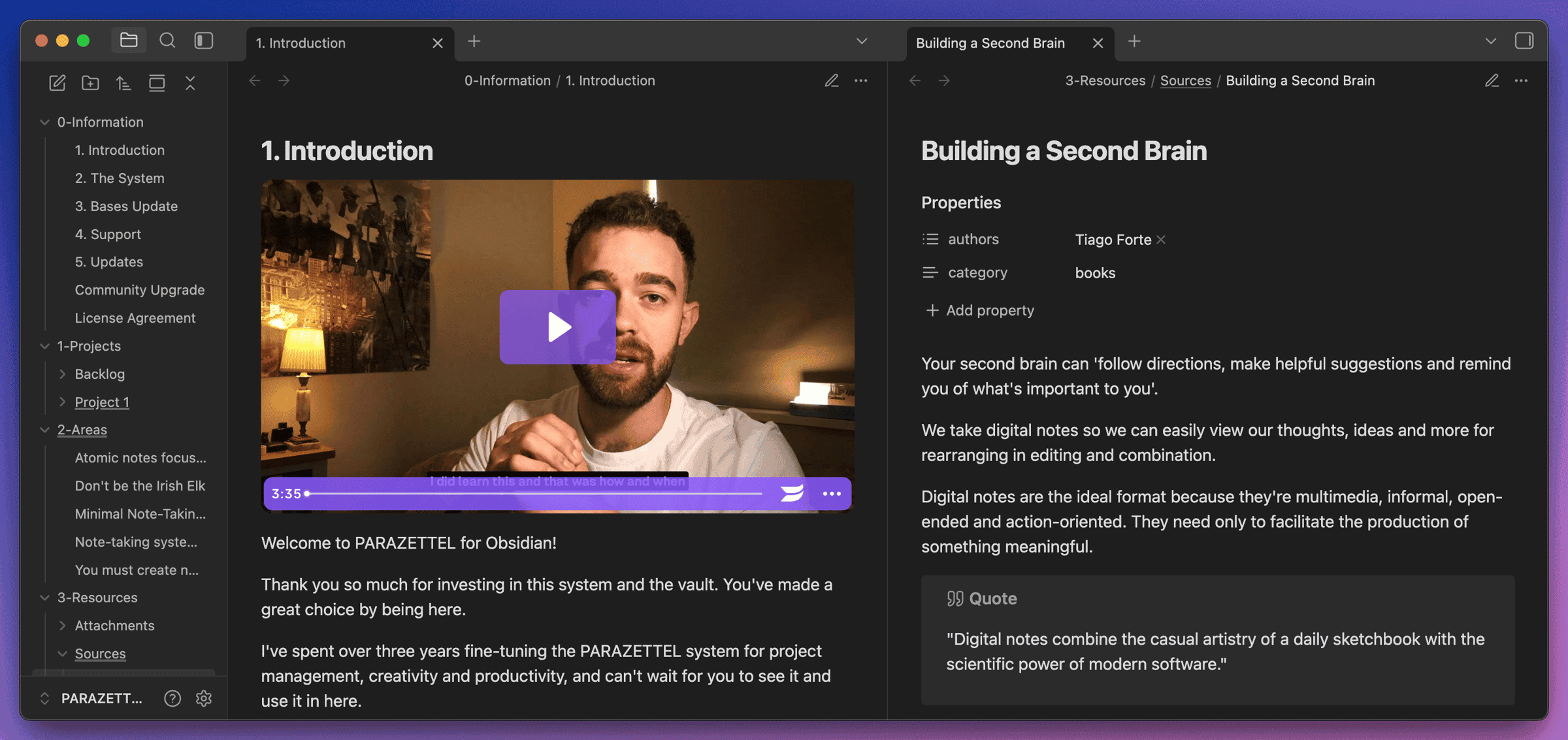
Check the footer of this piece if you want to learn about how I take notes inside the app, with a free demo, intro course and downloadable vault.
2. Raycast
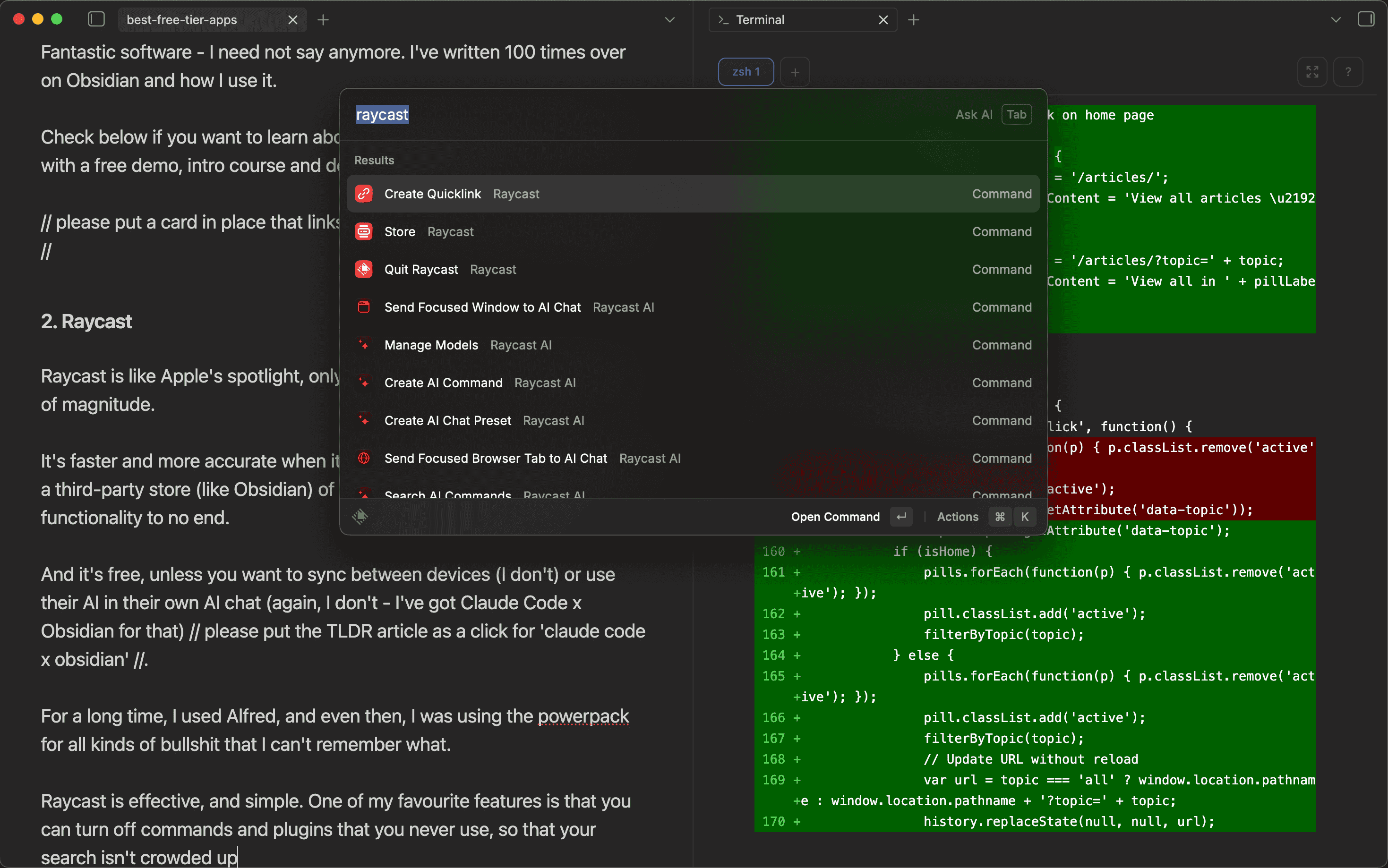
Raycast is like Apple’s spotlight, only evolved and improved by an order of magnitude.
It’s faster and more accurate when it comes to searching for files, and has a third-party store (like Obsidian) of extensions that modify the app’s functionality to no end.
And it’s free, unless you want to sync between devices (I don’t) or use their AI in their own AI chat (again, I don’t - I’ve got Claude Code x Obsidian for that).
For a long time I used Alfred (a Raycast-parallel Spotlight replacement too). Even then, I was using the Powerpack (a paid addition), and because of the customisations possible in the app, I was wasting more time in Alfred than I was saving by using it.
Raycast is effective, and simple. One of my favourite features is that you can turn off commands and plugins that you never use, so that your search isn’t crowded up.
3. Beeper
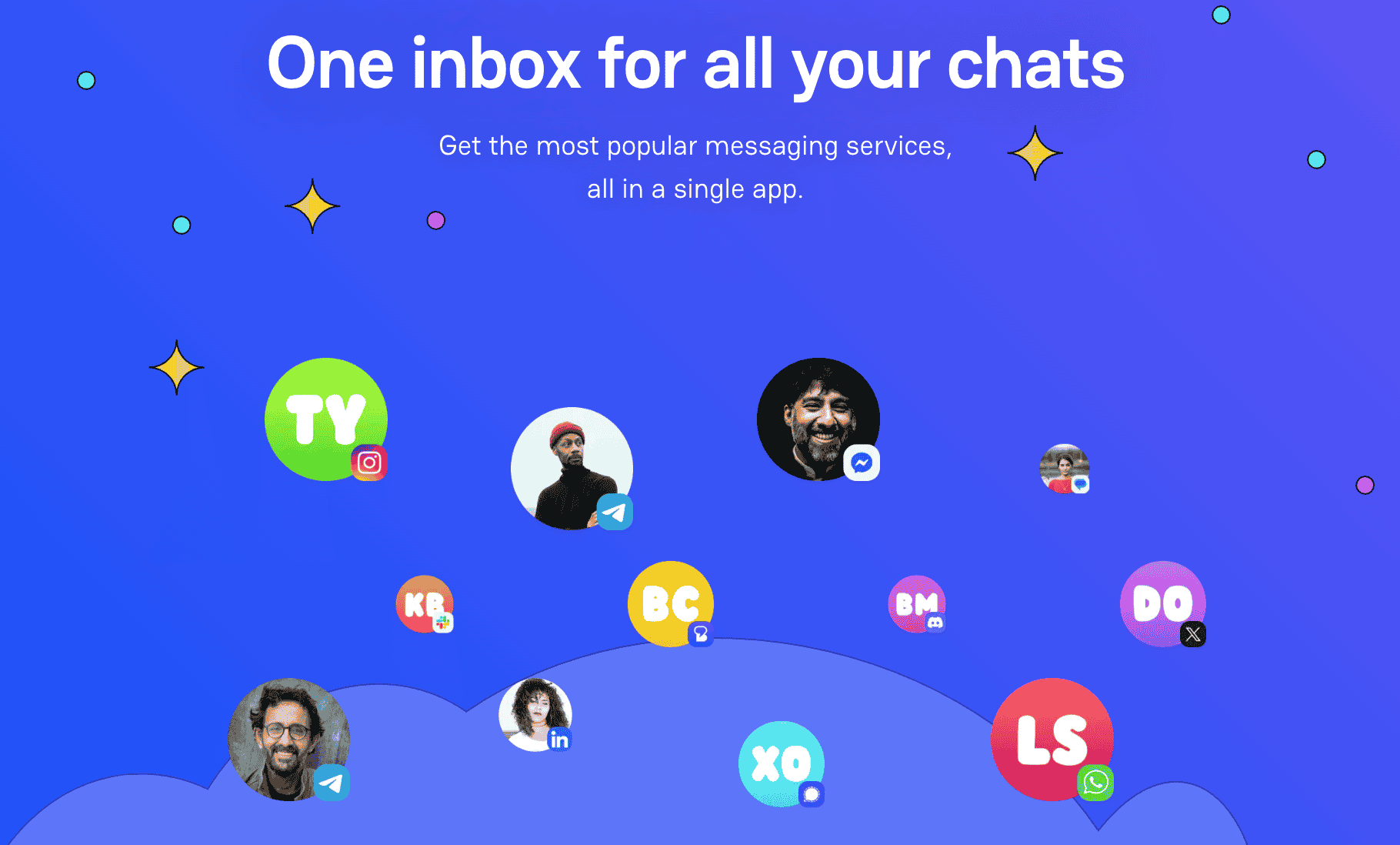
Now this one’s a little less well-known, but I use it literally every day, like the others on this list.
Beeper aggregates all of your messaging apps into one, so you don’t have to be checking WhatsApp, iMessage and Instagram all in the same 30 minutes. It’s all in one spot, with a host of other features and settings that make communication easier, like archiving, low priority, filtering by read/unread and combined search for people across all platforms.
As for the subscription plans - the free plan gives you 12 accounts to connect, and syncs across mobile and desktop for no extra price. You’re not allowed to add more than one account of the same platform, but the only platform that I use more than one account for is YouTube, so this isn’t a problem.
I use it pretty evenly across my laptop and my phone as well (it’s hard for an app to integrate itself that deeply into my life (even Obsidian I don’t use extensively on mobile), as I block myself off of Instagram, using only the website on Safari. The only time that I don’t use Beeper is when people call me via WhatsApp, because they don’t have that feature installed yet.
Honourable Mentions
I don’t use these apps every day, but they’re in the same category - I’ve only ever used them for free, because they do everything I need them to!
Affinity - Canva’s new all-in-one image and illustration software. This has pretty much replaced Photoshop for me, ever since I cancelled my Adobe subscription back at the end of October last year. From a design perspective (which is what I used it for), it does all of the same things, and doesn’t cost an absolute bomb. Most of the time, I use Affinity for design assets, across PARAZETTEL and ProseLab. It’s not perfect, but I’ve built up enough of a workflow that it doesn’t feel like a bother to open it and get to work in there, which is the most important thing when you’re looking to adopt a tool into regular usage.
DaVinci Resolve - This is Blackmagic’s top-of-the-range video editing software. Now it’s not what I use every day for my talking head videos (Screen Studio is more streamlined for this), but I’m a creative at heart and when I want to put together a more complicated edit, including colour grading and multiple clips in one project, I use Resolve. Still unsure how they offer this for free, because it’s an industry-leading solution.
Throughout this piece, I hope that I’ve convinced you that sometimes, the most important apps in your stack don’t need to be paid. Yes, I pay for a lot of software, especially on the business end of my digital lifestyle, but these tools are really indispensable, and they cost me nothing, which is a massive bonus.
Perhaps the underlying lesson to take away from this is to seek out quality solutions that make your life easier. Obsidian for me combines notes, websites and so much more, and Raycast allows me to tie together a lot of small utility functions on my laptop, from compressing images to managing my clipboard and snippets.
Paying more doesn’t always mean getting more done. If you want to talk workflows and tools with people who think about this stuff, the PARAZETTEL community is free to join.